22
2) Connect one of the limit switch outputs to the
PROBE circuit of the TLM (i.e., connect the
“N.O.” and “C” of LS7 to the “NPN” and “COM”
of the TLM PROBE connector. Install a jumper
wire from the “+12v” to “PNP” of the TLM
PROBE connector).
3) Flip the Dip Switches on the TLM to PEAK and
N.O. (to enable peak reading mode)
NOTE: The PC8 analog inputs can handle 0 to
5vdc. You should calibrate the TLM outputs for
2.5vdc at full load / leg. This allows each input
to catch an overload condition (i.e. > 2.5v)
IMPORTANT: You will need to rent a “LOAD CELL”
from Toledo Transducer in order to calibrate the
sensor outputs. The “LOAD CELL” will tell you the
actual load during a hit so you can adjust the zero
and gain settings of the TLM to match.
Function Descriptions
Tonnage Setup
Installation between the TLM and PC8
1) Connect the TLM to the PC8 (plug P4 behind
the LCD) using the provided shielded cable.
NOTE: Make sure to place a 1K resistor in
series with the TLM analog output (between the
TLM and the cable). This helps with preventing
noise on the analog signal.
P4 connector (pin1 = top pin)
Pin Color Function
1 White Left Rear module input (from TLM)
2 Red Right Rear module input (from TLM)
3 Green Left Front module input (from
TLM)
4 Blue Right Front module input (from TLM)
5 NC Do not use this connection (for
internal voltage reference.)
6 Black Analog Ground (com) (This is
not chassis ground or shield
ground)
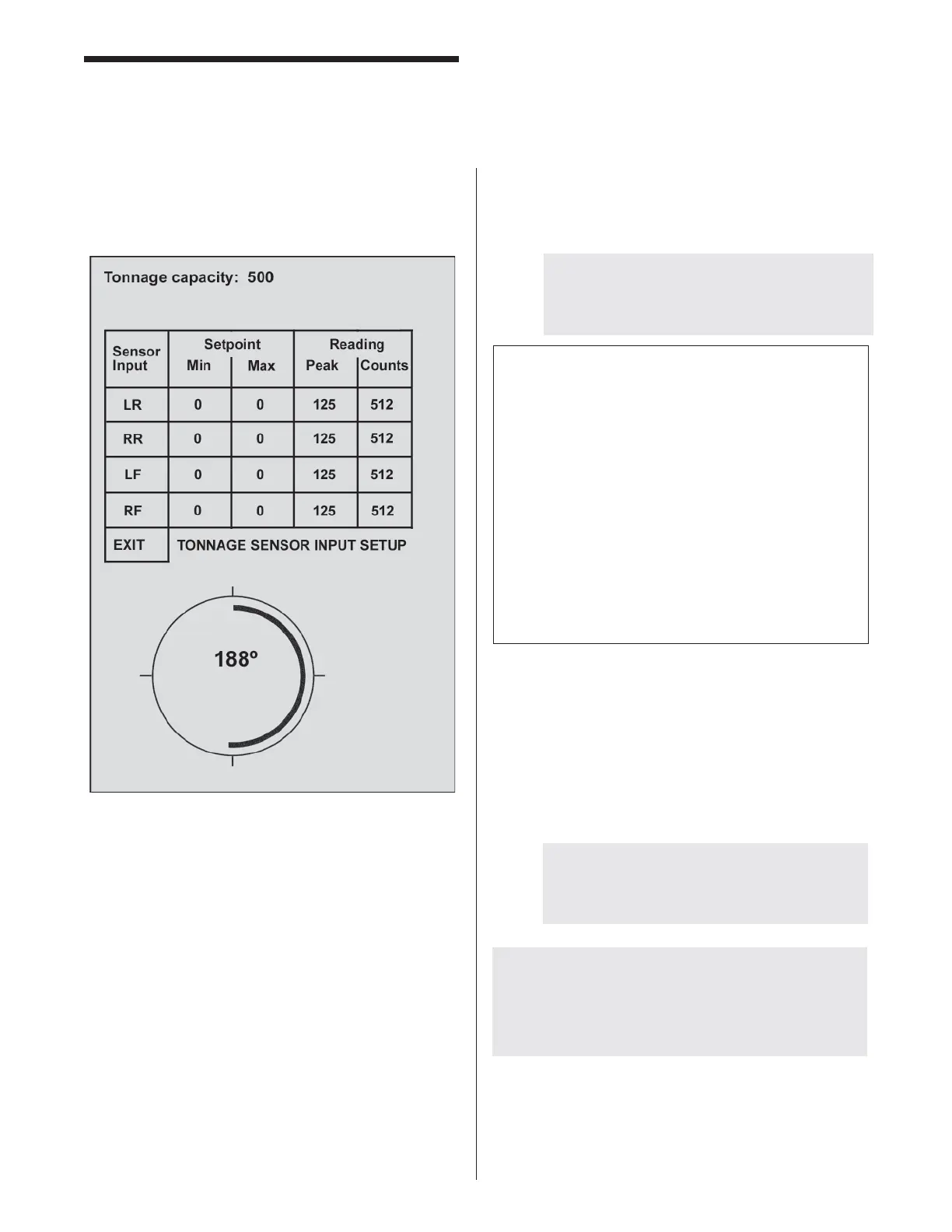
Tonnage Capacity (TONCAP): This is an optional fi eld
to be used only if you are using the tonnage feature. Set
this to the maximum capacity for the machine (all four
sensors combined).
PCLink (PCLINK) (off-line Job Programmer).
This feature puts the PressCam 8 into a mode
that allows the serial port to communicate with the
PCCAM8.exe Windows-based software (provided on CD).
Install the CD onto any Windows machine. Make sure the
PC and the PressCam 8 are connected before running
the PCCAM8 or enabling the PCLINK function on the
PressCam 8. Now you can backup, transfer, save, add,
delete, and modify job data between your PC and multiple
PressCam 8’s.
Depth Penetration Factor (DepthF): This is used to
calculate the safety distance for your lightguard (see
Function Descriptions, “Automatic Safety Distance”).



 To Next Page