43
Tonnage Load Monitor (optional)
Operation
Operating the TLM
Once the TLM has been calibrated it is ready for
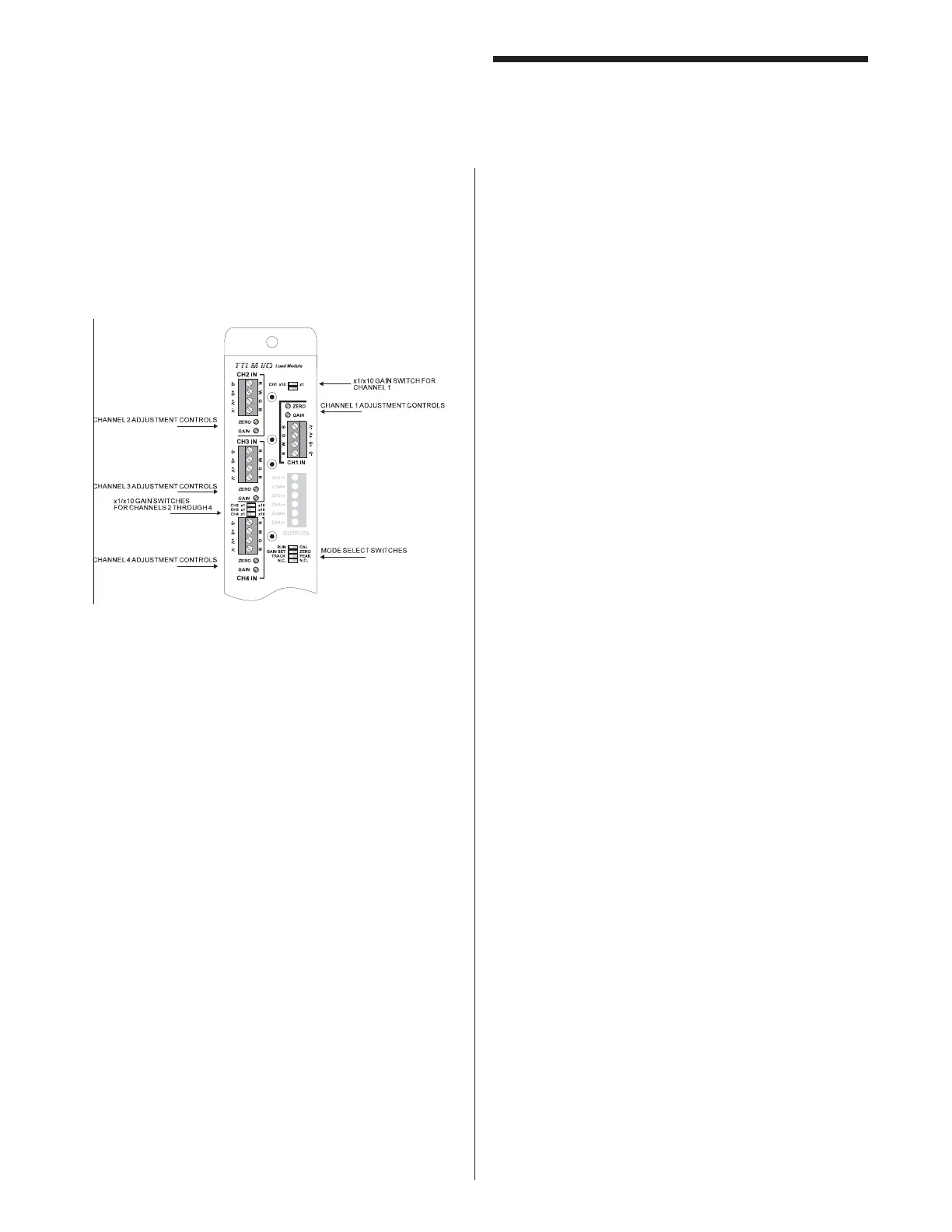
continuous use. To ready the TLM for load conversions,
follow these four steps: ( Figure 9)
Figure 9
Step 1: Enter the run mode by switching from CAL
to RUN.
Step 2: Make sure that the GAIN SET/ZERO switch
is set to ZERO.
Step 3: Insure that the external probe signal is
turned on before the load is generated
and off after the operation is complete. If
the logic of the probe is reversed, use the
N.C./N.O. switch to invert the probe signal
logic or adjust the probe accordingly.
Step 4: Set the TRACK/PEAK switch to the desired
mode. While in TRACK mode each
channel’s output will follow the loading
on the sensor as the load on the machine
increases and decreases. In PEAK mode,
the output will increase to the highest load
level and remain at that voltage until the
probe is released.



 To Next Page