PRODIGY
®
- DIGITAL VAV DIFFUSERS
DISPLAY NAVIGATION
priceindustries.com
|
PRICE PRODIGY
®
- Manual
17
VVT Menu
Pressure Dependent Mode
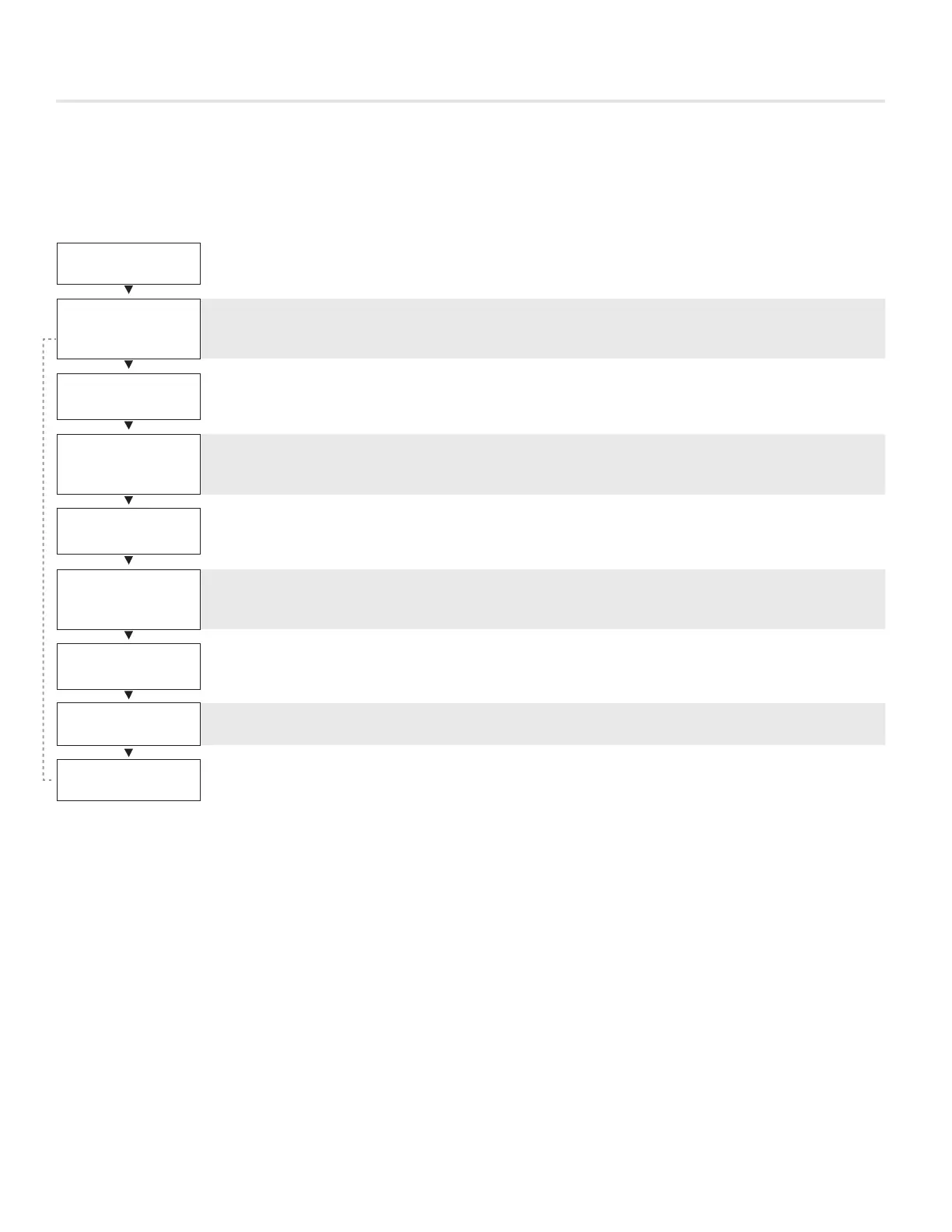
Scroll through with Up and Down buttons, press Menu button to apply your changes *---wait---* will display as changes are applied.
VVT
DPR. COOL MIN*
0%
Cool Min Flow
· Cool Min Flow in %
· Range: 0-100% Default: 0%
DPR. COOL MAX.*
100%
Cool Max Flow
· Cool Min Flow in %
· Range: 0-100% Default: 100%
DPR. HEAT MIN*
0%
Heat Min Flow
· Heat Min Flow in %
· Range 0-100% Default: 0%
DPR.HEAT MAX*
100%
Heat Max Flow
· Heat Max Flow in %
· Range 0-100% Default: 100%
DPR. NEUTRAL
0%
Neutral Flow
· Sets the neutral flow
· Range 0-100% Default: 0%
UNOCC DPR POS*
0%
Unocc Dpr Pos
· When Prodigy is unoccupied damper will ‘rest’ at this position
· Range: 0-100% Default: 0%
INLET SIZE*
10 INCHES
Inlet Size
· Size of the diffuser inlet (factory set)
PRESS MENU
TO EXIT
Exit – This will exit the info menu if you select Yes
Note: Info menu will automatically time out after 60 seconds
*Also available over BACnet network if diffuser has BACnet option installed.


 To Next Page