22
PRICE PRODIGY
®
- Manual
|
priceindustries.com
PRODIGY
®
- DIGITAL VAV DIFFUSERS
DISPLAY NAVIGATION
BACNET
BACnet Menu
BACnet Addressing Setup
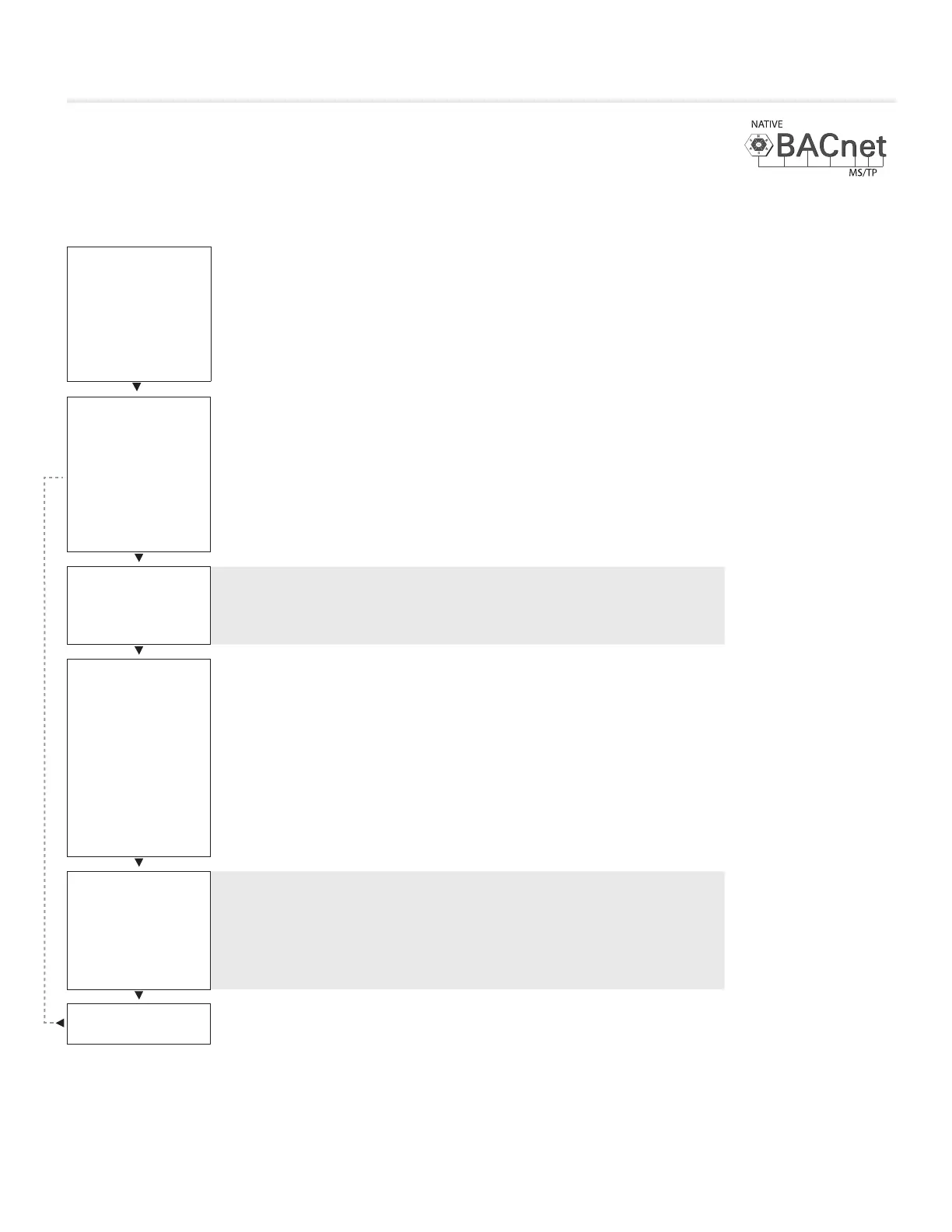
Scroll through with Up and Down buttons, press Menu button to apply your changes *---wait---* will display as changes are applied.
MAC SET IN:
HARDWARE
MAC address
· Hardware – uses DIP switch on BACnet module for
MAC address – default - recommended.
· Software – uses STAT to set MAC address – this OVERRIDES the
hardware switches and could be confusing if you’re not careful.
· Note: the MAC address (range 1-99) is added to the device instance.
· Example: MAC address = 1, Device instance = 100 –
total address for this Prodigy would be 101.
MAC ADDRESS
HARDWARE: 1
MAC address
· Display current MAC address.
· Note: DIP switches and software MAC address are only read on startup!
See Device Instance below and Addressing on page 29-30.
DEVICE INST.
101
Device Instance
· This is the ‘software’ BACnet address & MUST be unique on your building site.
· Range: 1 – 4,194,303.
· Note: After changing device instance the STAT will send a RESET
command to the Prodigy to apply the ADDRESS changes. Addresses are
only READ on startup, so after any changes you must reset the controller
either via STAT (which is automatic) or cycle 24 VACpower.
· Note: Addresses are only read on startup to prevent a controller with
faulty damaged/improperly set DIP switches from popping up all over
a network, which would be extremely difficult to troubleshoot.
· See MAC address above and Addressing on page 29-30.
BAUD RATE
76800
Baud Rate
· This sets the BACnet MS/TP baud rate.
· 9600 baud (all BACnet devices must at least support at least this speed) - slowest.
· 19200 baud.
· 38400 baud.
· 76800 baud (default baud rate for PRICE products) - fastest.
PRESS MENU
TO EXIT


 To Next Page