32
PRODIGY
®
- DIGITAL VAV DIFFUSERS
MAINTENANCE
PRICE PRODIGY
®
- Manual
|
priceindustries.com
PPM
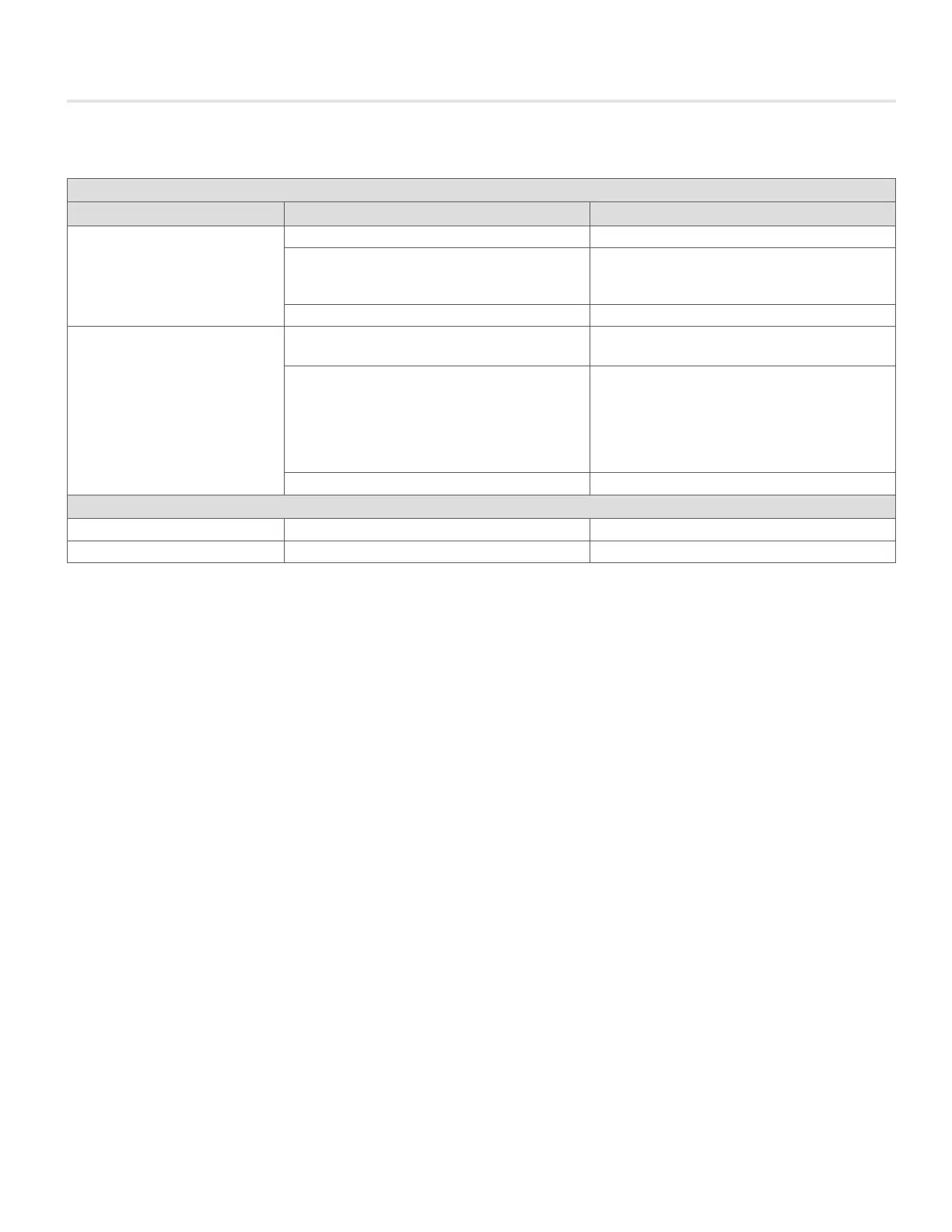
Condition Possible Cause Remedy
Green Power Light Off
Disconnect Switch Off Turn Switch On
Transformer Circuit Breaker Tripped Disconnect Power. Unplug all output cables. Remove lid.
Reset breaker on transformer. Replace Lid. Reconnect
Power. Reconnect all plugs one at a time.
No Power Supply Check Line Connections.
Red Fault Light On above Output Jack
Too many Prodigy Units or Heat Relays supported on Line Reroute some power cables to another jack.
Faulty Cable or Connector First - Disconnect all cables and connectors originating
from problem outlet. Next - Reconnect first C35 cable only.
If Red fault LED lights, cable is faulty. Replace. If Red fault
LED remains off, reconnect remaining components (CS,
CC, C35, Prodigy Masters) one at a time until LED lights.
Replace faulty component.
Redundant Power Supply Eliminate Redundant Power Supply
Auxiliary Heat
Red Fault LED on Mechanical Relay draws more than 12 VA Replace with smaller relay or electronic SSR.
Insufficient Power to mechanical relay Cable distance from PPM exceeds 35 feet Relocate PPM or Mechanical Relay, or use electronic SSR.
Troubleshooting Guide Continued...


 To Next Page