4. The peripheral device has been installed correctly and is ready for use.
*Remark: AP4.9 bit uses the HID drivers already built into Windows. For this reason, they are not included on the CD
and will
always install automatically.
Procedure 1
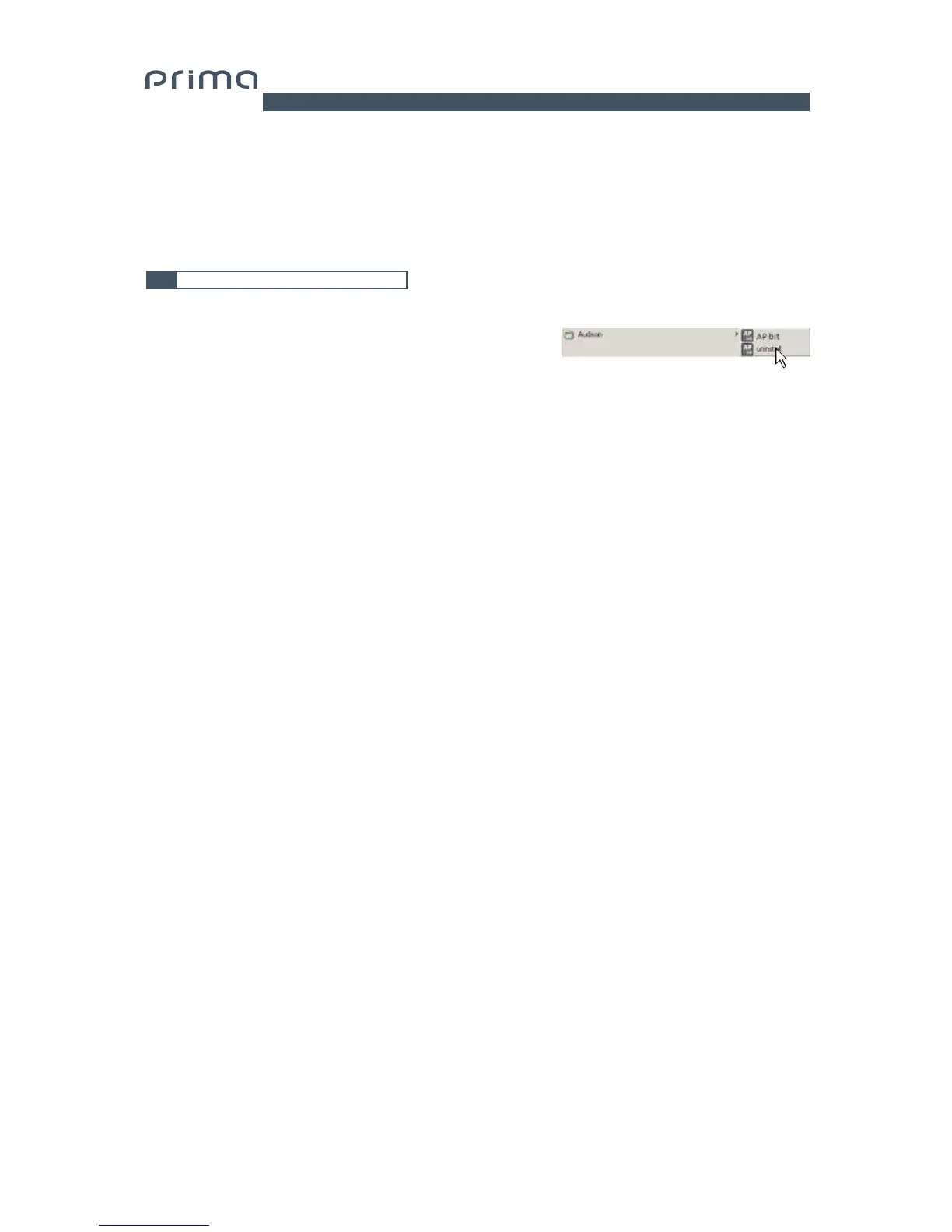
To uninstall AP4.9 bit PC software you can use the link in the menu:
Start / All programs / AP4.9 bit / uninstall
Procedure 2
To uninstall AP4.9 bit PC software, you can also use the standard procedure:
Start / Control Panel / Uninstall or change a program / AP4.9 bit / remove.
6.3 UNINSTALLING AP4.9 bit SOFTWARE
6


 To Next Page