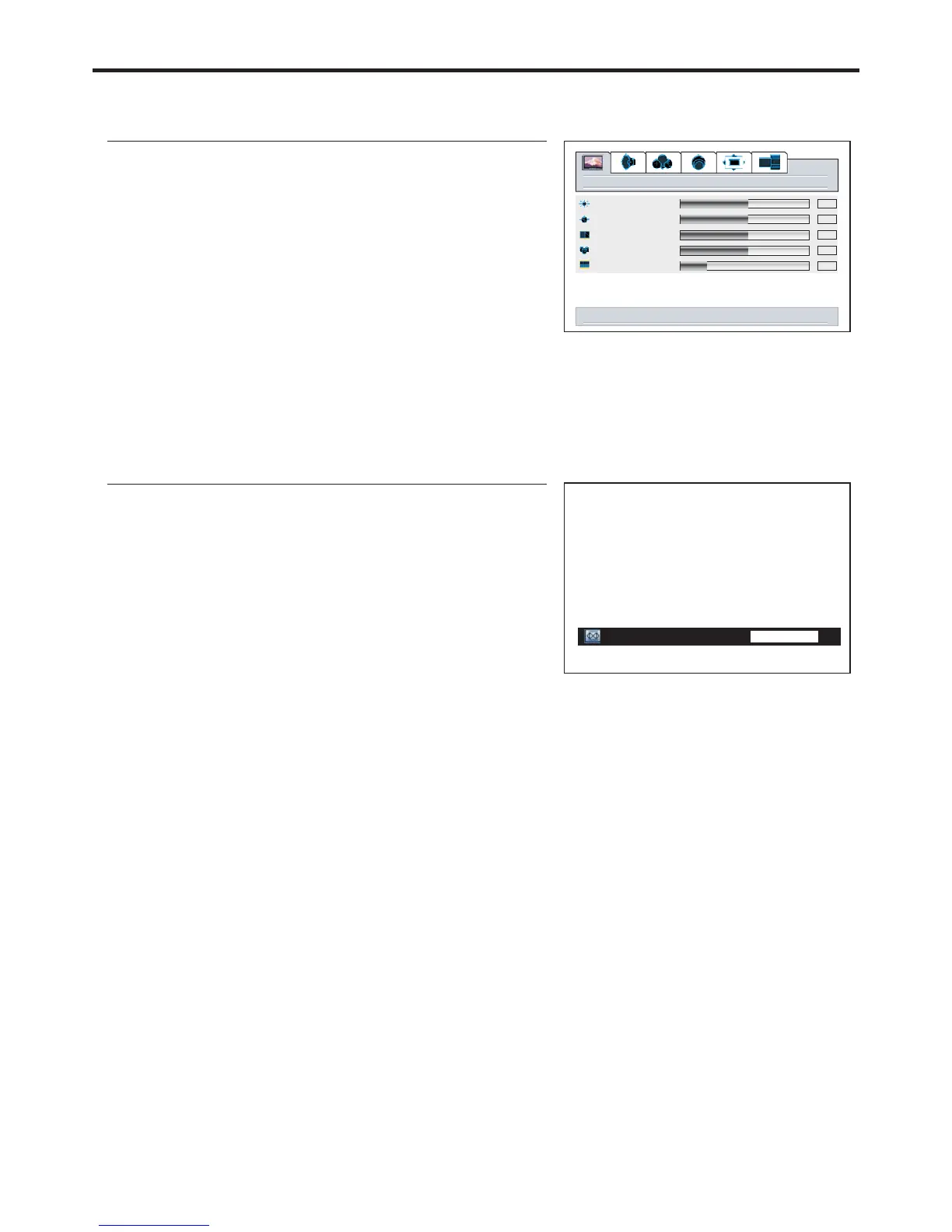
Setting Picture
Customizing the Picture
1
If the menu does not display, presspicture VOL+/-
2
3
4
Using the Preset Picture Mode
1
2
3
There are three preset picture modes ( , and
) and one user-set picture mode ( ).
Each preset mode has its own picture settings.
Normal Bright
Soft User
Adjusted settings are stored in User
Normal
Bright
: Select for a normal picture.
: Select for a bright picture.
Picture mode
Normal
menu to return right/left to adjust
picture
down for picture settings for current window
brightness
contrast
sharpness
color
tint
50
50
50
12
50
24


 To Next Page