Setting Sound
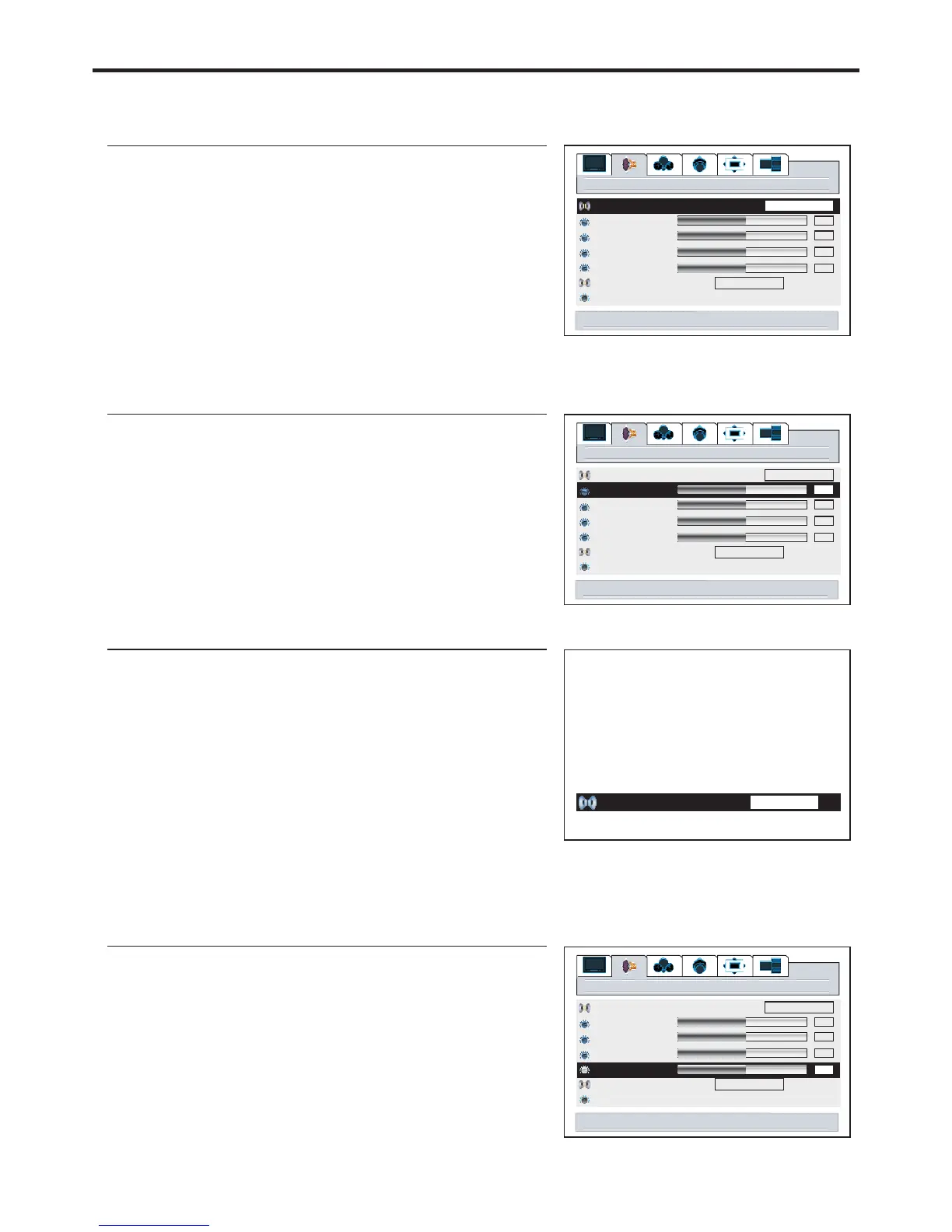
Customizing the Sound
1
3
4
1
2
3
There are three preset Audio modes ( , and
) and one user-set Audio mode ( ).
Each preset mode has its own Audio settings.
: Select for a movie program picture.
Adjusted settings are stored in User mode.
Cinema Music
News User
Cinema
Music
News
: Select for a music program.
: Select for a speech or conversation program.
Audio mode
Cinema
menu to return
right/left to adjust treble
50
audio
Audio mode
treble
bass
balance
headphone
MTS
auto volume off on
STEREO
50
50
2
Using the S.M button
Adjusting the Headphone Volume
1
3
4
2
right/left to adjust
User
50
audio
Audio mode
treble
bass
balance
headphone
MTS
auto volume off on
STEREO
50
50
Cinema
50
28
right/left to adjust headphone
50
Using the Preset Audio Mode
1
3
4
2
50
50
audio
Audio mode
treble
bass
balance
headphone
MTS
auto volume off on
STEREO
50
50
Cinema
right/left to set audio mode
You can not access the and item unless thetreble bass Audio
Note:


 To Next Page