Setting Sound (continued)
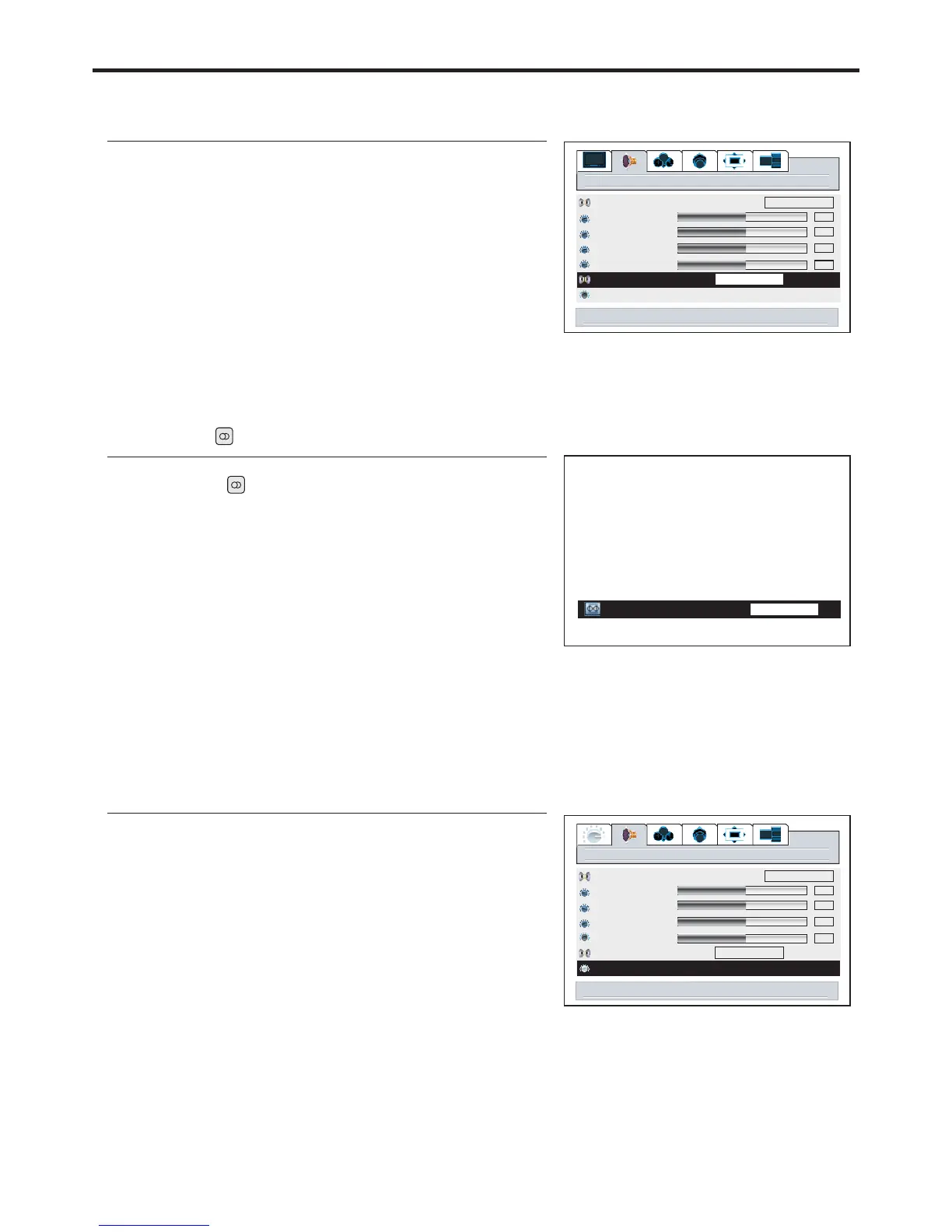
Choosing a Multi-Channel Sound ( ) SoundtrackMTS
1
3
4
Using the Auto Volume
2
Choose for channels that are broadcasting in stereo.
Choose for channels that are broadcasting in mono, or if you are having difficulty receiving
a stereo signal.
STEREO
MONO
Each broadcasting station has its own signal conditions, which can make it necessary to adjust the
volume every time the channel is changed. “Auto volume” lets you automatically adjust the volume of
the desired channel by lowering the sound output when the modulation signal is high or by raising the
1
3
4
2
50
50
audio
Audio mode
treble
bass
balance
headphone
MTS
auto volume off on
50
50
Cinema
STEREO
50
audio
Audio mode
treble
bass
balance
headphone
MTS
auto volume onoff
STEREO
50
50
Cinema
50
29
right/left to set stereo
right/left to set auto volume
Using the MTS button
1
2
3
MTS
STEREO
menu to return right/left to adj stu


 To Next Page