Adjusting Parental Control Settings (continued)
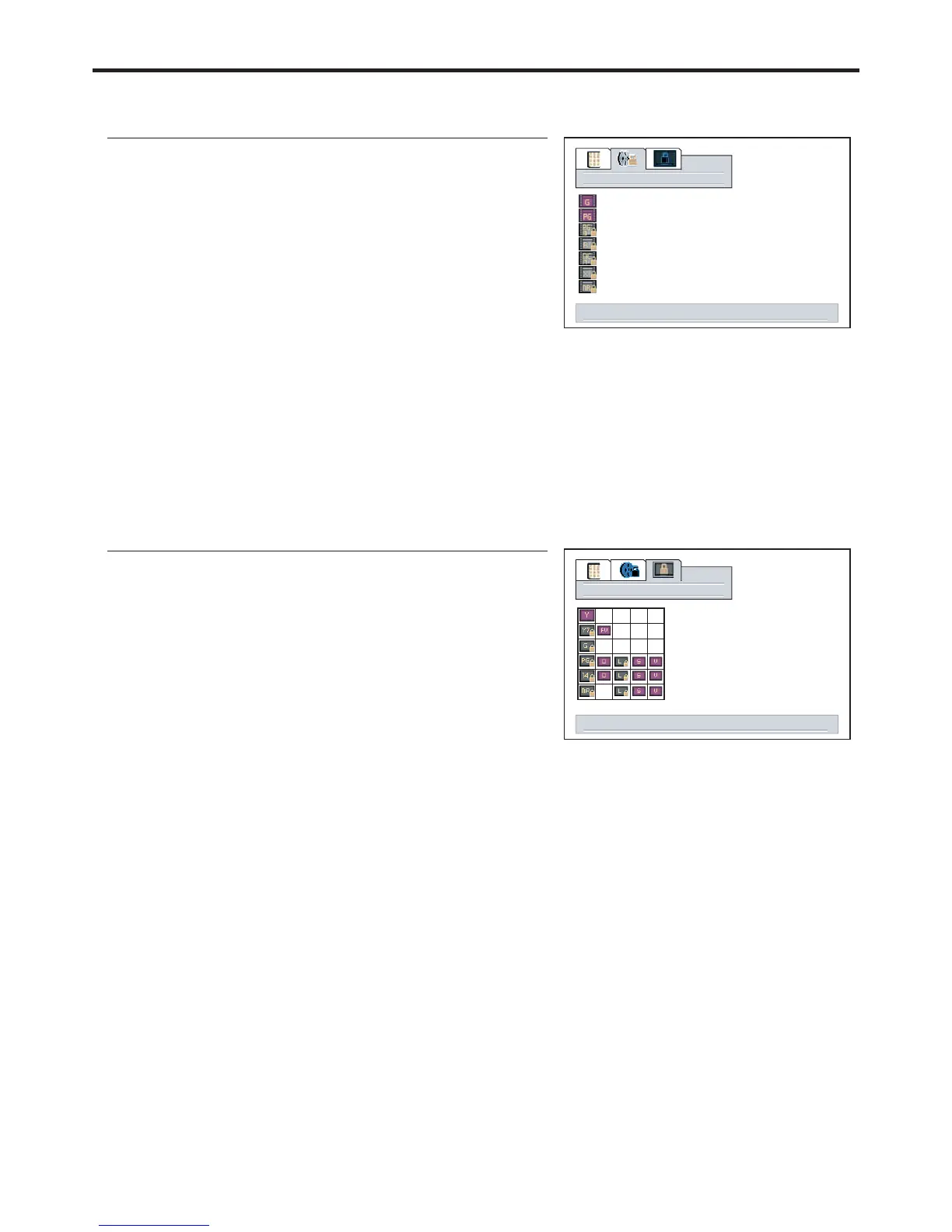
Adjusting the Movie Rating
1
4
5
3
Movie blocking
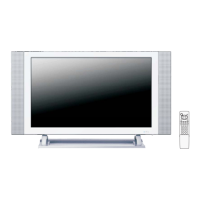
Adjusting the TV Rating
1
Press / or to select an age or content
rating to be blocked.
CH VOL+/-56
4
5
3
tv blocking
Since a TV program may use either the MPAA rating or the TV Guidelines, both should be adjusted for
Note:
“PG-13” in the age-based rating is blocked, this will
automatically block the higher ratings “R”, “NC-17”, “X”
When TV-Y7 in the age-based rating is set to BLOCK, this will automatically block the higher ratings:
TV-G, TV-PG,
TV-14 and TV-MA.
In addition, if you block “L” sub-rating in TV-PG, then the “L” sub-ratings in TV-14 and TV-MA will
select to adjust movie blocking level, menu to return
select to adjust tv blocking level, menu to return
40
2
2
How to unblock a Movie Rating
If you want to unblock a movie rating, please repeat steps 1~3 in [ ] and useAdjusting the Movie Rating
How to unblock a TV Rating
If you want to unblock a TV rating, please repeat steps 1~3 in [ ] and useAdjusting the TV Rating


 To Next Page