Adjustment in PC (VGA) Mode (continued)
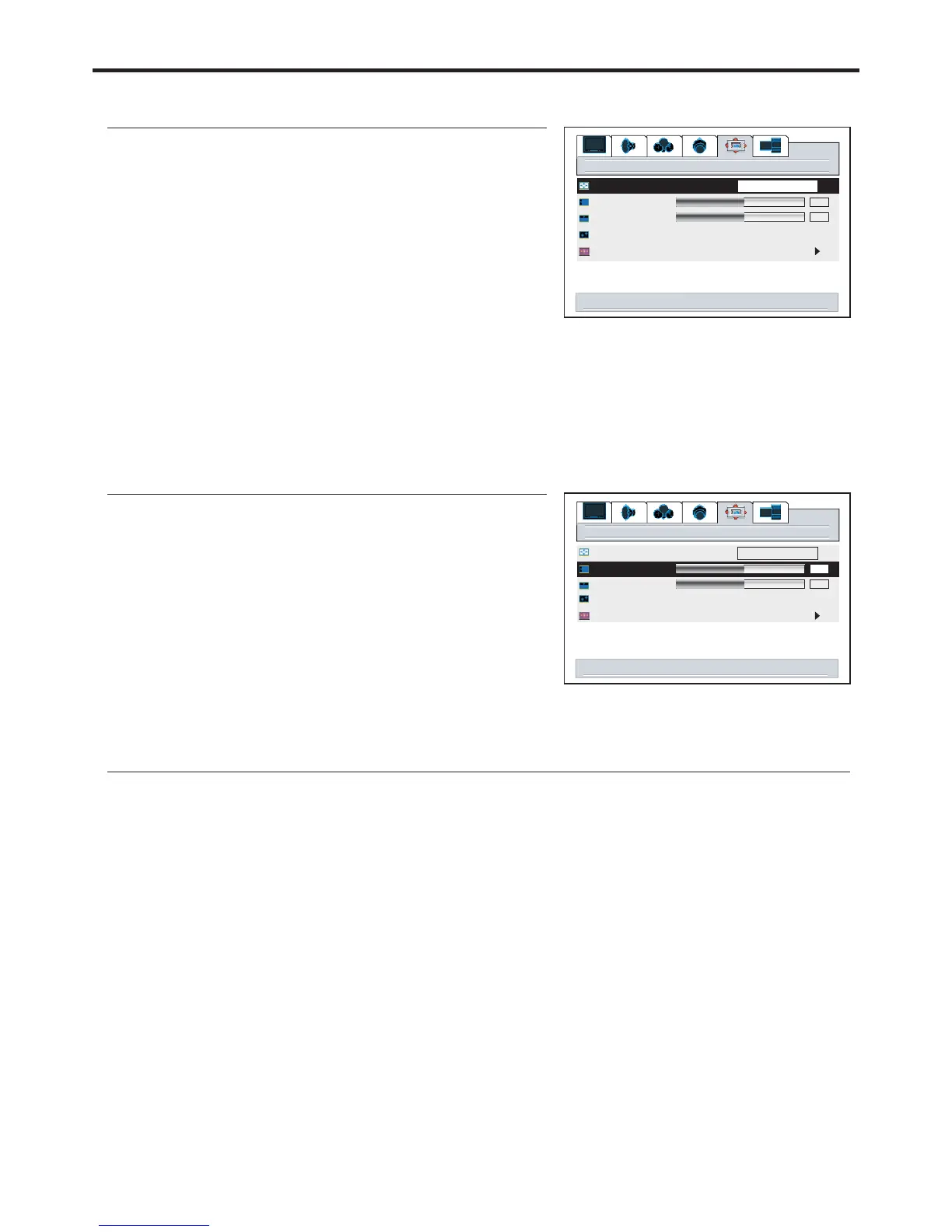
Changing the Scaling mode of Image
1
3
4
5
2
Changing the Position of Image
1
3
Press to adjust the value of the item until the
screen is well-aligned.
VOL+/-
4
5
After connecting the unit to your PC, adjust the position of the screen if it is not well-aligned.
2
Displaying the Information
When the button is pressed in PC (VGA) mode, the unit displays some information such as the
vertical frequency and resolution.
DSP
50
window
50
image size
h position
v position
freeze window off on
digital pan and zoom
fill all
right/left to change image size
35
50
window
50
image size
h position
v position
freeze window off on
digital pan and zoom
fill all
right/left to adjust h position


 To Next Page