Adjusting Parental Control Settings (continued)
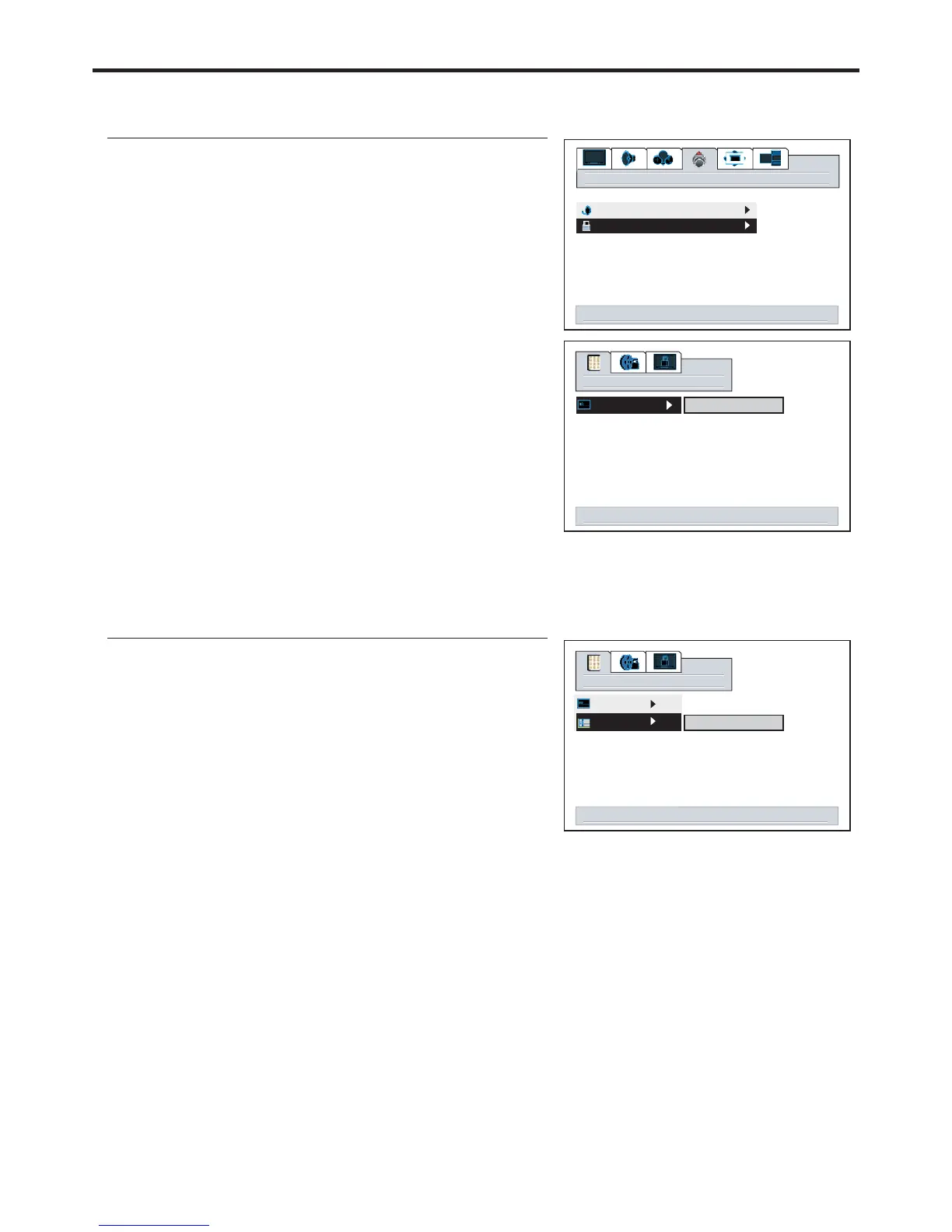
Accessing the Parental Control Menu
1
3
4
2
options
password
enter
000000
OK
5
6
Use to move password digit leftward or
rightward.
VOL+/-
The unit allows you to access the Parental Control menu if
you input the right password, or you will be denied.
The default password is , you may change the
password yourself.
000000
Changing the Password
1
password
enter
change
7
2
3
Be sure to write down your password and retain it for future use.
select to activate content blocking menu
up/down change digit. right/left select digit
up/down change digit. right/left select digit
tv tuner
content blocking
39
000000
OK
The unit provides a master password “666888”. If you forget your password and can’t access
Parental Control menu, you may input the master password to access Parental Control menu. Please
set a new password and make sure to remember your password.
Note:


 To Next Page