Changing Screen Options (continued)
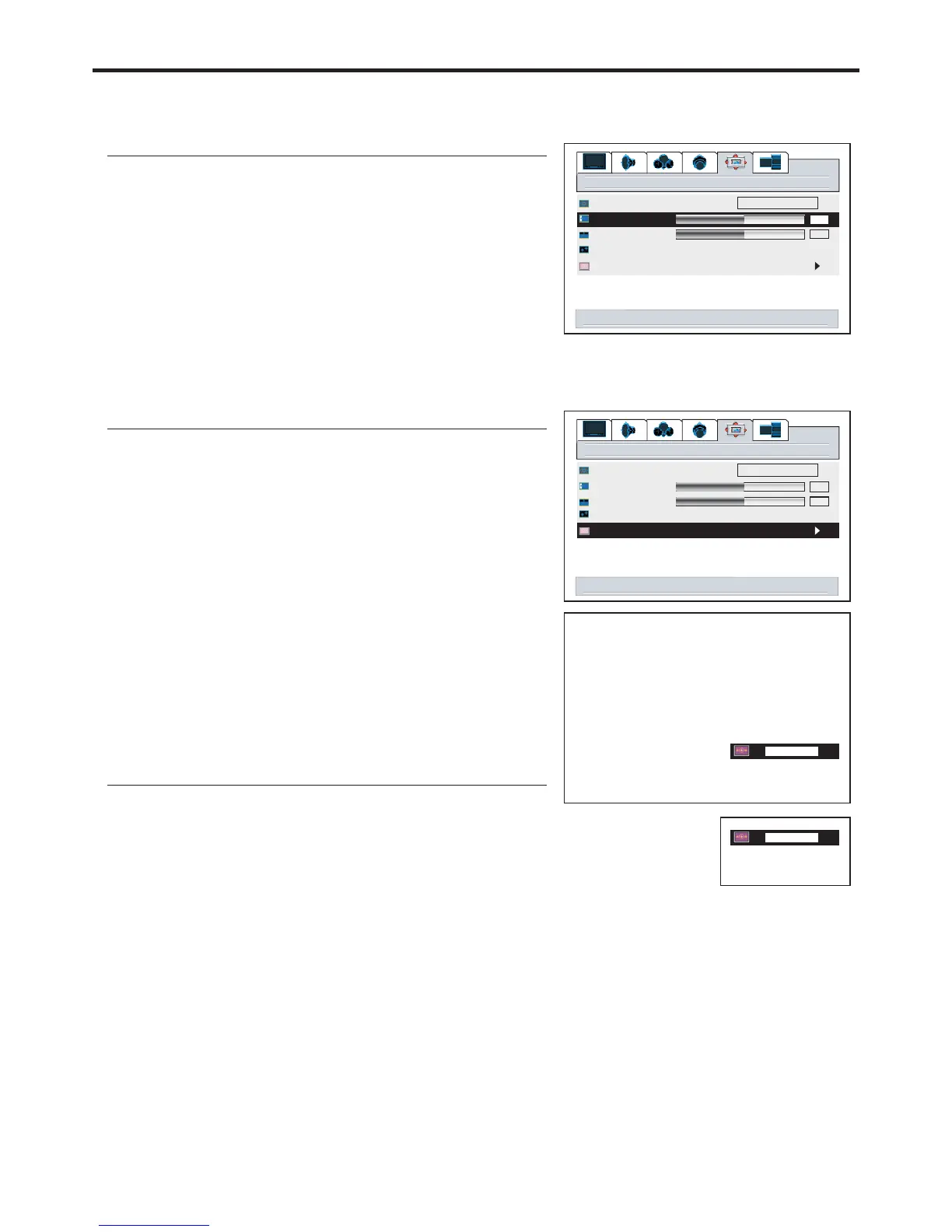
Changing the Position of the Image
1
2
4
Using Digital Pan and Zoom
3
4
1
2
3
The unit allows you to adjust the position of the image if it is not well-aligned.
arrow keys to pan
<select> for zoom
menu to exit
5
The unit allows you to pan the picture after you zoom in the
You can quickly access Zoom menu by using the
button.
ZOOM
Note:
Repeat steps 1~5 above to zoom in the picture.
1
2
3
Press VOL+/- CHor / to pan the current picture in the
relevant direction.
56
50
window
50
image size
h position
v position
freeze window off on
digital pan and zoom
fill all
right/left to adjust h position
50
window
50
image size
h position
v position
freeze window off on
digital pan and zoom
fill all
select to activate digital zoom control
12.34
up/down to zoom
<select> for pan
menu to exit
1.00
27


 To Next Page