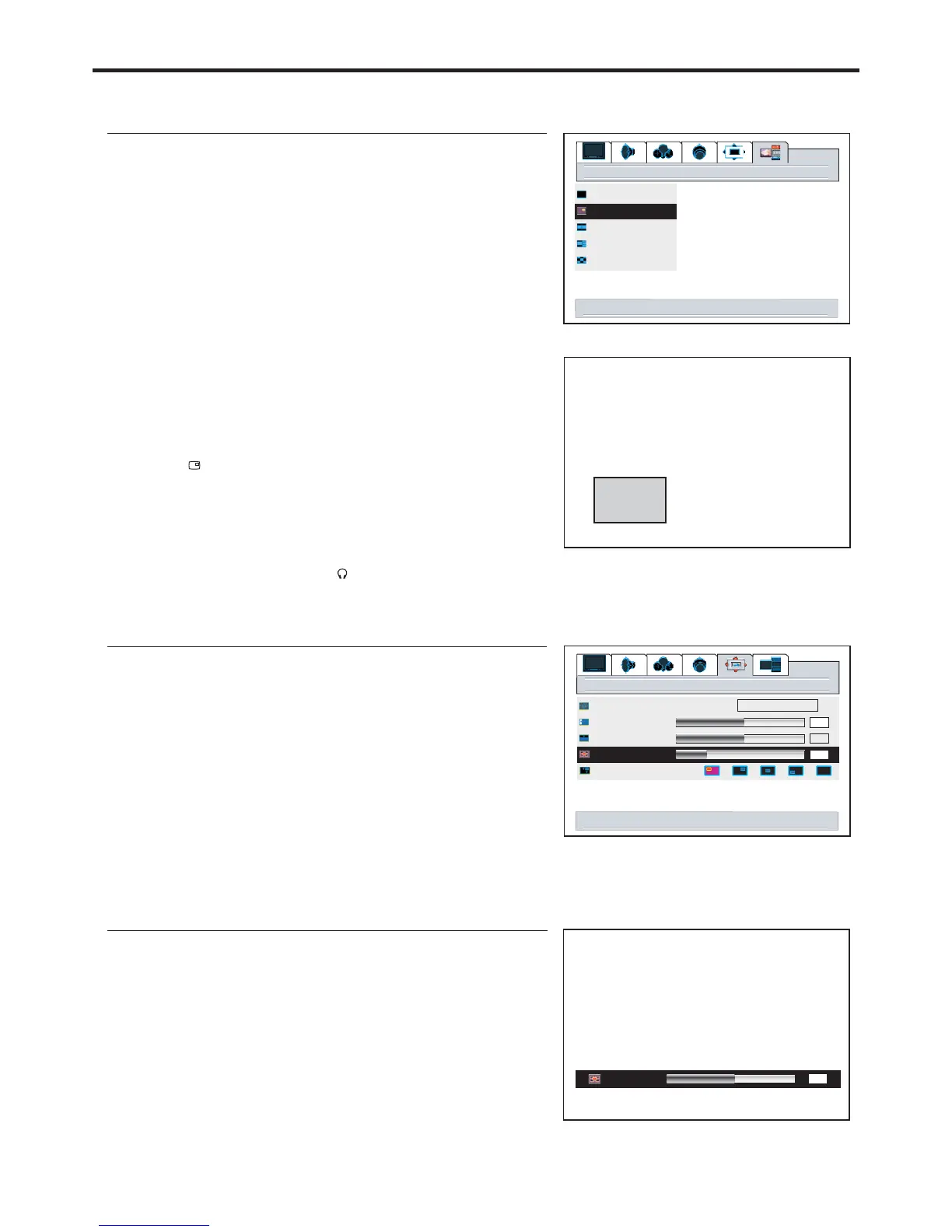
Main Frame
PIP Frame
Note:
4
4
4
4
You can quickly open or close PIP frame by directly using
the button.
Many but not all adjustments and settings can be applied
to the PIP picture when the PIP frame is selected.
To cancel PIP frame, press the button or
select the full screen item and confirm.
The audio of the selected picture can be output from the
speaker or headphone by using the or button
PIP displaying
PIP displaying
SPEAKER
The selected frame displays with a green border.
Viewing the Picture-in-Picture
1
3
4
2
Press or to select main frame or PIP frame.56
5
The screen displays one main frame and one PIP frame.
PIP Operations
layout
full screen
pip
split screen
pop3
grid
select activates pip window layout
32
Adjusting the Size of PIP Frame
With the PIP frame displaying, press to display the
menu main page.
MENU
1
3
2
4
5
1
2
Using the buttonSIZE
3
pip size
menu to return right/left to adjust
50
50
window
50
fill all
image size
h position
v position
pip size
pip position
right/left to adjust PIP size
12


 To Next Page