First use: turn off EAGLE
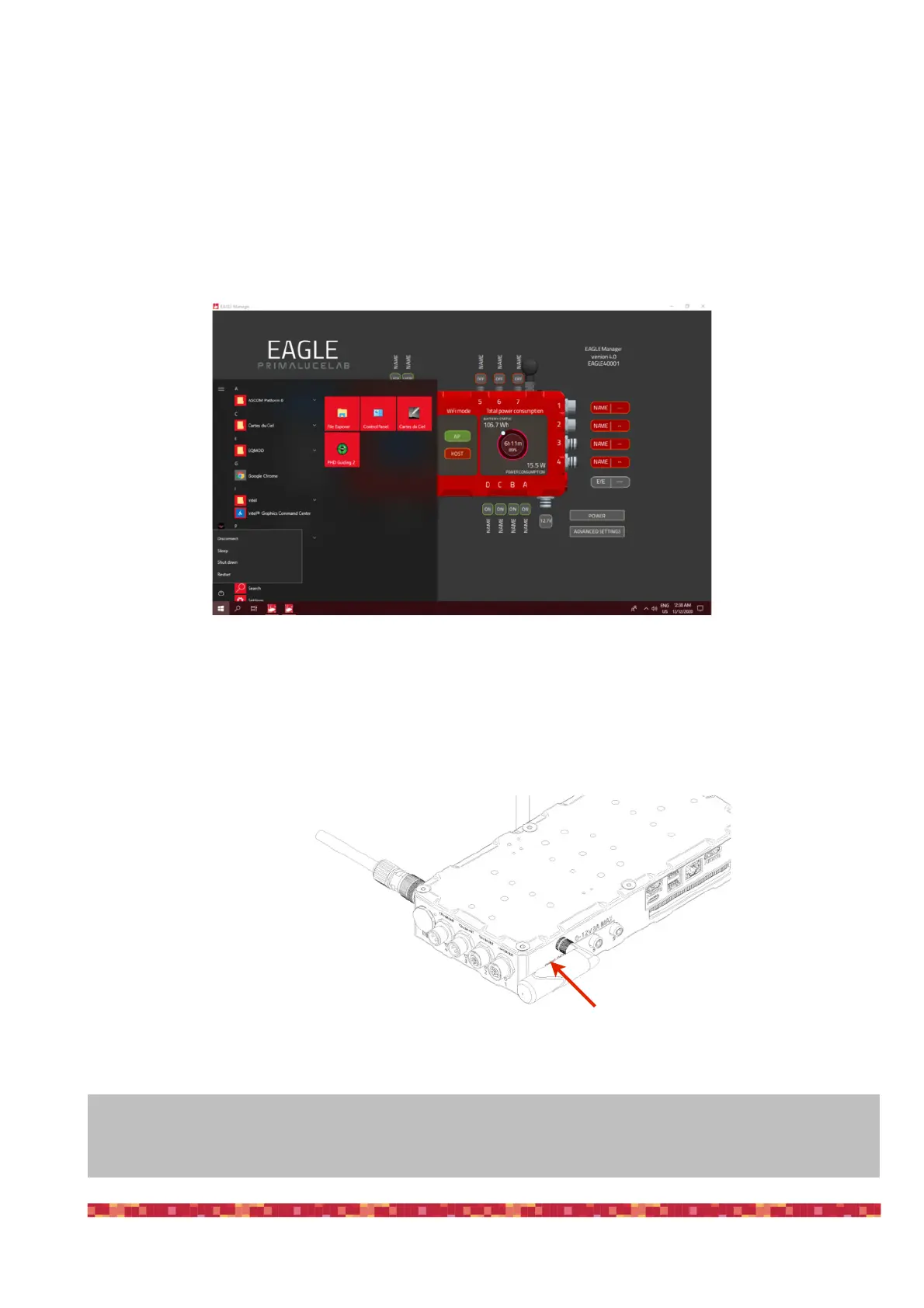
When you want to turn off EAGLE, first disconnect your remote control device. From the START screen, select the "options
off" and then press "Disconnect" (picture 16).
This way you can close the remote connection of your device. You can then close the "Remote Desktop” app. Then press
the power button (7 - picture 17). Take a look at the LED to the left of the 4 USB 2.0 ports: when the SSD and ON LEDs will
be off, you can disconnect the power supply.
NOTE: if you want to turn off the EAGLE remotely, you can press the POWER button in the EAGLE Manager interface.
This will disconnect from the Remote Desktop app and will shut down the EAGLE.


 To Next Page