Controlling the telescope remotely with Cartes du Ciel
Sky Charts is a free planetarium software for Windows that shows all the sky objects and lets you control the telescope. This way to
you remotely control using the EAGLE the telescope position. In order to do this you need to have:
1) a computerized mount
2) installed the ASCOM driver of the computerized mount into the EAGLE (the ASCOM platform is pre-installed in the EAGLE)
Please follow this easy steps in order to remotely control the mount using Cartes du Ciel planetarium software:
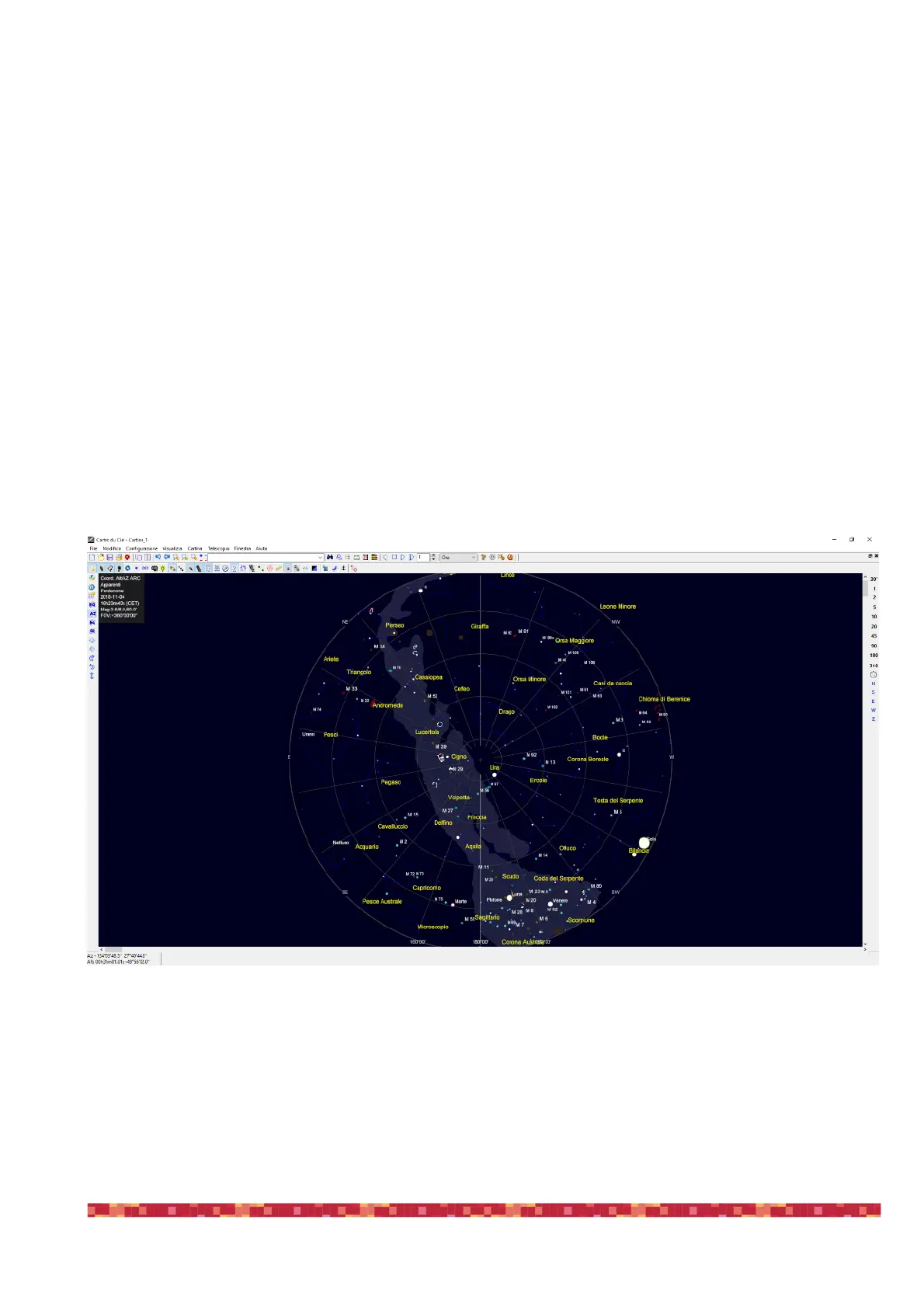
1) Start Cartes du Ciel, you will see this window
2) Select “Telescope” and then “Telescope Settings”, this will open a new window, please select that “ASCOM” option is selected under
“Telescope” tab. Then click OK to close the window.


 To Next Page