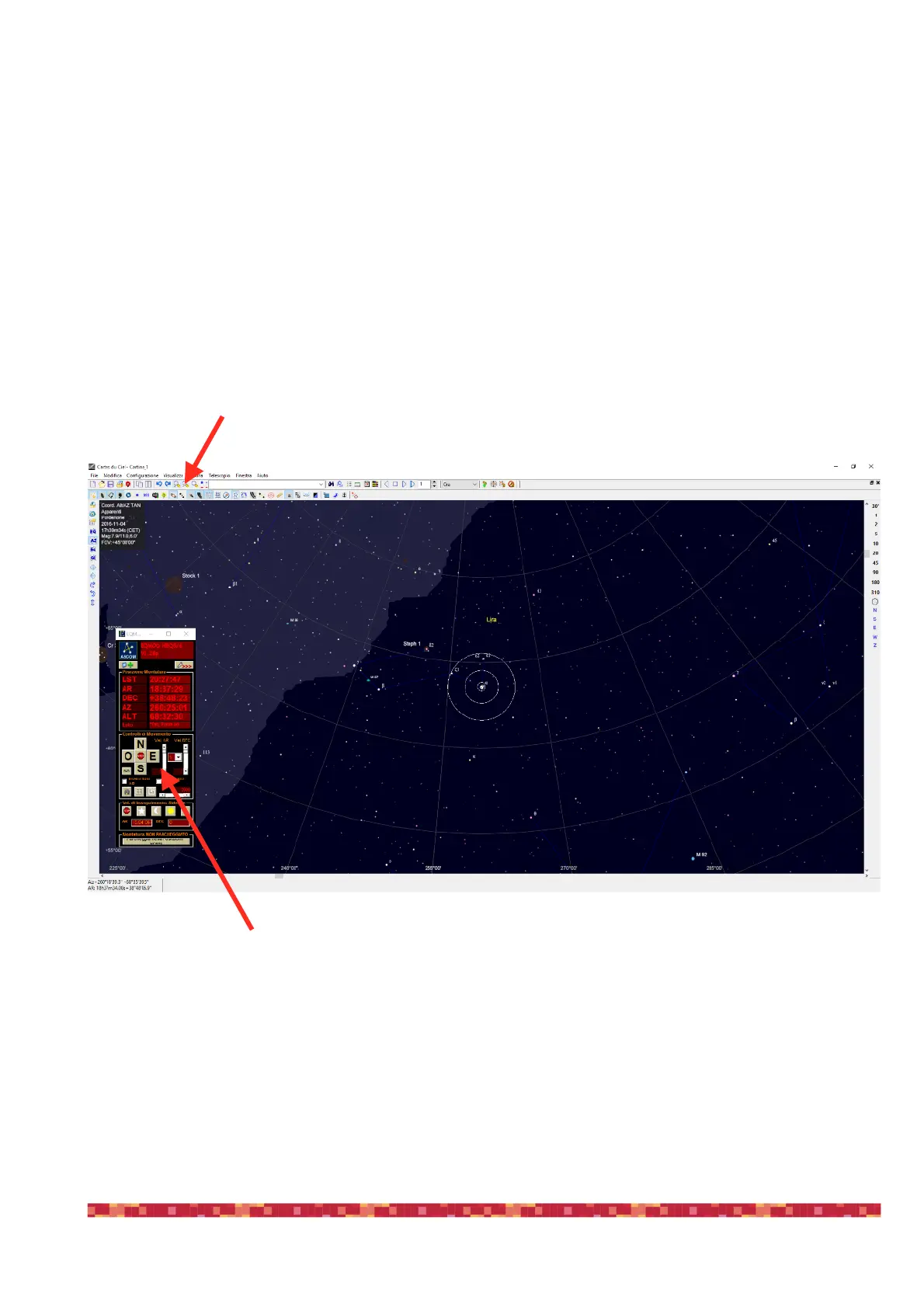
8) You can increase the magnification of the sky chart using the Zoom buttons. Then select one of the available speeds in the speed
selector (3 or 4 are ok for object centering) and center the object in the telescope field of view (in your eyepiece or in the camera)
9) When done, select the object you’re pointed in (in this example Vega star), make a right mouse click, select “Telescope” and then
“Synchronize”. A new window will appear asking if the telescope is pointed at the object. Press YES to confirm.


 To Next Page