HOW TO GET STARTED
Switching on and off
To switch on
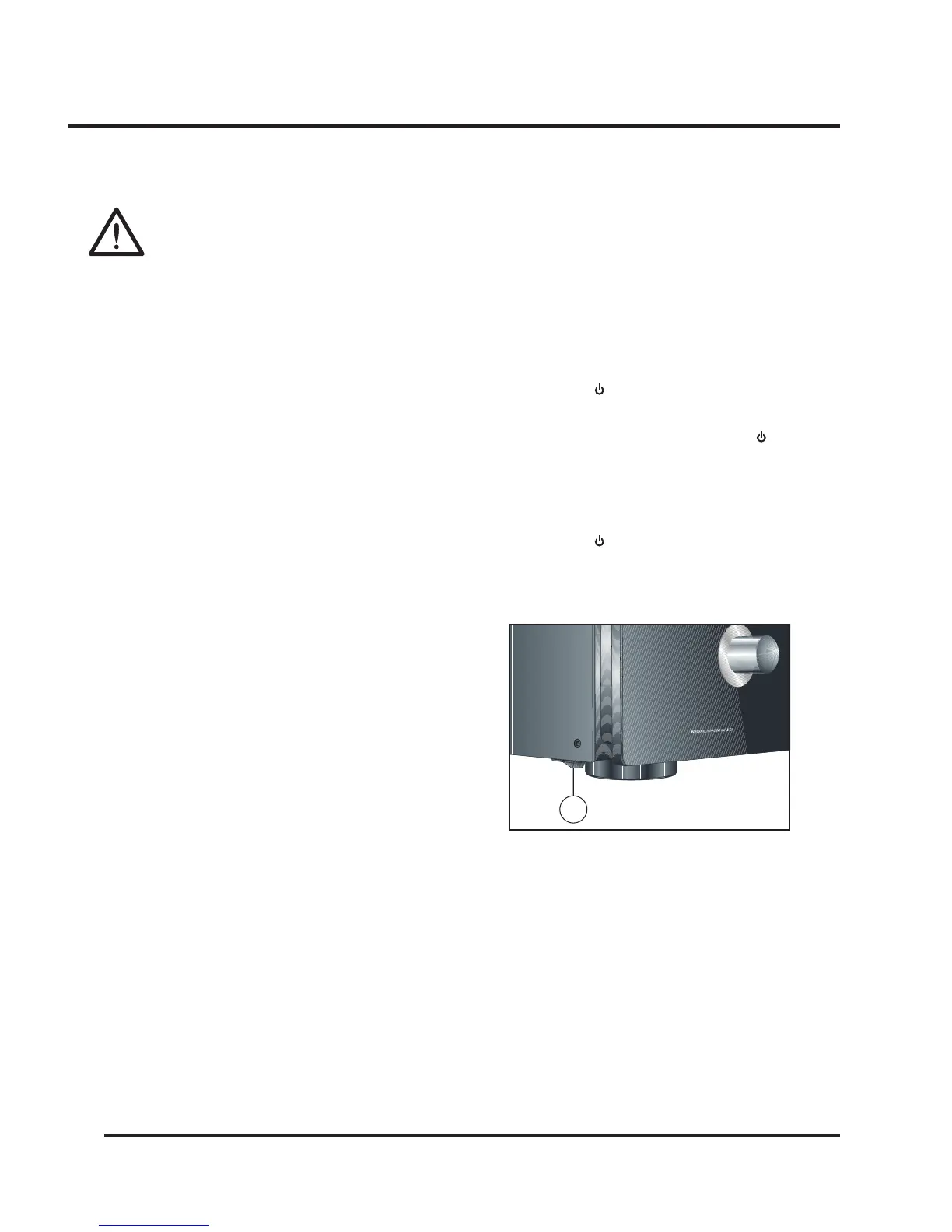
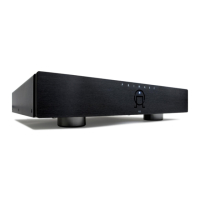
• Use the main switch under the left-hand edge of the
housing (1).
During normal operation you can leave the SPA21
switched on and in standby mode.
To switch to standby
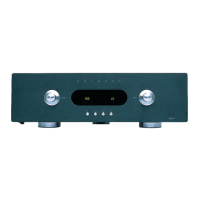
• Hold down the button on the front panel or the
remote control.
When the SPA21 is in standby mode the red indicator
will be illuminated.
To switch on from standby
• Hold down the button on the front panel or the
remote control.
Power connection
WARNING: Before connecting power
check that the required supply voltage, in-
dicated on the back panel, corresponds to
your local AC supply. If a different voltage
is stated on the type plate do not connect the SPA21 to
the mains power, and seek advice from your dealer.
Connect the mains power using the enclosed mains cable.
NOTE: Always disconnect the SPA21 and all other units
from the mains power before connecting or disconnecting
any of the cables. Failure to do this might seriously dam-
age the unit.
Safety instructions
To prevent re or shock hazard, do not expose this ap-
pliance to dripping or splashing. No objects lled with
liquids, such as vases, should be placed on the SPA21.
If you want to build in the SPA21 you need to be sure to
allow space of at least 20 cm behind, 10 cm on both sides
and 30 cm above the top panel of the unit. This is to pre-
vent re or damage. Although you have to make sure that
the main switch is accessable.
1


 To Next Page