34 Creating Discs on a PC
your computer. Primo uses this temporary file to make all
subsequent copies that are requested. The master disc is read
only once to create the initial temporary GI file.
Disc to Disc copy is Recommended for all CD or DVD types
(Audio CD, Data CD, Software Install Disc, Video CD, DVD,
DVD-ROM, etc.).
Step 1 - Select File - New Job - Disc-to-Disc Copy or Select Disc
to Disc Copy from the Primo Starter Window. A copy job setup
panel will be created in the job setup window.
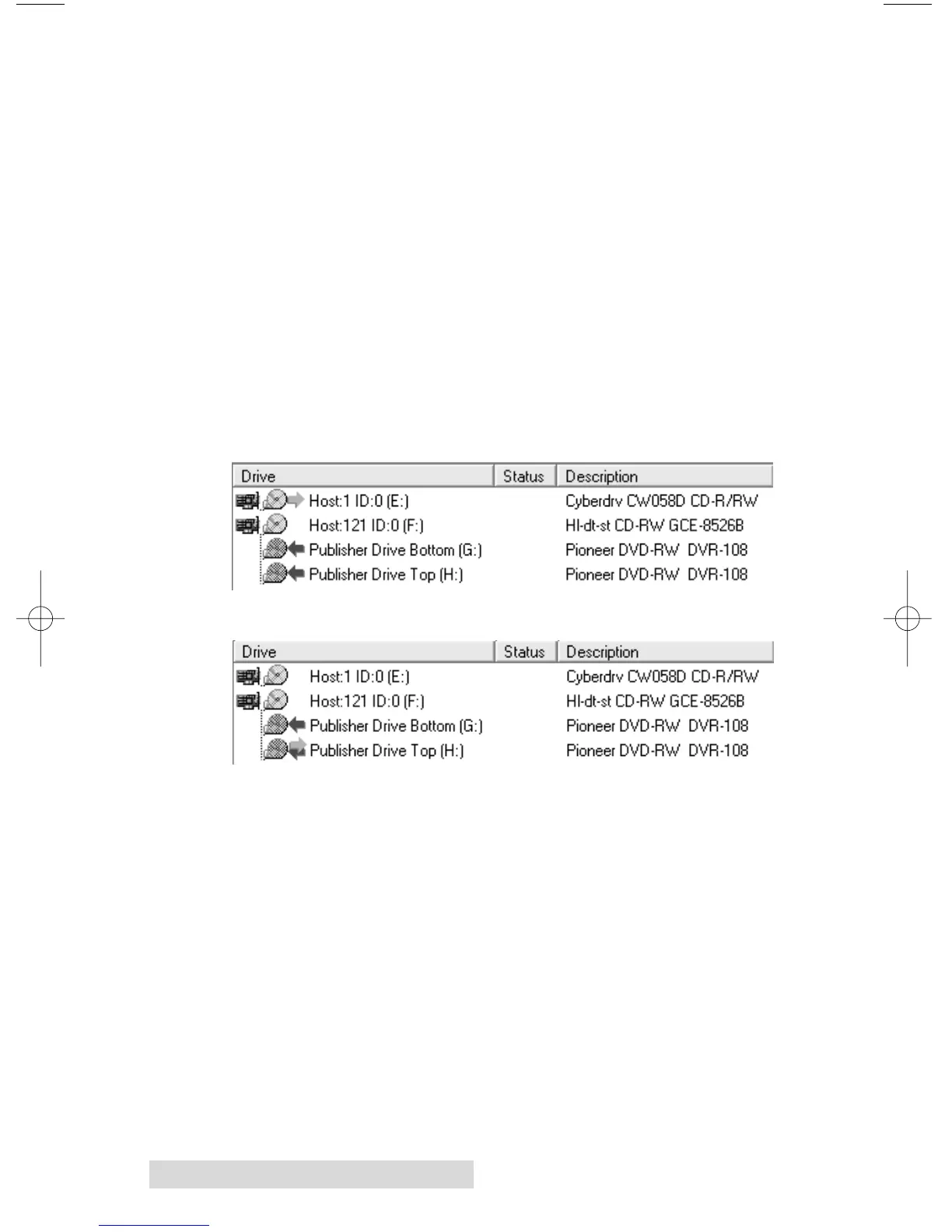
Step 2 - Select the drive you will use for the reader: right-click
on the desired drive (listed in the drive status window) and
choose Select/Deselect as Reader from the menu. A bluish
green arrow pointing to the right indicates a selected reader
drive for a job.
Drive configuration with reader set as computer CD/DVD drive
Drive configuration with reader set as Publisher drive - Recommended
Step 3 - Select the recorder(s) that will record this job by
double clicking the drive in the drive status window. A red
arrow pointing to the left indicates a selected recorder drive.
(This selection may already automatically be made for you by
the software)
Step 4 - Select the number of copies and the recording speed.














 To Next Page