Creating Discs on a Mac 41
B.4 Queue Projects
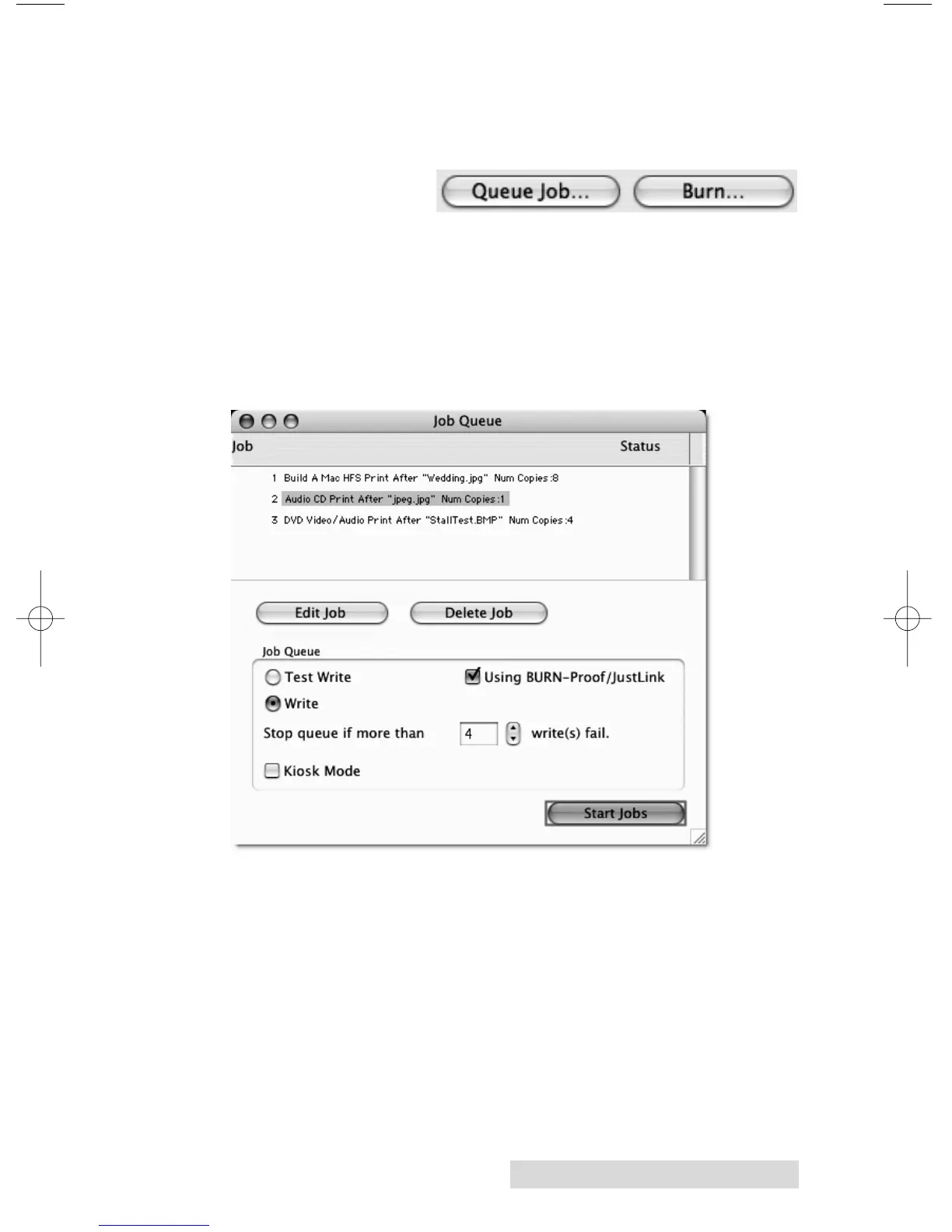
To queue a project choose the Queue Job button at the bottom
of the Data Picker window instead of the Burn button. If you
have not yet saved
your project, you
will be prompted to
do so at this time.
The Robot Write Window described in section 4B.5 will be
displayed. Once you choose your print file and burn settings,
click OK. The Job Queue list window will be displayed. Here
you can manage and edit the jobs that are in queue. To start the
jobs click Start Jobs.














 To Next Page