42 Creating Discs on a Mac
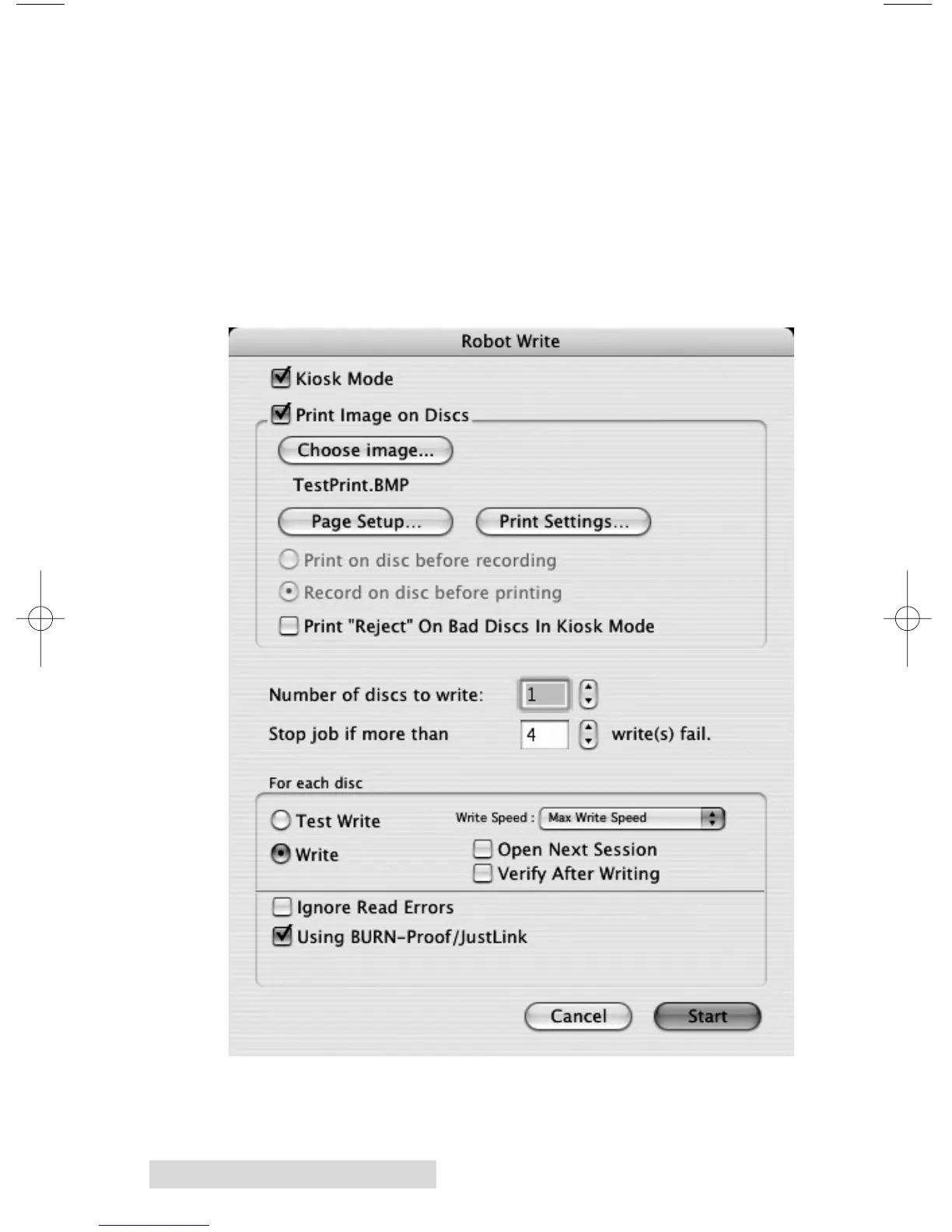
B.5 Robot Write Window
For any project Use the Robot Write Window to choose the
print file, change print quality settings and choose the number
of copies in a project. Print settings are explained in more
detail in section 4D. Other settings on this screen can usually
be left at their default values. These options are explained
below.
Important Note: For any project you must always click Page Setup. Now
set Format for to Disc Publisher PRO and Paper Size to CD/DVD.














 To Next Page