4 Getting Started
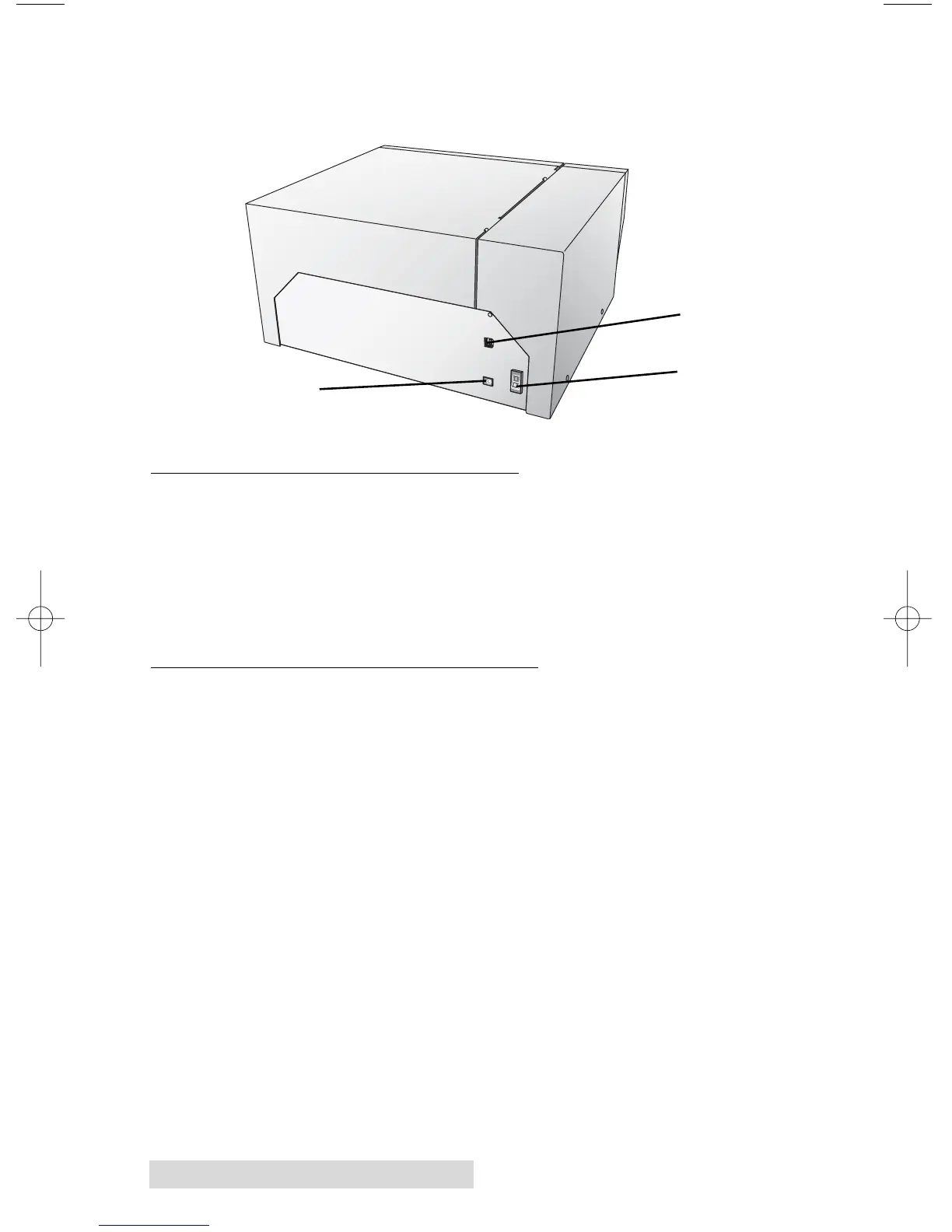
This illustration shows the input ports and power switch found
on the rear panel of the printer.
D. MINIMUM PC SPECIFICATIONS
For optimal printing speed you must have a PC with the
following minimum specifications:
• Pentium IV Processor
• 512 MB of RAM
• 5 GB of Free Hard Drive Space
E. MINIMUM MAC SPECIFICATIONS
Before getting started, it is important for you to verify that
your computer meets the recommended system requirements.
Here's what you need in order to successfully print:
• G4 PowerPC 700MHz or higher running OS X version 10.2
or higher
• 256MB RAM
• Free hard drive space of at least 5 GB
• Available USB Port
• Do not connect the printer to any USB hubs or the USB
port on your keyboard. It should be connected directly to
an onboard USB port.
If your computer does not have at least these minimum system
requirements, system performance may not be acceptable.
USB Port
Power Switch
Power Input Port



 To Next Page
 Loading...