6F.CleanandCalibratetheScanner
Acalibrationsheetcomeswiththeprin ter.Cleaningpapercanbepurchasedatanyofficestore.
Cleanthescannerifyounoticerepeatedverticallinesinyourscanthatdo
notgoawayfromonescantothenext.
WhentoClean?
Calibrateifyourscannedtext orimagesareoffsetorblurry.
WhentoCalibrate?
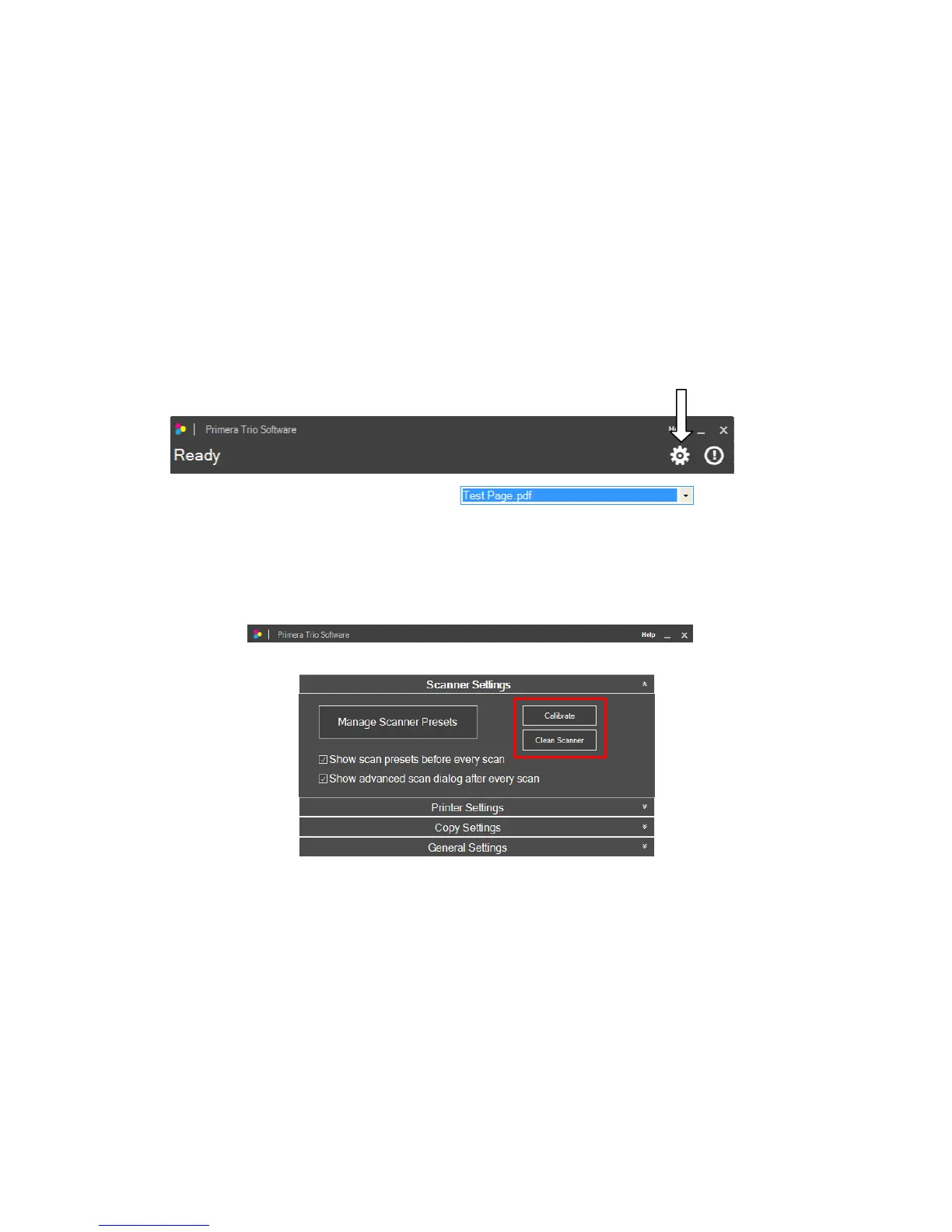
1.Tocleanorcalibratethescanneropenscannersettings.Toaccessscannersettingsclickonthegear
iconatthetopofthePrimeraTrioapplication.
Page|37
2.TheScannerSettingswindowwillopen.ClickonCalibrateorCleanScanner.Youwillbepromptedto
insertthecleaningpaperorcalibrationsheet.



 To Next Page