1C.Information,UpdatesandLanguageSettings.
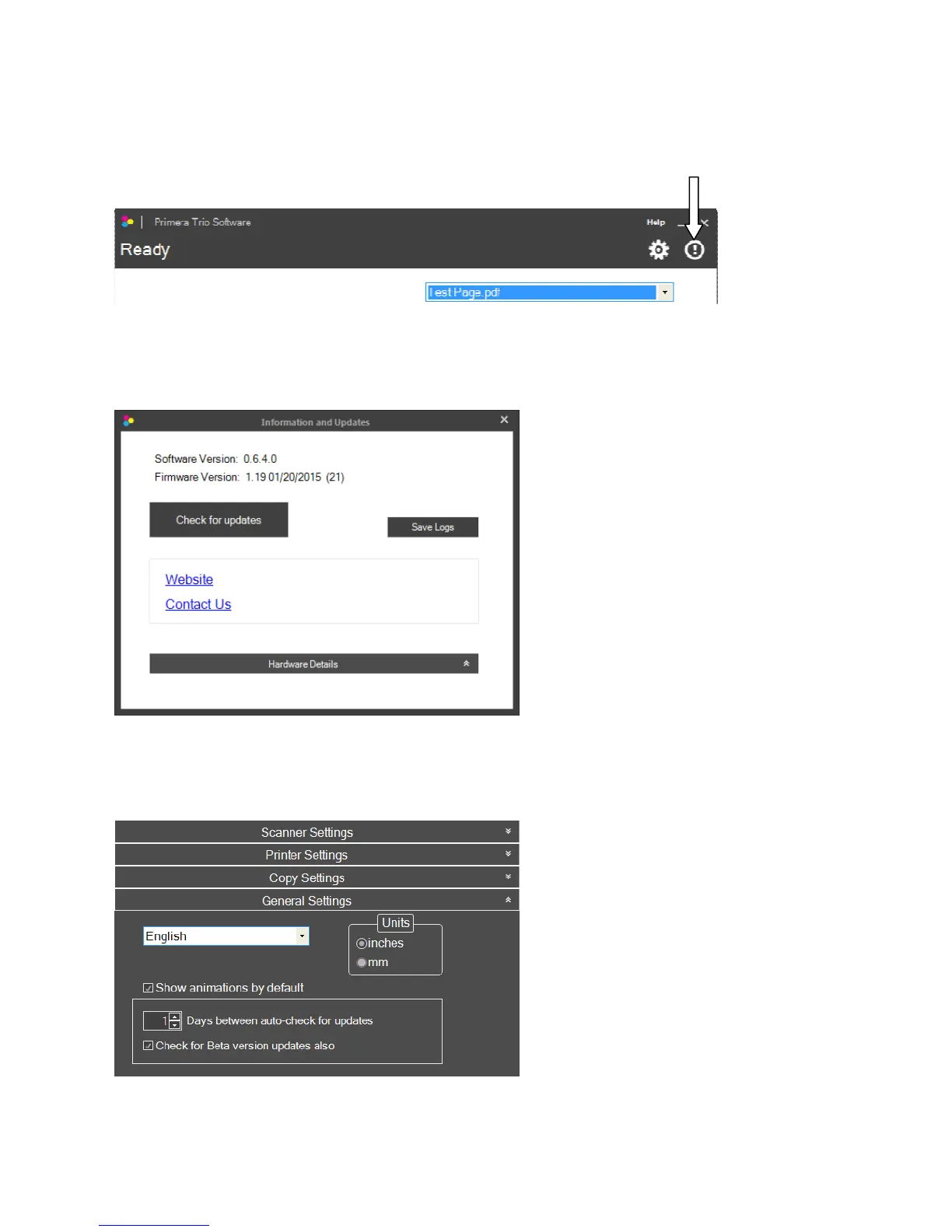
Youcanaccessprinterdriver,firmwareandsoftwareversioninformationbyclickingontheInfoIcon.
Page|8
Click“Checkforupdates”toconnecttotheinternetandcheckforanynewsoftware,driverorfirmware
updates.Ifupdatesareavailableyouwillbepromptedtoinstallthem.Followthestepstoinstallnew
software.
Thesoftwareautomaticallychecksforupdatesdaily.Tochangethefrequencyofthechecks,clickonthe
settingsiconandthen“GeneralSettings.”Youmayalsocheckforbetaversions .Check theboxto
enablethisfeature.
LanguageandUnits.SettheLanguageby
choosingitfromthedropdownmenu.
Youmayalsosettheunitsofmeasure
here.



 To Next Page