Section2:ChangeCartridge
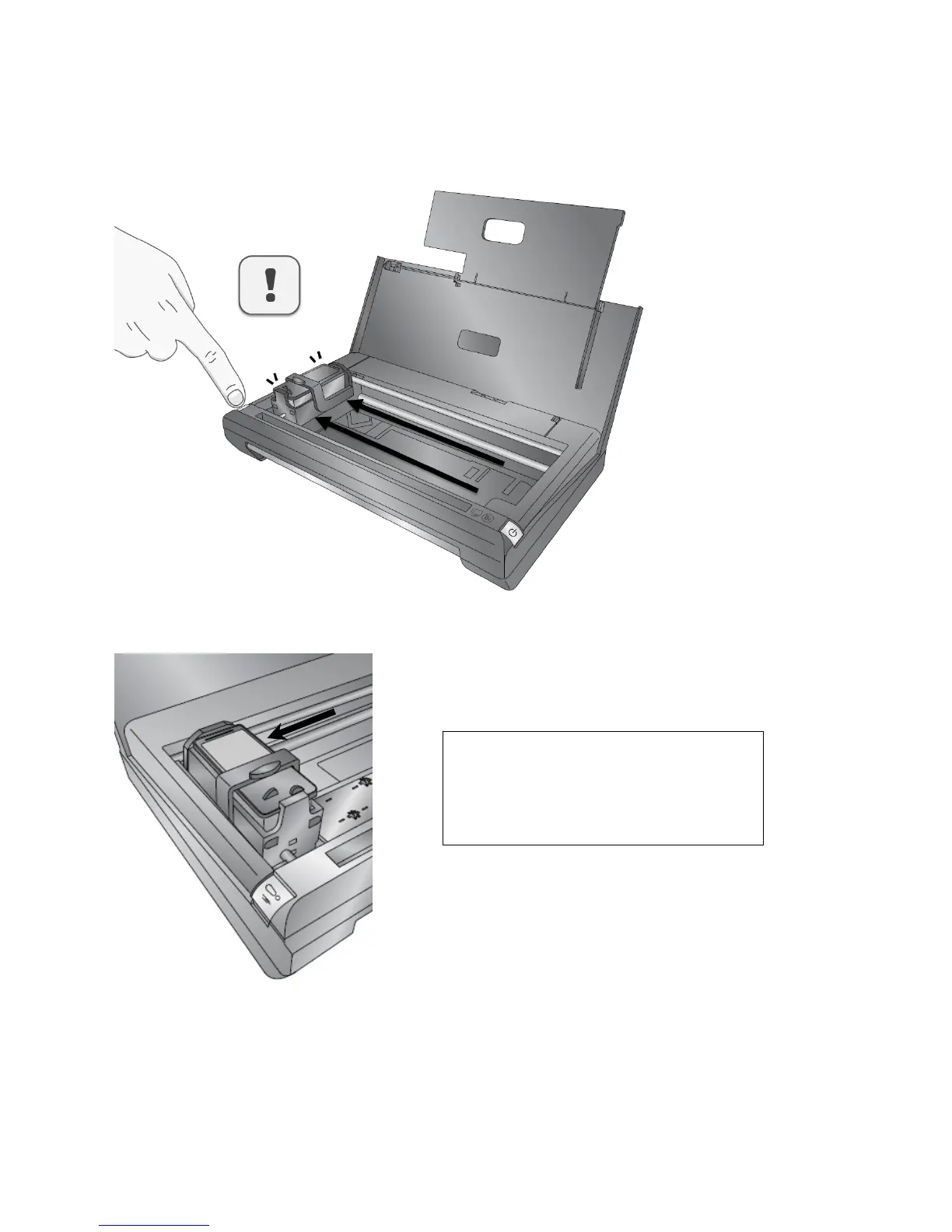
1.PresstheRetrybutton.
2.Thecartridgewillmoveintothechangepositionontheleftsideoftheprinter.
Page|9
STOP!Thecartridgemustbeonthefar
leftsideoftheprinterbeforecontinuing.
Failuretoheedthiswarningwillresultin
damagetotheprinter.



 To Next Page