Submenus
151
• NLQ 200. This NLQ font prints at 200 dpi horizontally and 96
vertically. When chosen from the front panel, it defaults to 12
cpi. The cpi can then be varied, but the width will not change.
• DP 200. This Data Processing font prints at 200 dpi horizontally
and 72 vertically. When chosen from the front panel, it defaults
to 12 cpi. The cpi can then be varied, but the width will not
change.
• High Speed 64. This font prints at 120 dpi horizontally and 64
vertically. When chosen from the front panel, it defaults to 10
cpi. The cpi can then be varied, but the width will not change.
• BARCODE 145. This Data Processing font prints at 145 dpi
horizontally and 72 vertically. When chosen from the front
panel, it defaults to 12 cpi. The cpi can then be varied, but the
width will not change.
• BARCODE 160. This Data Processing font prints at 160 dpi
horizontally and 72 vertically. When chosen from the front
panel, it defaults to 13 cpi. The cpi can then be varied, but the
width will not change.
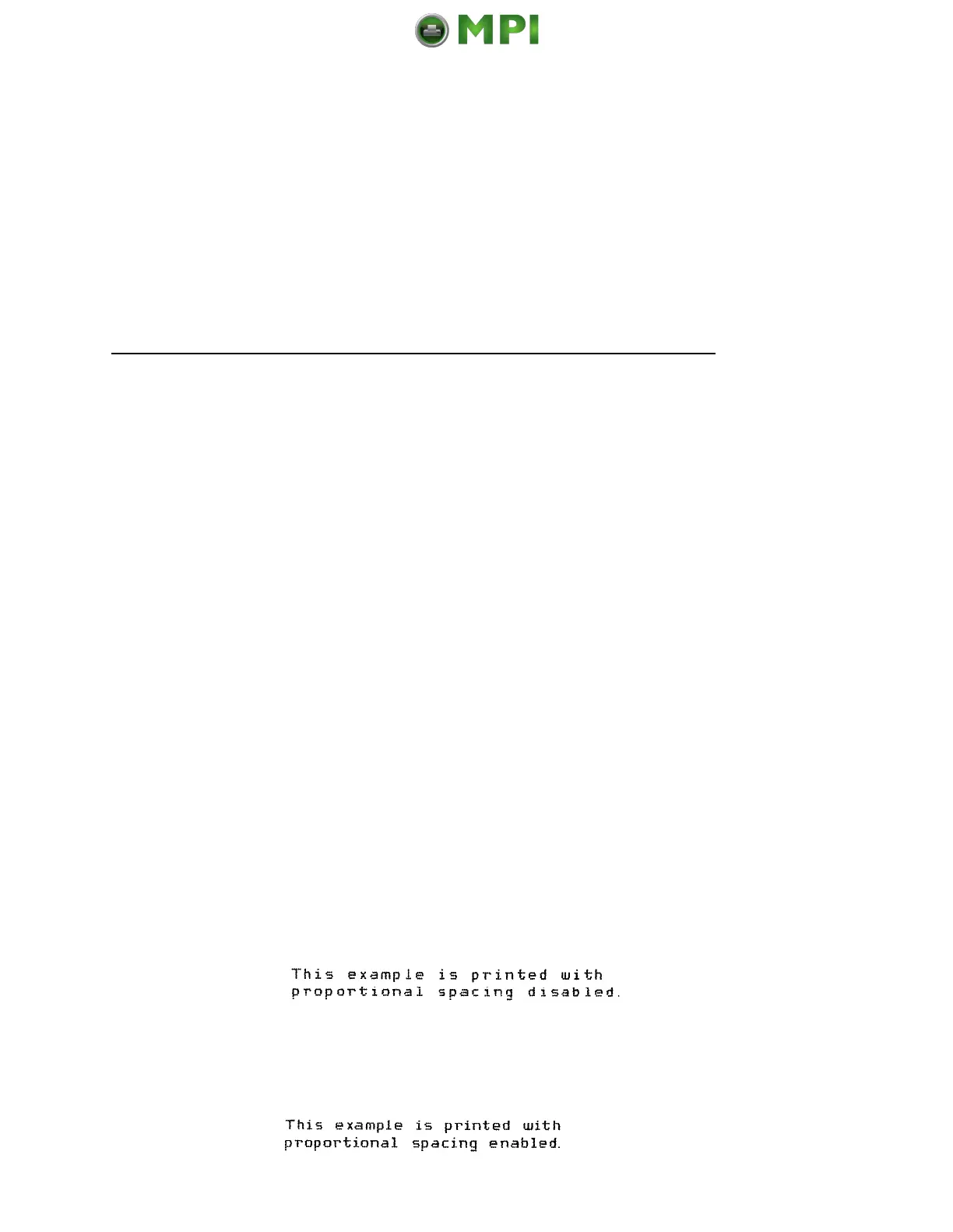
Proportional Spacing
Each printed character is contained inside a character cell. The
width of the character cell includes the character and the space
around the character.
• Disable. Each character cell is printed with the same width.
Each column in the printed text will line up.
• Enable. The width of each character cell varies with the width
of the character. For example, [i] takes less space to print than
[m]. Using proportional fonts generally increases the readability
of printed documents, giving text a typeset appearance.
Mantenimiento Periféricos Informáticos SL C/Canteras, 15 28860 Paracuellos de Jarama Tel: 00 34 917481604 WEB: https://mpi.com.es












 To Next Page