Chapter 2 Printer Component Locations
20
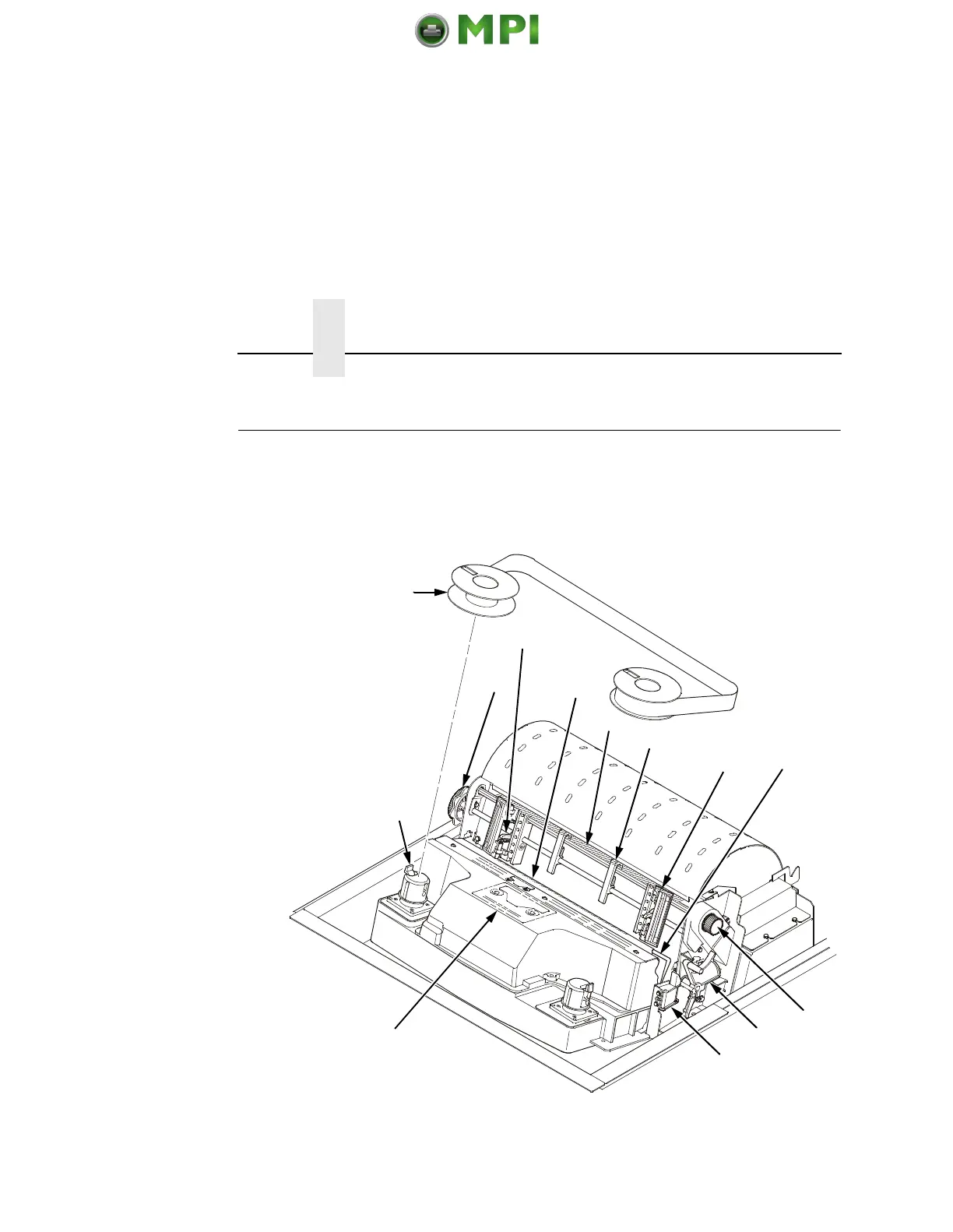
Printer Component Locations
Familiarize yourself with the names and locations of the printer
components, shown in Figure 2, before continuing with the rest of
the installation procedure.
Figure 2. Printer Component Locations
1
2
3
4
5
6
7
8
9
10
11
12
13
Mantenimiento Periféricos Informáticos SL C/Canteras, 15 28860 Paracuellos de Jarama Tel: 00 34 917481604 WEB: https://mpi.com.es












 To Next Page