Chapter 2 Remove Packing Materials
24
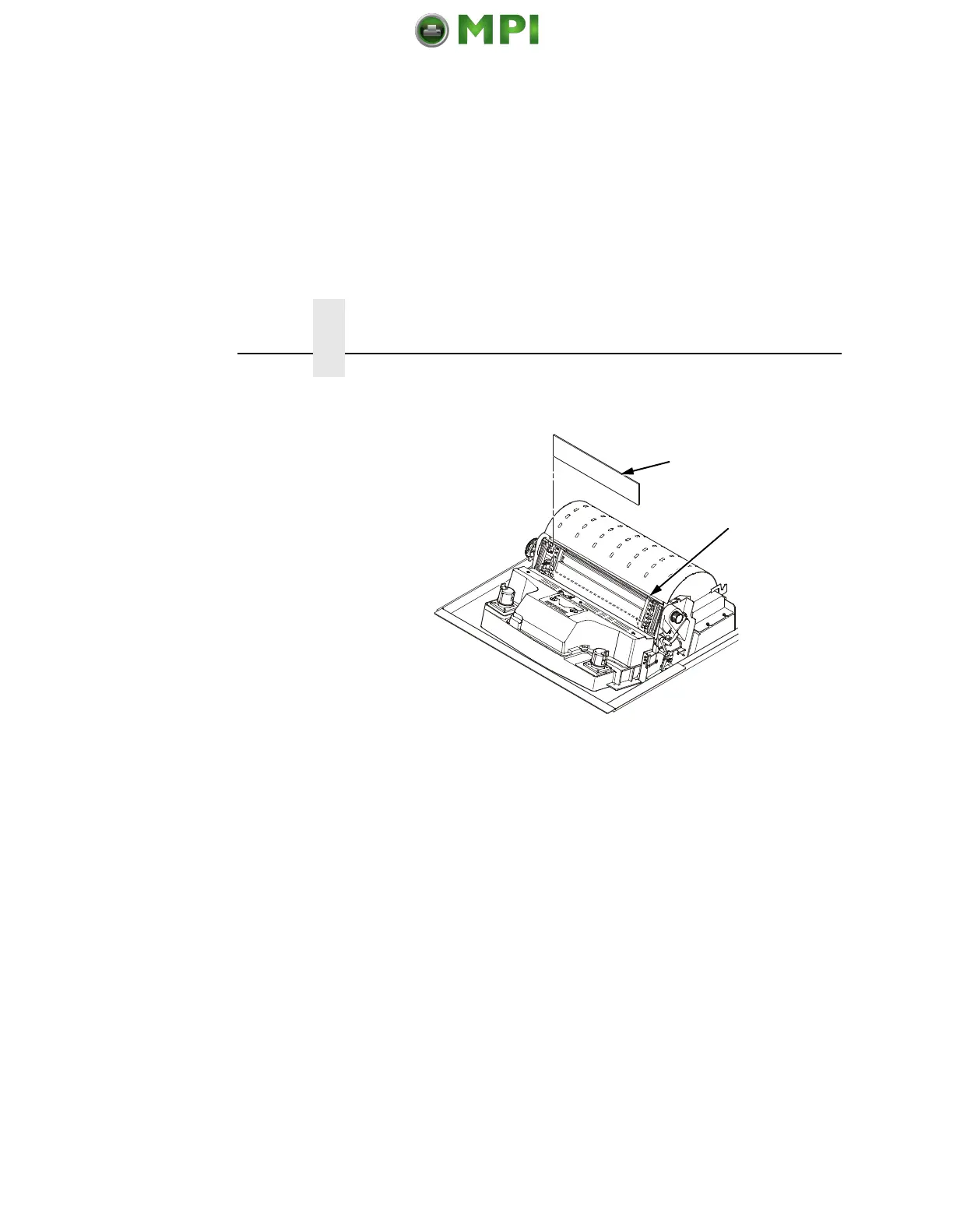
6. Slide the paper supports (
6) outward as far as they will go. Lift
the hammer bank protective foam (5) and remove it from
between the ribbon mask and the platen.
5
6
Mantenimiento Periféricos Informáticos SL C/Canteras, 15 28860 Paracuellos de Jarama Tel: 00 34 917481604 WEB: https://mpi.com.es












 To Next Page