36
Chapter 2 Loading Fanfold Media
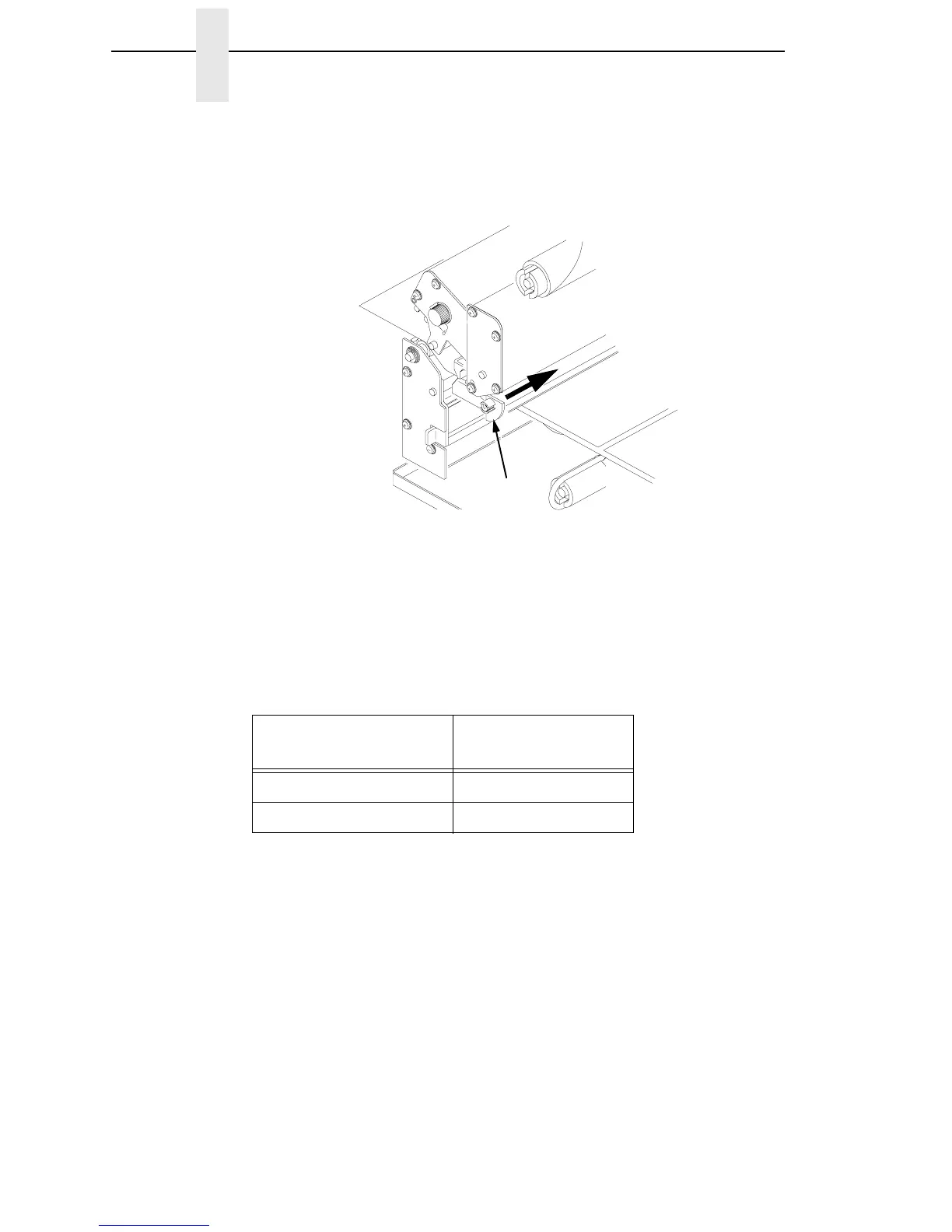
7. Rotate the media width adjustment tab down and slide it over until it is
flush with the fanfold media. Check the location of the media sensor, and
refer to “Sensor Assembly Horizontal Adjustment” on page 47.
Legend:
1) Media Width Adjustment Tab
8.
Close the printhead by pressing down on both sides of the front of the
printhead assembly.
9.
Adjust the label pressure control knob to match the width of the label
stock in use.
Label Width
Pressure Control
Knob Settings
2 inches or Less 2 inches
Greater Than 2 inches 4 inches
1



 To Next Page