37
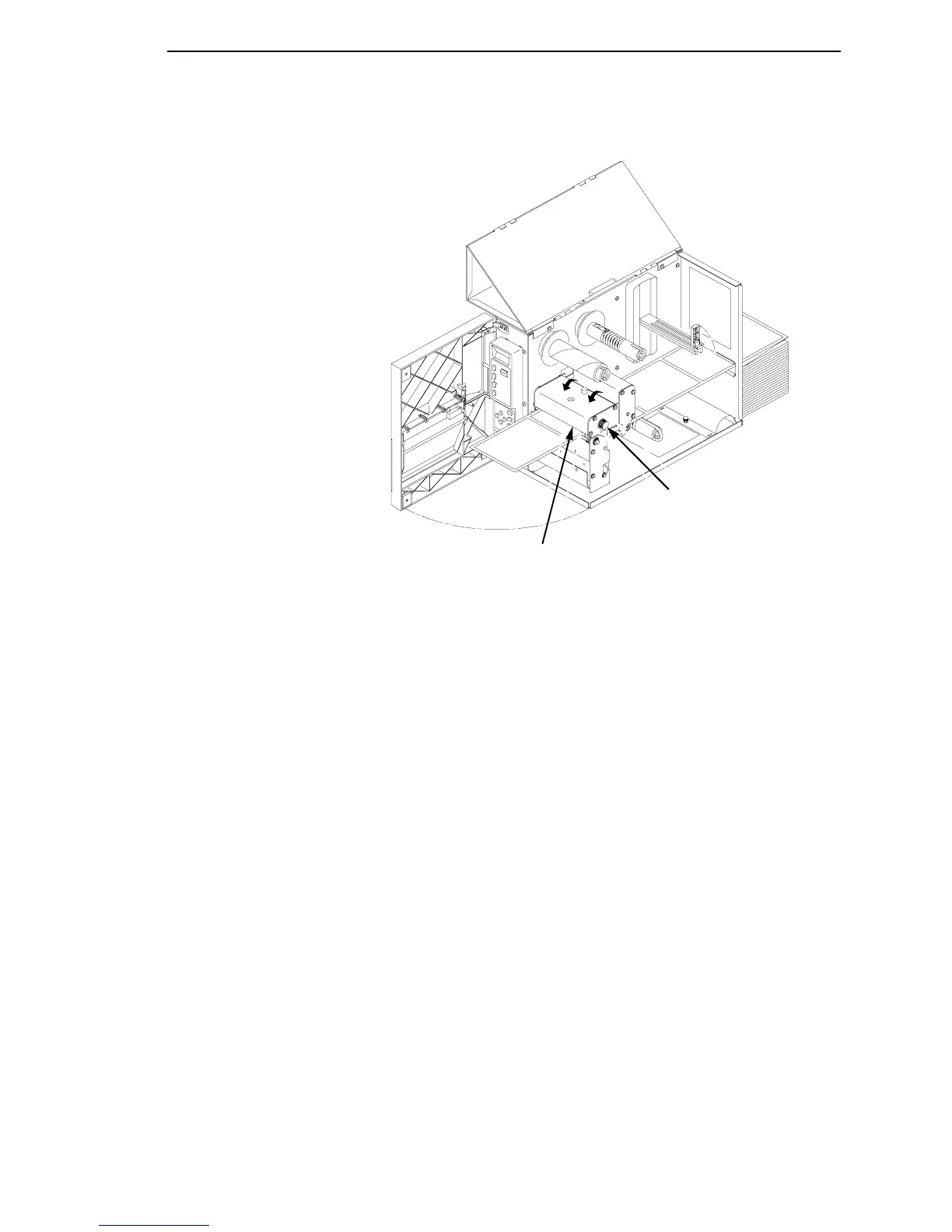
Legend:
1) Printhead Assembly
2) Label Pressure Control Knob
CAUTION
Ensure the printhead is down and latched before attempting to print.
Failure to do so may cause a premature failure of the printhead.
10. Press the FEED key once to verify that the labels advance.
Verify that Print Mode in the Printer Configuration Menu is set for the
media type installed (Direct or Transfer). If Thermal Transfer media is
installed, see “Loading Ribbon” on page 38. The Print Mode submenu is
located in the PRINTER CONTROL Main Configuration menu. See
“Printer Control Menu” on page 91 for more information. Close the
printer’s front door and top (and side) cover if the rewind or thermal
transfer options are not needed.
11.
Press the PAUSE key to place the printer online.
The printer is now ready for printing.
IMPORTANT
The printer will not automatically detect a fault condition when the
printhead is open. When using Transmissive or Reflective media, if the
printhead assembly is opened and media is moved, repositioned, or
replaced, the FEED key must be pressed after the printhead is locked for
media to advance to the Top-of-Form position.
1
2



 To Next Page