74
Chapter 3 Menu Options
Example 2: Uneven Number Case
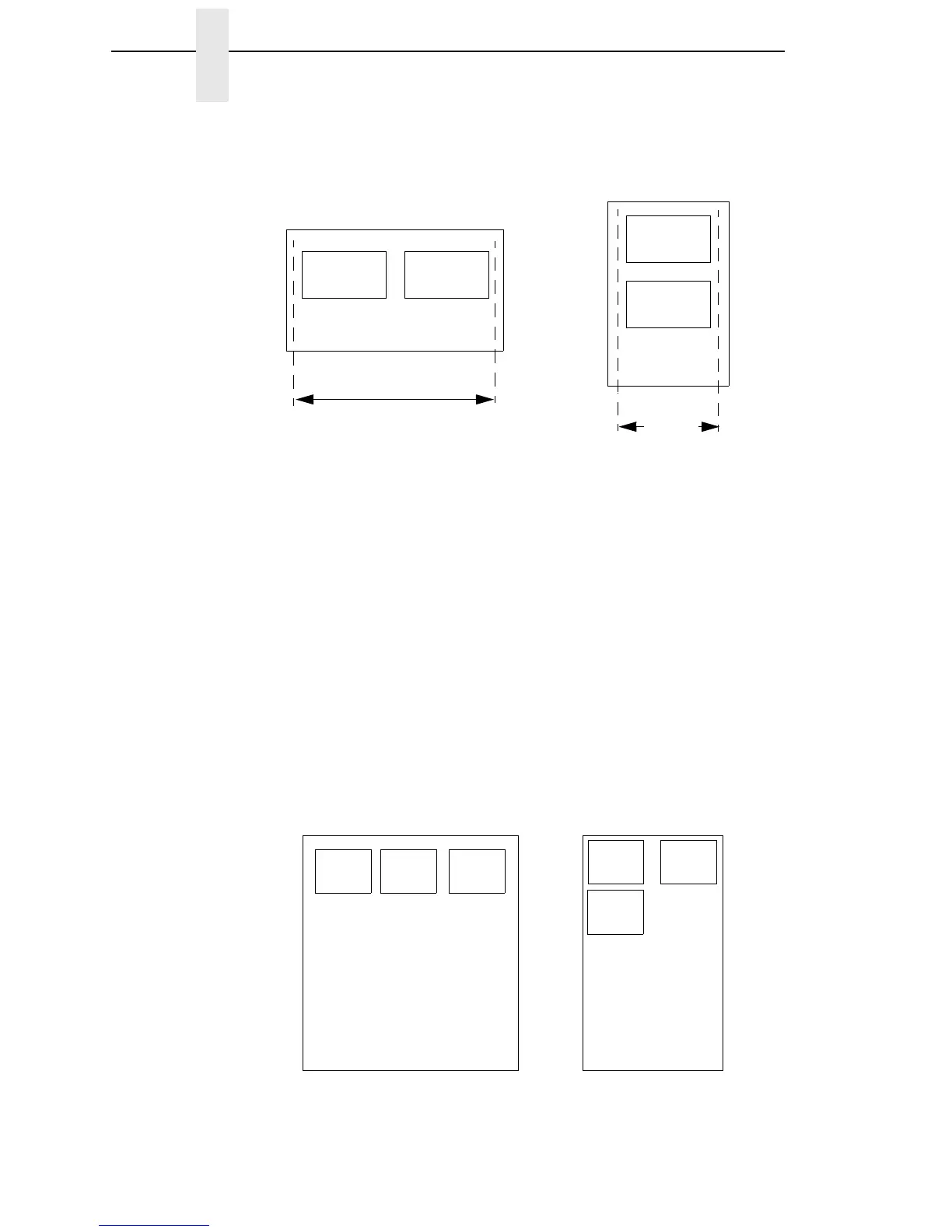
Problem: A file has been constructed with three horizontally adjacent 2 inch
labels. The user now desires to use this file with a printer that has a 4 inch
physical width.
Solution #1: The user sets
Auto Label Width
to 4 inches (the width of two
labels), configures the
Num Auto Labels
to 2, and enables the Auto Label
Mapping feature.
Printer Operation for Solution #1: The printer will print the first two labels at
the same time. These first two labels will be horizontally adjacent. Once these
labels have been completed, the printer will print the remaining 2 inch label
along with a blank 2 inch label.
Label 1 Label 2
Label 1
Label 2
Line-Matrix Printer Output
Thermal Printer Output
Wide Web Width
Narrow
Web
Width
Label
1
Label
2
Label
3
Label
1
Label
2
Label
3
Blank
Label
File Contents:
Print Output:



 To Next Page