MAINT / MISC Menu
75
Solution #2: The user sets
Auto Label Width
to 2 inches, configures the
Num
Auto Labels
to 3, and enables the Auto Label Mapping feature.
Printer Operation for Solution #2: The printer will print the first 2 inch label
by itself, the second 2 inch label by itself, and finally, the last 2 inch label by
itself.
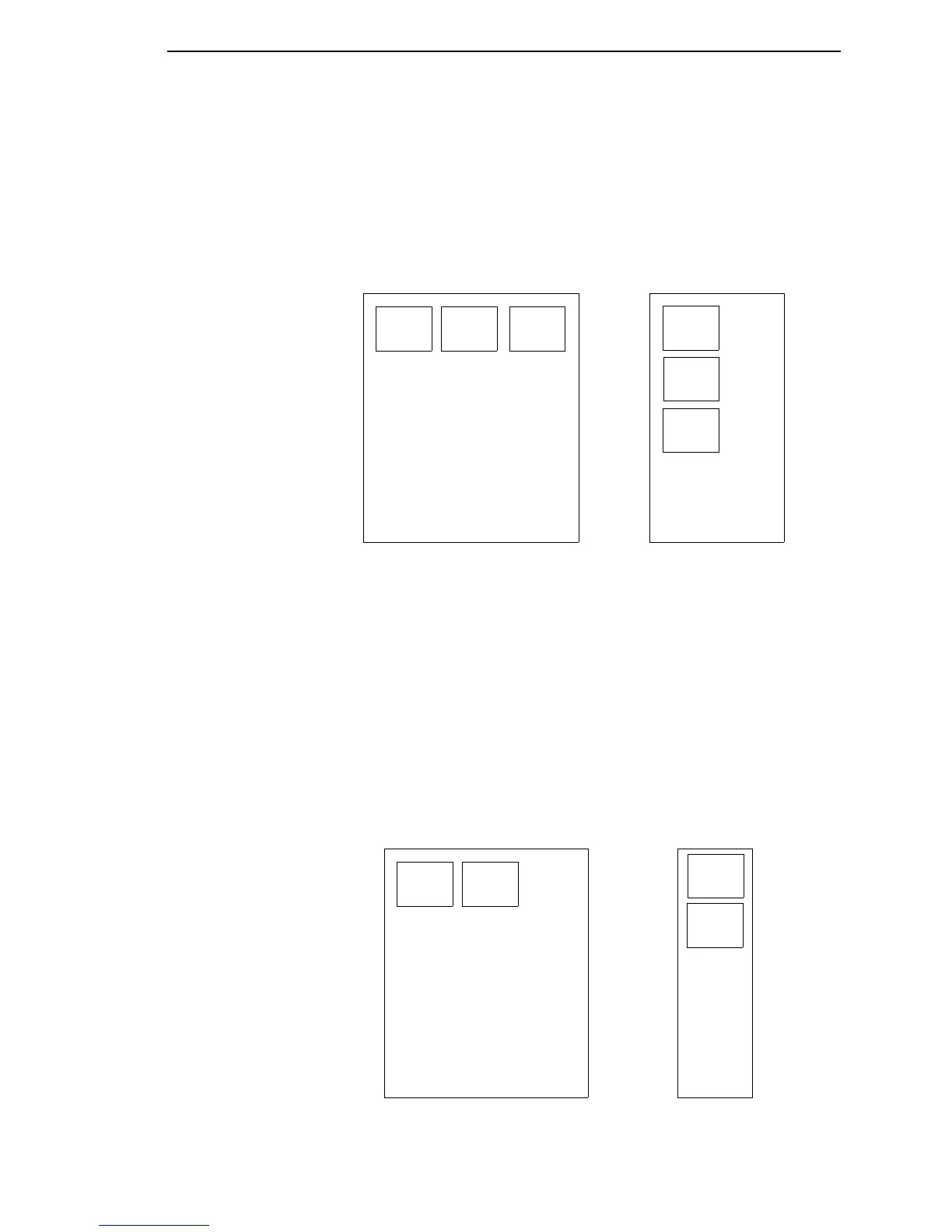
Example 3: Blank Label Case
Problem: A file exists with two horizontally adjacent 4 inch labels. The user
now desires to use this file with a printer that has a 4 inch physical width. The
user decides to set the
Num Labels
to 3 and the
Label Width
to 4 inches
despite the fact that these values are not optimum.
Printer Operation: The maximum
Num Auto Labels =
(47 inches/4 inches) =
11. The selected value of 3 is legal. After the file is sent, the printer will begin
by printing the first 4 inch width label. Once that label is complete, it will print
the second 4 inch width label. Finally, once both of those labels have been
printed, the printer will print a blank 4 inch label.
Label
1
Label
2
Label
3
Label
1
Label
2
Label
3
Label
1
Label
2
Label
1
Label
2
File Contents:
Print Output:
Blank
Label



 To Next Page