System Monitor
104
User-Friendly Map-View Interface
Taking advantage of web-based features, System Monitor provides map-view interface and
leverages Google and Baidu maps to help administrators locate and manage their devices more
easily. In addition to the maps, System Monitor also provides for building diagrams to help pinpoint
device locations in offices, factories, or wherever. System Monitor provides a user-friendly
interface in an overall easy-to-use environment.
NOTE: Baidu maps or Beidu maps is a Chinese online mapping service.
System Monitor Client (Desktop)
This procedure describes the User Login/Logout interface:
Step Description
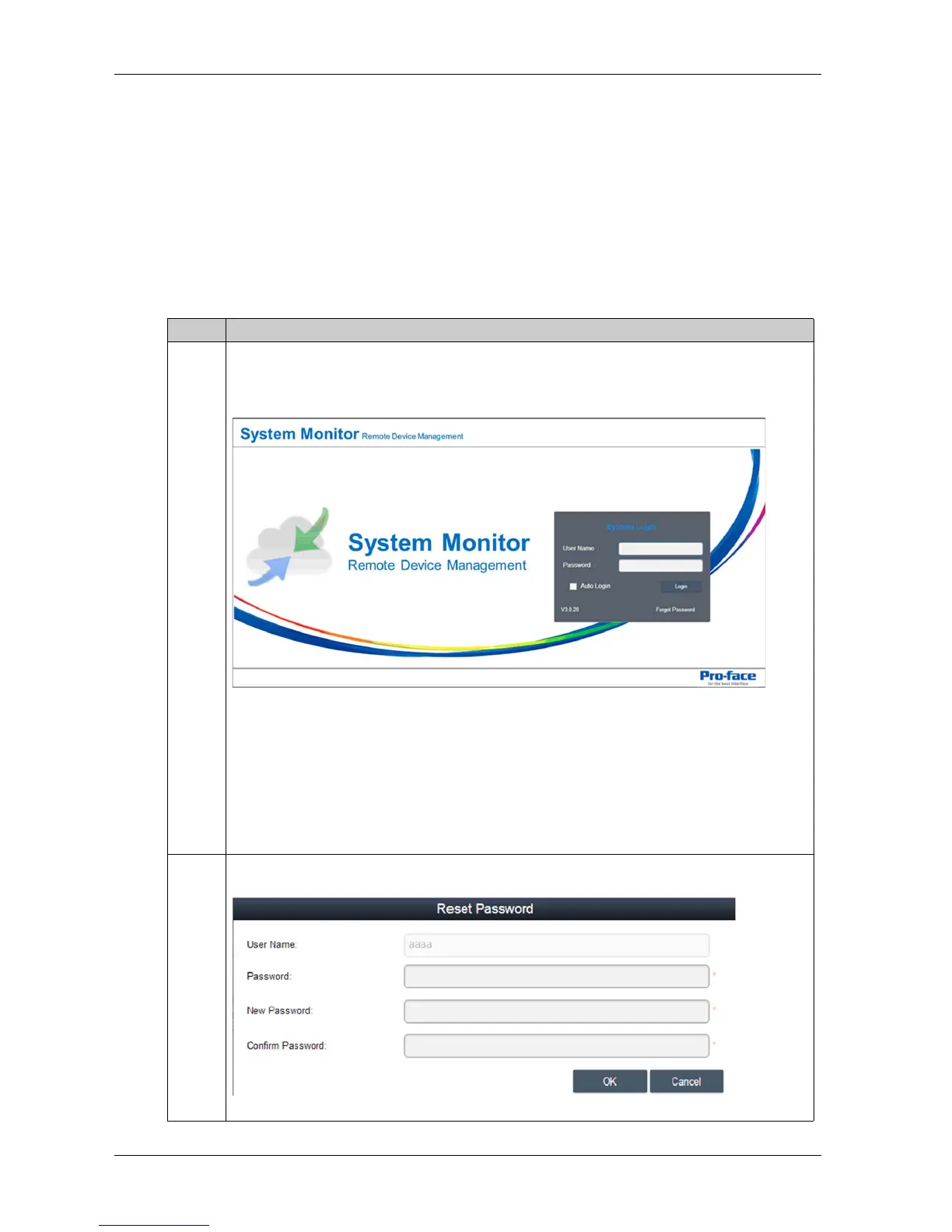
1 The System Monitor supports mainstream browsers like Chrome, Firefox, Internet Explorer and
Safari. The portal page supports multi-language and auto-detects the language currently used by
browsers for default displaying. You can select the language from the menu at top-right corner to
change manually:
User Log In
You can input valid user name, password, and click Login to verify and enter main
management page (by default the user is admin and password admin).
Check Auto Login to allow users to cache login information and auto login each time.
NOTE: For security concerns, do not check this option if you are using a public PC.
If you forget your password, click Forgot Password. Put the registered user email in the prompt
dialog after it has auto resent the password to your email.
2 Changing Password for First log in: For the first successful login, new user can change their
password or bypass it:



 To Next Page