Configuration of the BIOS
54
BIOS Main Menu
General Information
BIOS stands for Basic Input Output System.
The BIOS Setup Utility lets you modify basic system configuration settings.
NOTE: To enter BIOS setup, press DEL key during startup.
Main Tab
When you press the [DEL] key during startup, the Main BIOS setup menu appears.
This screen, like all the BIOS screens, is divided into three frames:
Left: This frame displays the options available on the screen.
Upper right: This frame gives a description of the user selected option.
Lower right: This frame displays how to move to other screens and the screen edit commands.
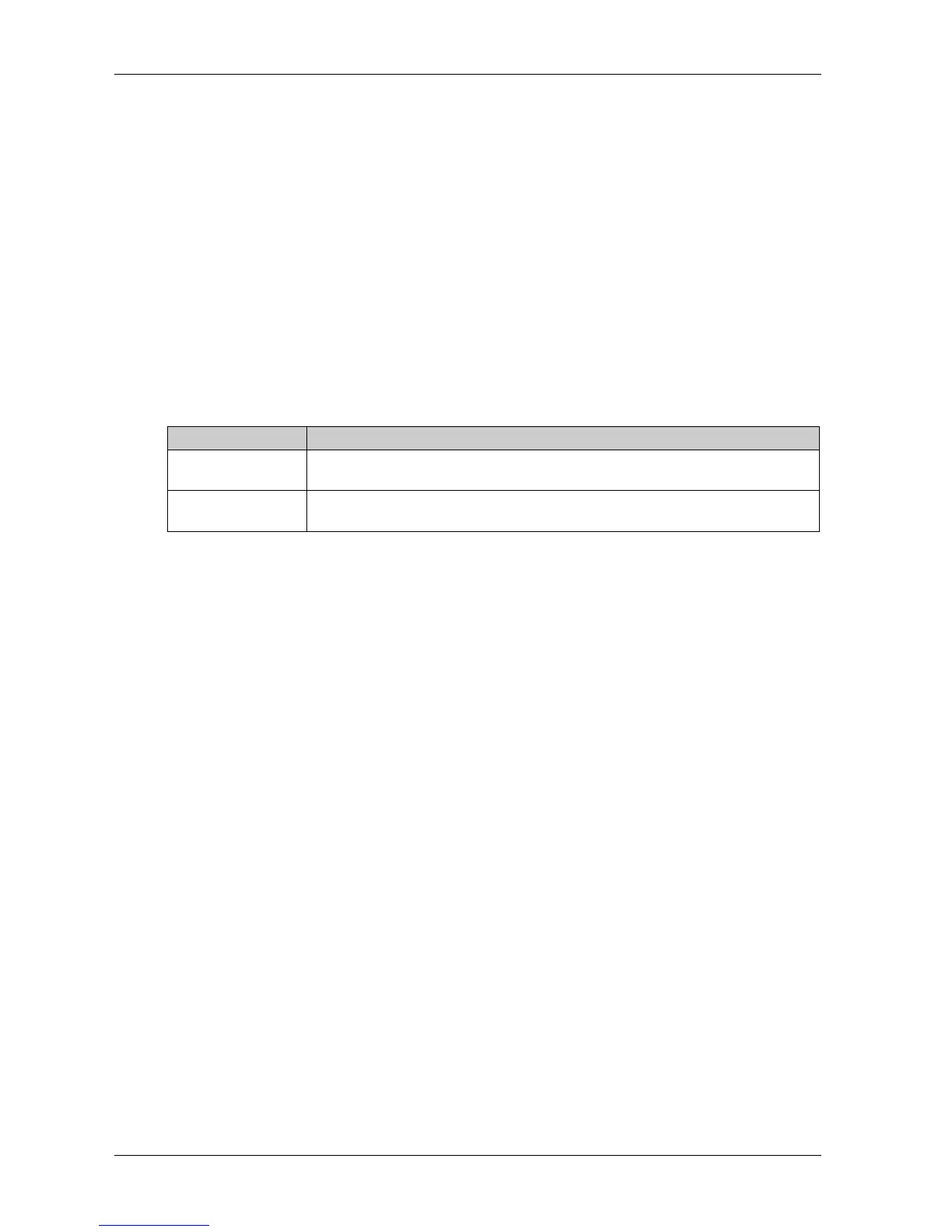
This table shows the Main menu options that can be set by the user:
NOTE: The grayed-out options on all BIOS screens cannot be configured. The blue options can be
configured by the user.
BIOS setting Description
System Time This is the current time setting. The time must be entered in HH:MM:SS format. The
time is maintained by the battery (CMOS battery) when the unit is turned off.
System Date This is the current date setting. The date must be entered in MM/DD/YY format. The
date is maintained by the battery (CMOS battery) when the unit is turned off.



 To Next Page