PS5000 Series (Slim Panel Type Atom Model) User Manual
81
Switch and Jumper Settings
The jumper JP1 on the position 0 (default), load default while reset (default). The jumper JP1 on
the position 1 (enabled), keeps the last status after reset.
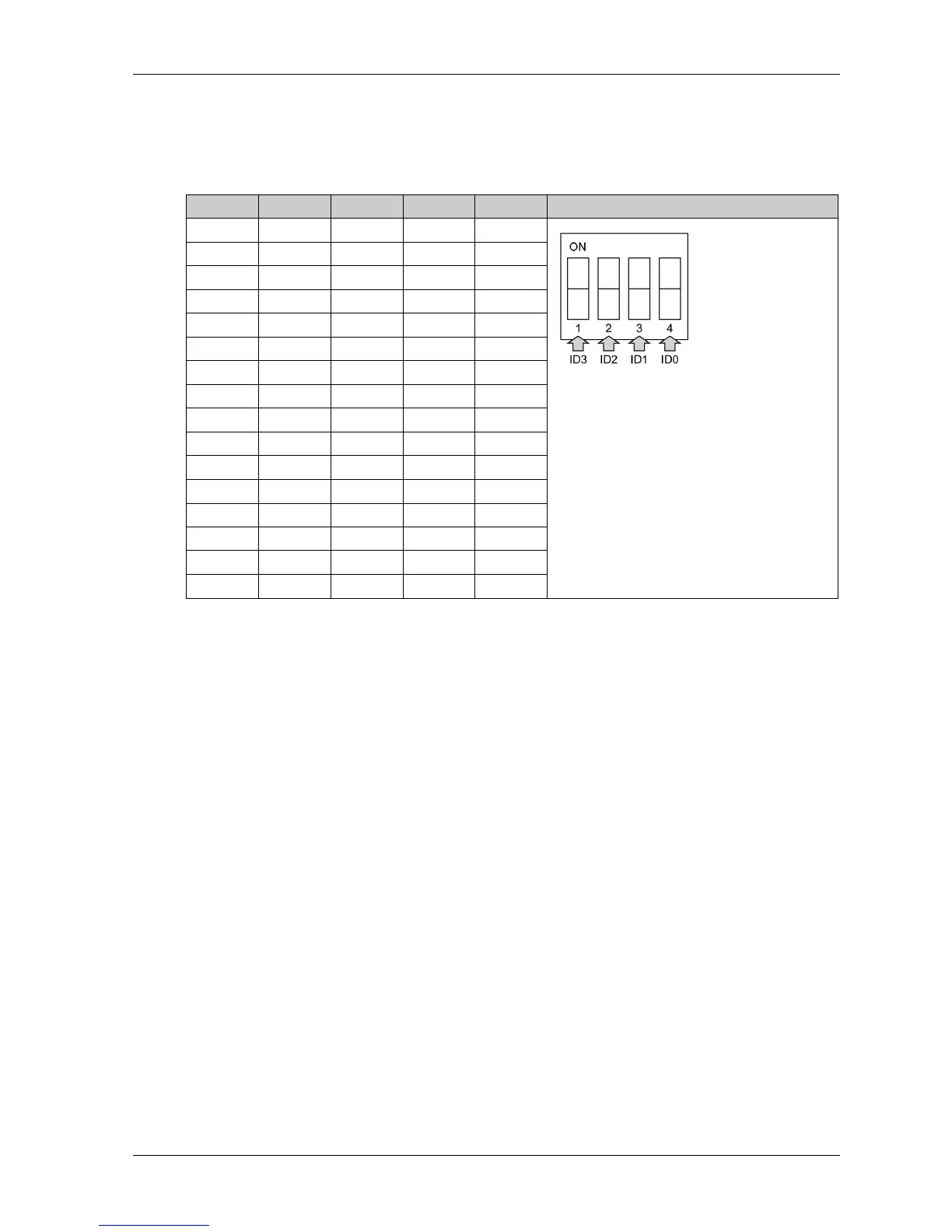
The table shows the switch SW1 to set the ID of the 16DI/8DO interface modules:
Device Manager and Hardware Installation
Install the driver before you install the interface module into the Slim Panel. The driver installation
media for the 16DI/8DO interface module is included with the package. After the interface module
is installed, you can verify whether it is properly installed on your system through the Device
Manager
NOTE: If you see your device name listed on it but marked with an exclamation sign !, it means
that your interface module has not been correctly installed. In this case, remove the device from
the Device Manager by selecting its device name and press the Remove button. Then go through
the driver installation process again.
After the 16DI/8DO interface module is properly installed into the Slim Panel, you can now
configure your device using the navigator.
ID3 ID2 ID1 ID0 ID Switch SW1
11110
11101
11012
11003
10114
10105
10016
10007
01118
01109
010110
010011
001112
001013
000114
000015



 To Next Page