All Info Copyright © Pro Spot International Inc.
4 - Operation
Page 12
4.2.3 i5 Touch Screen Control
i5
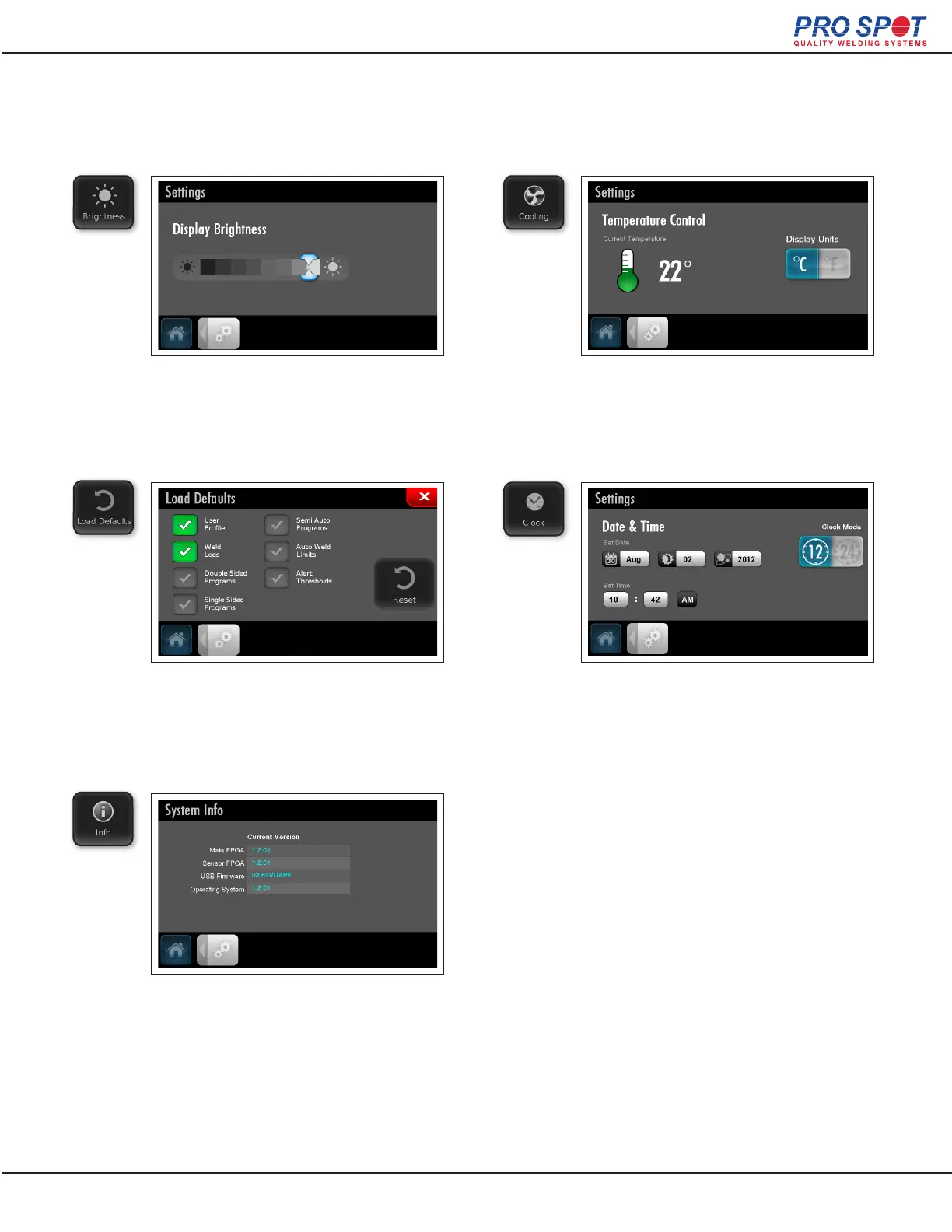
Global Settings
Use the slide bar to change the
brightness of the display.
Select parameters to reset to
manufacture settings, then hit the
reset button.
View software version details.
View Trans. Gun Temperature and
change temperature formatting.
Set the date and time, and change
time formatting.
19



 To Next Page