- 9 -
Pro Spot PR-8
GB/US/2000-08 PRO SPOT
D. Operation
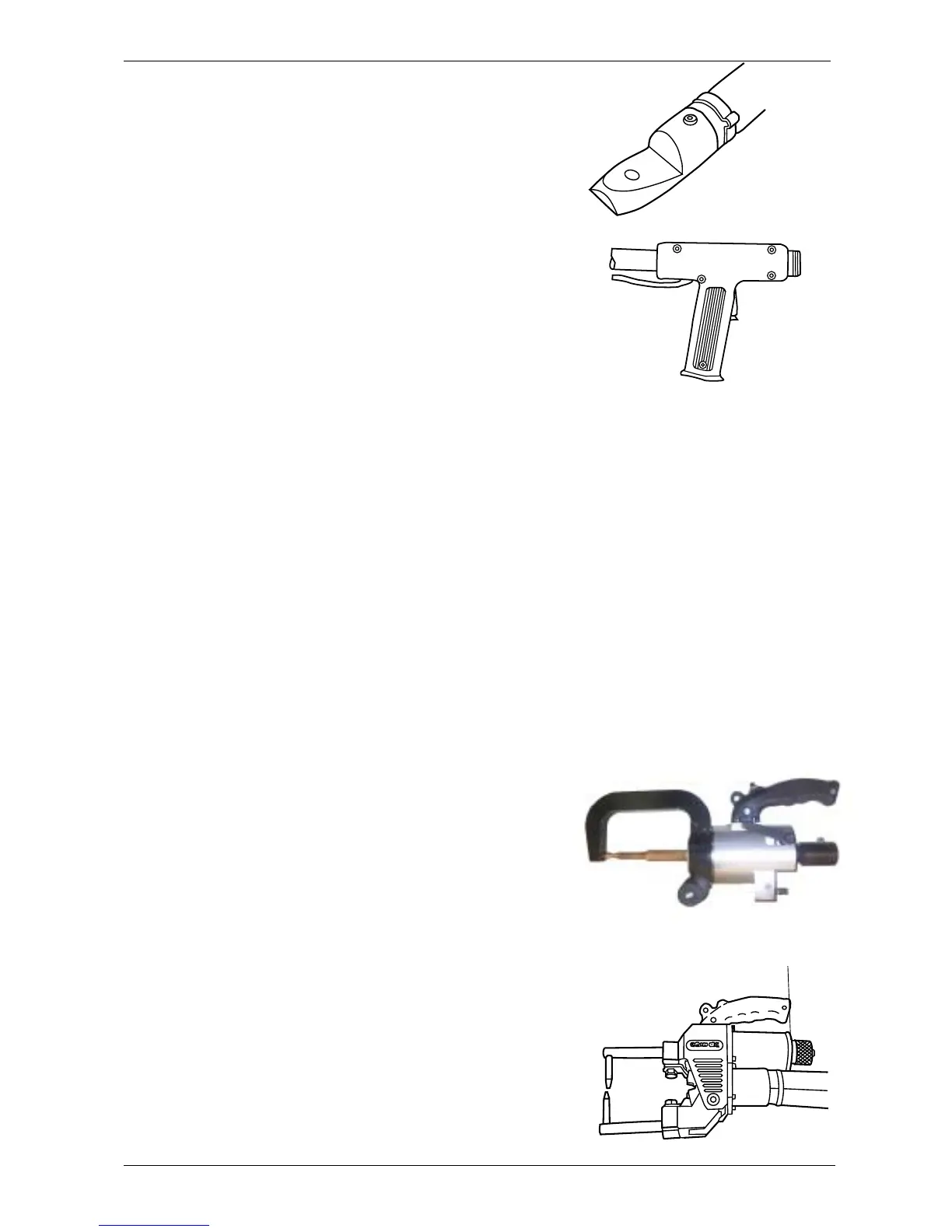
Nut
D1. Welding tools
The PR-8 has two 150 mm² screened, air-cooled welding
current cables, with connectors for the welding tool to be
used.
Select the welding tool(s) that is/are suitable for the repair
work to be performed.
D2. Mode selection
There are six different operating modes, each with ten
programs.
Select the required operating mode by pressing the S
pushbutton.
Select the required program and/or output power using the
+ pushbutton.
Description of operating cycles:
Operating Mode 1 (swaging, heating – graphite arc
tool)
Current flows when the operator presses the trigger.
Current stops when the operator releases the trigger.
Operating Modes 2, 3 and 4 (washer, stud and
single-sided welding)
When pressing the trigger, the welding cycle starts and
stops automatically. Keep the pressure on the tool until the
machine shows the goahead signal.
Operating Mode 5 (C and X tongs, double-sided spot
welding)
Pressing the trigger starts the following programmed
sequence:
- Current flows after a half-second delay when the opera-
tor presses the trigger. This is referred to as the squeeze
sequence.
- The welding electrodes close.
- Welding current flows.
- The electrodes are held closed to ensure a reliable spot
weld.
Release the trigger to release the welding electrodes and
move them to the next position. Turn the nut on the rear of
the pneumatic cylinder to adjust the width of opening of the
tongs. Turn the nut anti-clockwise to increase the opening
and clockwise to decrease it.



 To Next Page