3433
Setting the Humidity
Technician Setup Menu
Tech Setup Steps
Adjustment Options
Default
LCD Will Show
This feature uses both air
temperature and the relative
humidity to control the indoor
temperature based on how
it actually feels for people to
maximize comfort.
Comfort
Temperature
(Only displayed
if humidity is
turned “ON”)
Enables a reminder for the user to
change the humidity pad.
Humidity
Pad
Reminder
If ON is selected the ambient
temperature will operate
o of a combination of the
air temperature and the
relative humidity. When OFF
the ambient temperatures
will operate o of the air
temperature only. The
thermostat will show the
comfort index in the ambient
temp area and drive the
heating and cooling based
on this.
COMFORT TEMP
Use the or key to
select OFF, 600, 1000, 1500,
or 2000. These represent
hours of heat operation.
OF
Enables a reminder for the user to
change the UV light bulb.
UV Lamp
Reminder
Use the or key to
select OFF, 1 YR, 2 YR
OFF
UV LAMP
OFF
OFF
HUMIDITY PAD
Enables a reminder for the user
to change the IAQ Cell after
25,000 hrs.
IAQ Cell
Reminder
Use the or buttons to
select OFF, or 25 (stands for
25,000 hours).
This tech setting will select
the desired humidity level for
Summer Away Mode.
Note: The thermostat will default
to the Dehumidify set point when
this feature is enabled.
Summer
Away Mode
Humidity
Use the and buttons
to select the humidity level
for Summer Away Mode.
OFF
75
IAQ CELL
OFF
SUMMER AWAY
Humidity %
OFF
OFF
OFF
Ambient
Temperature
20%-25% 26%-35% 36%-45% 46%-55% 56%-65% 66%-75% 76%-85% 86%-90%
Comfort Temperature Index
50
51
52
53
54
55
56
57
58
59
60
61
62
63
64
65
66
68
69
70
71
72
73
74
75
76
77
78
79
80
81
82
83
84
85
86
87
88
89
90
50 50 50 50 50 50 50 50
50.6 50.7 50.7 50.9 51 51 51 51.2
51.2 51.5 51.5 51.7 52 52 52 52.5
52.3 52.5 52.5 52.8 53 53 53 53.5
52.9 53.3 53.3 53.6 54 54 54 54.8
53.5 54 54 54.5 55 55 55 56
54.1 54.6 54.7 55.3 56 56 56 57
54.7 55.2 55.4 56.2 56.9 56.9 56.9 57.9
55.8 56.3 56.6 57.3 58.1 58.1 58.1 59.1
56.4 56.9 57.3 58.2 59 59 59 60
57 57.5 58 59 60 60 60 61
58 58.5 59.1 60.1 60.9 60.9 61.1 61.9
58.9 59.4 60.1 61.1 61.9 61.9 62.1 62.9
60.1 60.6 61.4 62.4 63.1 63.1 63.4 64.1
61 61.6 62.4 63.4 64.1 64.1 64.4 65.1
62 62.5 63.5 64.5 65 65 65.5 66
62.7 63.3 64.3 65.3 65.9 65.9 66.5 66.9
63.4 64.1 65.1 66.1 66.8 66.8 67.6 67.8
64.6 65.4 66.4 67.4 68.2 68.2 68.9 69.2
65.3 66.2 67.2 68.2 69.1 69.1 70 70.1
66 67 68 69 70 70 71 71
67.2 68.2 69.1 70.1 71.1 71.4 72.4 72.6
68.3 69.3 70.3 71.3 72.3 72.8 73.8 74.3
69.7 70.7 71.7 72.7 73.7 74.2 75.2 75.8
70.8 71.9 72.9 73.9 74.9 75.6 76.6 77.4
72 73 74 75 76 77 78 79
72.9 73.9 74.9 76.1 77.1 78.6 79.6 80.6
73.8 74.7 75.7 77.2 78.2 80.2 81.2 82.7
75.2 76.3 77.3 78.8 79.8 81.8 82.8 84.3
76.1 77.1 78.1 79.9 80.9 83.4 84.4 86.2
77 78 79 81 82 85 86 88
77.9 79.1 80.3 82.3 83.6 86.6 88.3 91
78.7 80.2 81.7 83.7 85.1 88.1 90.6 94.1
80.3 81.8 83.3 85.3 86.9 89.9 92.4 96
81.1 82.9 84.7 86.7 88.4 91.4 94.7 99
82 84 86 88 90 93 97 102
82.8 85.1 87.3 89.5 92 95.8 100.5 106.4
83.7 86.1 88.6 91.1 94.1 98.5 104 110.9
85.3 87.9 90.4 92.9 96 100.5 106.1 113.1
86.2 88.9 91.7 94.5 98 103.2 109.5 117.6
67
87 90 93 96 100 106 113 122
35
Setting Target Humidity Setpoint
Follow the steps below to change your target humidity setpoint.
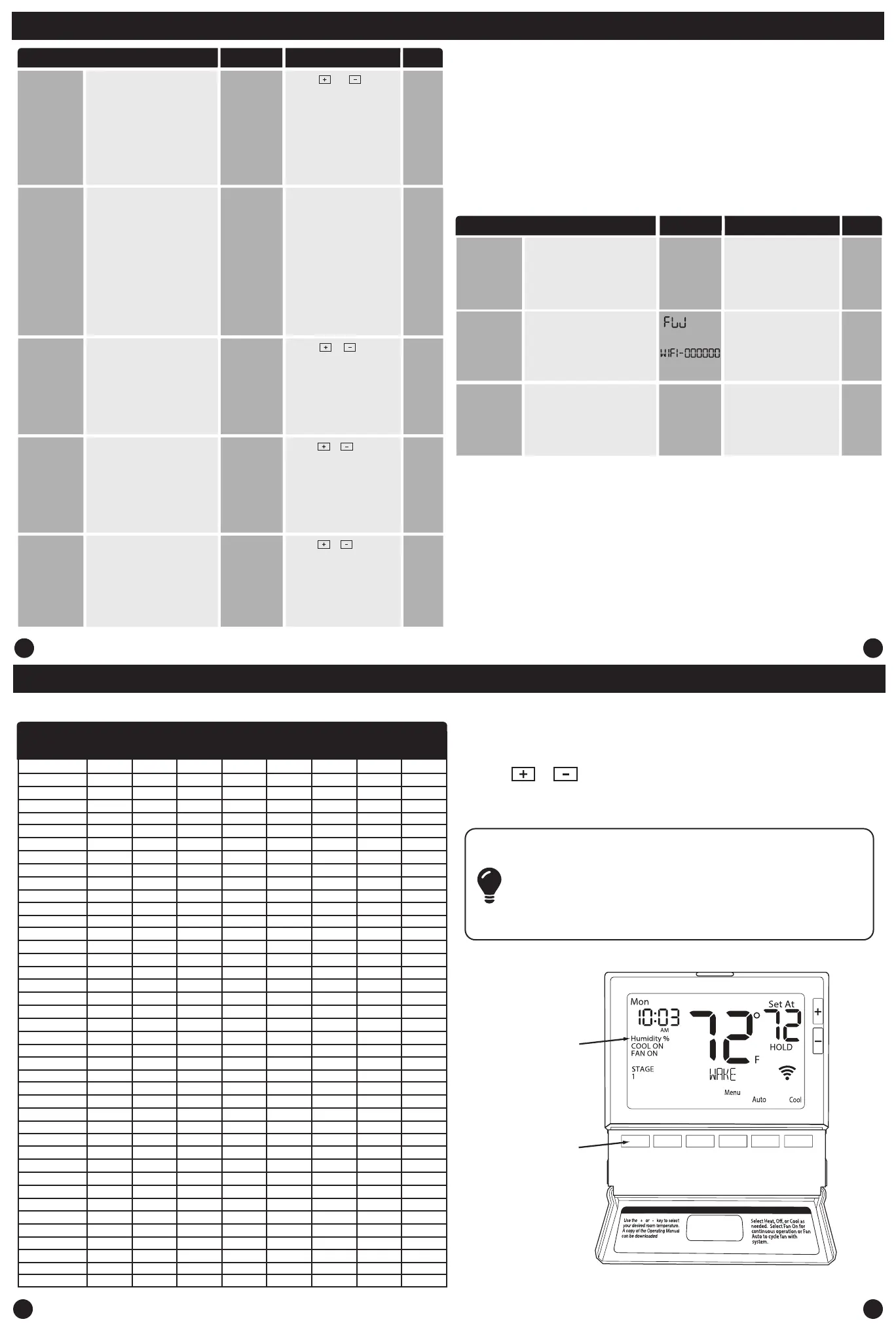
Press the HUMIDITY key
Use the or key to select the target humidity setpoint.
Press DONE when completed.
Note:
The target humidity setpoint is not programmable. Unlike
temperature, humidity does not change quickly and should not
be programmed.
Humidity is only energized during heat. Dehumidify is only
energized during cool. Heat and Cool each have their own target
setpoints.
Humidity Reading
Press key for
Humidity Reading
36
Setting the Humidity Setting the Humidty
WIFI Technician Setup Menu
This step allows you to reset the
thermostats WIFI connection
to change to a dierent WIFI
network.
WIFI
Provisioning
Reset
Press and hold YES for three
seconds to reset.
This step shows the version of
rmware that is installed on the
thermostat.
Firmware
Version
SSID
Number
This step shows the SSID number
of the thermostat. (The network it
is connected to)
Press NEXT to move to the
next step. Press DONE to exit.
WIFI Menu Adjustment Options Default
LCD Will Show
These steps/options are only used for trouble shooting, re-setting or
restoring to default the WIFI settings of the thermostat. They are not
needed for installation or initial setup.
1. Press the MENU button.
2. Press the WIFI button.
3. Congure the WIFI options as desired using the table below.
Use the + or - keys to change settings and the NEXT
or PREV key to move from one step to another.
Note: Only press the DONE key when you want to exit the WIFI Menu
DELETE
NETWORK
SSId
SSId HERE
N/A
N/A
N/A
Press NEXT to move to the
next step. Press DONE to exit.
(Only displayed
if summer away
mode is turned
“ON”)


 To Next Page
 Loading...