Thermostat OperationThermostat Operation
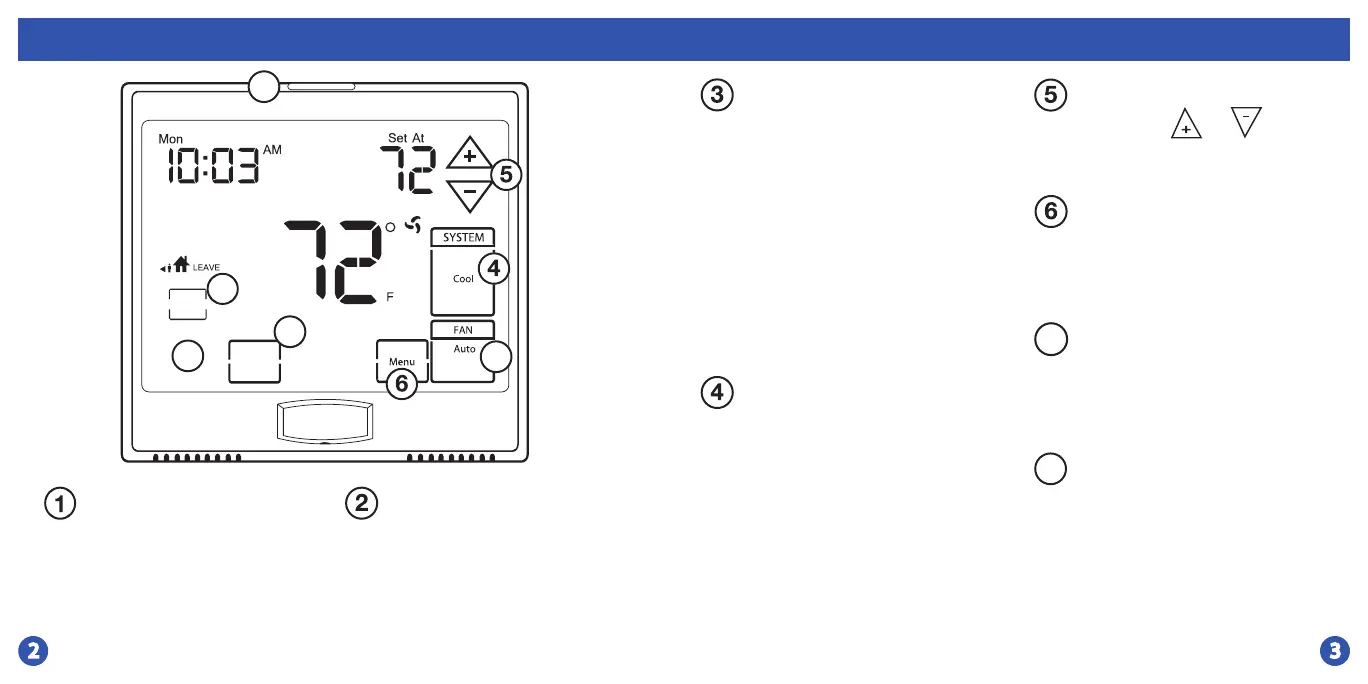
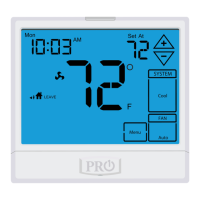
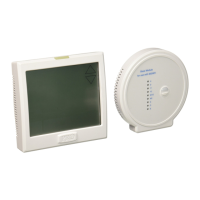
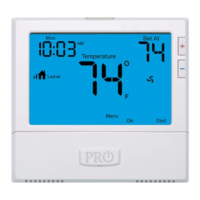
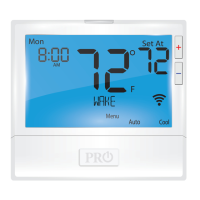
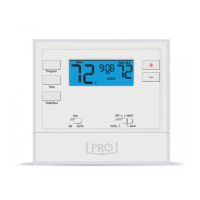
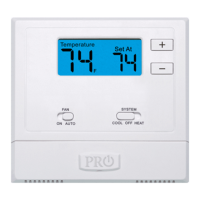
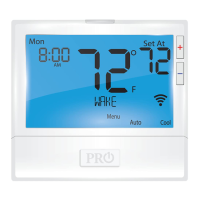
LCD Display
Glow in the dark light button
Fan Key
System Key
Temperature Setpoint Buttons
See page 4 for details about
this display read out.
The glow in the dark light
button will self illuminate
for several hours after
exposure to ambient light.
This button turns on the
display light when pressed.
Select ON or AUTO. The ON
key will run the fan
continuously. The AUTO key
will cycle the fan on only
when the heating or cooling
system is on. A Note About
Programmable Fan: The
programmable fan feature will run the
fan continuously during any time
period it is programmed to be on. This
is the best way to keep the air
circulated and to eliminate hot & cold
spots in your building.
Selects the operation mode of
your HVAC system. Selecting
HEAT turns on the heat mode.
Selecting COOL turns on the
air conditioning mode.
Selecting OFF turns both
heating and cooling o.
Selecting AUTO will turn the
HEAT or COOL on as needed.
Press the or
buttons to select the
desired room temperature.
Menu Key
Use this key to set up your
programming options.
Refer to page 10 for
instructions.
8
7
Humidity Key
Use this key to enter the
target humidity setpoint
screen. Refer to page 8 for
instructions.
Next Zone
Use this key for
programming or to
navigate to multiple zones
if using indoor remote
sensors.
Temperature
Set Time
Next Zone
Clean
Display
Humidity
1
2
3
7
8







 To Next Page