Thermostat Quick Reference
Thermostat Quick Reference
2
3
7
9
12
1
3
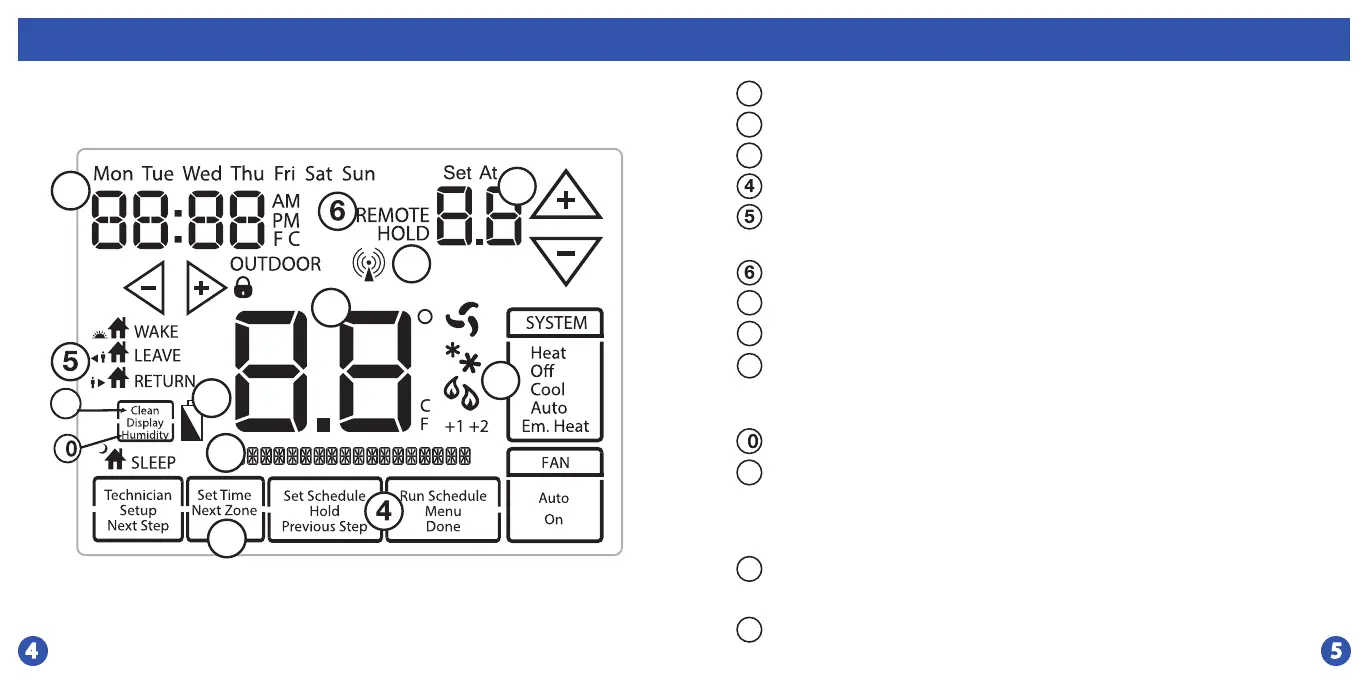
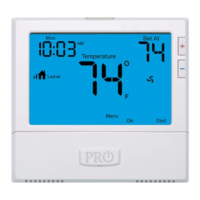
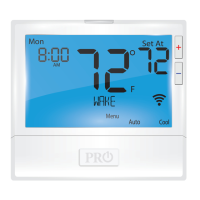
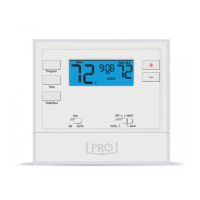
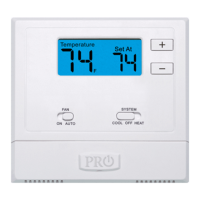
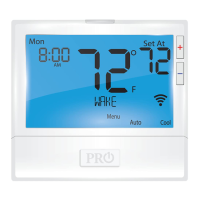
Indicates the current room temperature
Time and day of the week
REMOTE indicates a remote has control of the system.
System Operation Indicators: The COOL, HEAT or FAN icon will display
when the COOL, HEAT or FAN is on. NOTE: The compressor delay feature is
active if these icons are ashing. The compressor will not turn on until the 5
minute delay has elapsed.
Setpoint: Displays the user selectable setpoint temperature
HOLD is displayed when thermostat program is permanently overriden.
1
2
3
7
9
Low Battery Indicator: Replace batteries when this indicator is shown.
Program Menu Options: Show dierent options during programming.
Period Icons - This thermostat can have 2 or 4 programmable time periods
per day. Icons are displayed for 4 time periods. Occupied and Unoccupied
will display in the text eld for 2 time periods.
8
11
1
Humidity: Shows the humidity target setpoint settings and keys.
Clean Display: Pressing CLEAN DISPLAY will allow 30 seconds to clean
the display. The keys will be inoperable during this time. CLEAN will appear
if your contractor has programmed a lter change reminder. Press and hold
CLEAN when lter has been replaced to reset the lter change reminder
timer.
12
Next Zone: This button will appear if optional indoor remotes are
present. By selecting NEXT ZONE you can cycle through each of the zones
set up during the initial installation and programming.
1
3
System Information: Shows several dierent informational functions.
1
8
1
11







 To Next Page