Programming Features
If appears in the display, then the keypad is locked. All or some of
the keys will not work. Hold the and keys for 3 seconds to
remove the lock. Use the same procedure to lock the display
Keypad Lockout Note:
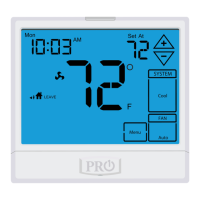
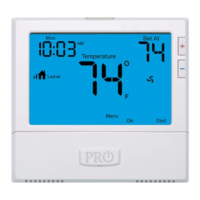
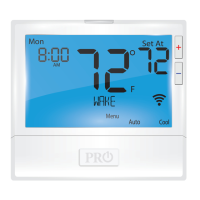
Temporary Hold: The thermostat will display HOLD and Run Sched-
ule on the bottom of your screen when you press the or
key. If you do nothing, the temperature will remain at this setpoint
temporarily for 4 hours. After this, the program setpoint will then
replace your temporary setpoint.
Permanent Hold: With a temporary hold set, if you press the HOLD
key at the bottom of your screen, you will see HOLD appear next to
the setpoint temperature in the display. The thermostat will now
permanently stay at this setpoint and can be adjusted using the
or keys.
To Return To Program: Press the Run Schedule key at the bottom of
your screen to exit temporary and permanent holds.
Temporary & Permanent Hold Feature







 To Next Page