Programming Programming
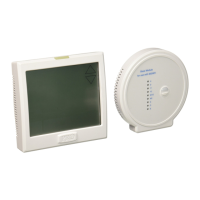
The NEXT ZONE key cycles through all sensors connected to your
wireless system.
SYSTEM AVERAGE shows the average ambient temperature of all
connected sensors.
LOCAL shows the ambient temperature of the thermostat only.
The name of the remote sensor will show and the ambient
temperature for that sensor will be displayed.
For more information please refer to the Indoor Remote Sensor User
Guide.
Next Zone (Only if indoor remote is connected)
4. Use the or key to make your time selection for that days
time period. Note: If you want the fan to run continuously during
this time period, select ON with the FAN key.
5. Then use the or key to make your setpoint selection for
that days time period.
6. Press Next Step.
7. Repeat steps 4 through 6 for that day’s other time periods.
Repeat steps 4 through 7 for the remaining days of the week.
The programmable fan feature will run the fan continuousy during
any time period it is programmed to be on. This is the best way to
keep the air circulated and to eliminate hot & cold spots in your
building.
A Note About Programmable Fan







 To Next Page