25
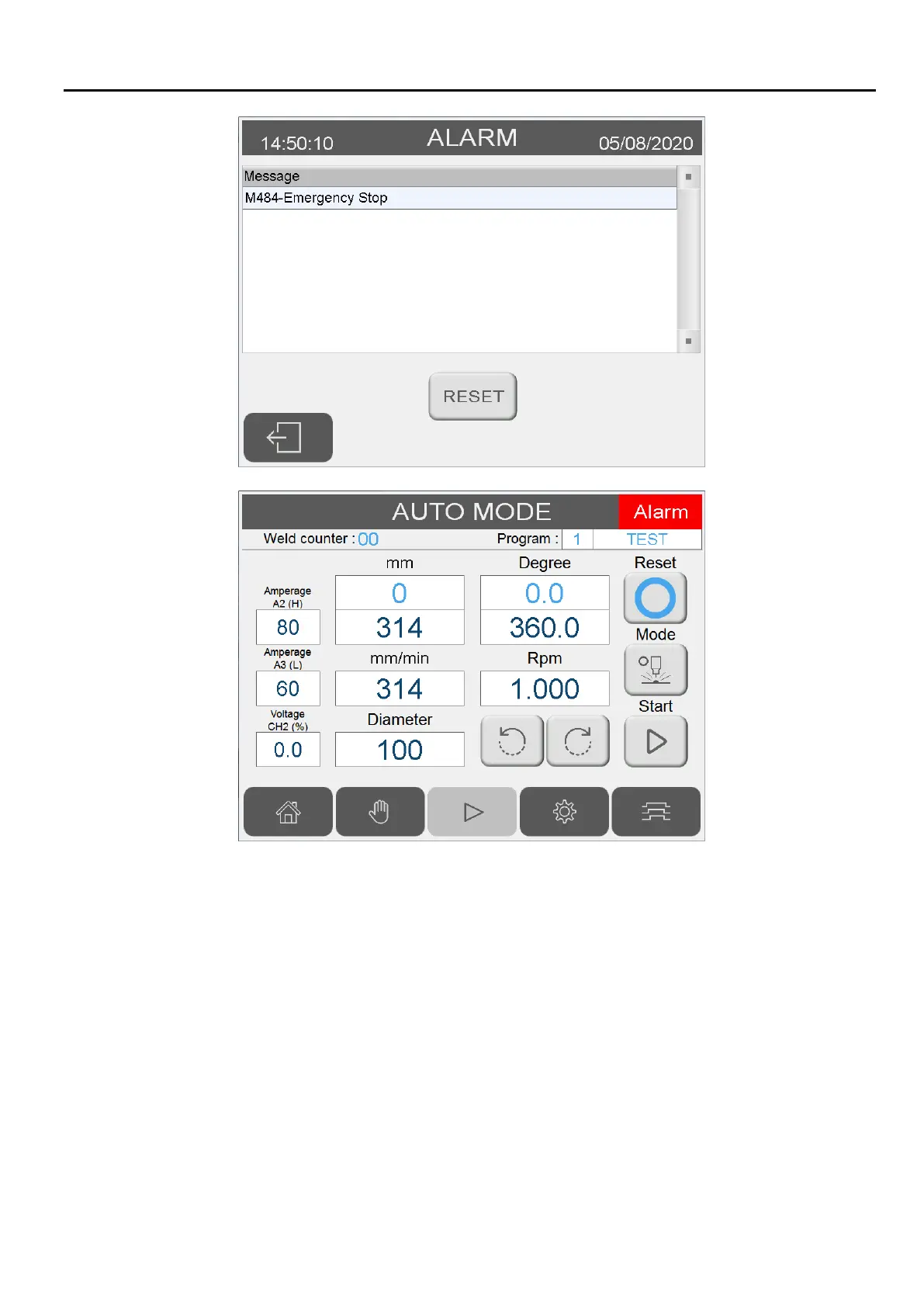
1. Alarm window appears whenever a system error/problem has occurred.
2. Reset button:
Clear the system problem first before pressing reset button. Reset button only attempts to reset system
error. If problem is still present while pressing the reset button, the window could reappear immediately
after.
Servo error can only be reset by power off/on.
3. Closing the Alarm window without reset:
Pressing alarm window’s “close” icon without reset disables the alarm window. A red square would
appear in lower left corner indicating the error is still present. Pressing the red square would activate the
alarm window again.


 To Next Page