Probewell Lab Inc.
Page •78
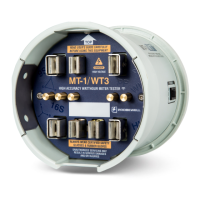
The socket is not
detecting the meter
current elements and
the web page interface
displays a “meter not
installed” message.
• Make sure the meter tabs are
fully plugged into the MT-
1/WT3’s front jaws.
• Check if the MT-1/WT3
socket’s front jaws are clean
and in good condition.
• Check if the meter’s contacts
are clean and in good
condition.
• Try another meter.
• Turn the MT-1/WT3 off and
on again.
METERCAM NOT
SYNCHRONIZED
WITH THE DISK
The Metercam is not
detecting the black flag
on the disk correctly.
• Make sure the Kh
corresponds with the one
indicated on the meter’s
nameplate.
• Reposition the Metercam and
start the test over again.
METERCAM KEEPS
SCANNING
WITHOUT
FINDING THE DISK
The Metercam is not
detecting the black flag
on the disk of the meter
being tested.
• Check if the disk is turning.
• Check if the meter’s disk is in
the Metercam disk zone.
• Check that the suction cups
are adhering properly to the
meter face. Lightly moisten
the suction cups if necessary.


 To Next Page