H - I - J FREQUENCY CONVERTERS INSTRUCTION MANUAL 0,55 ÷ 200 kW
- 19 -
PROGRAMMING (operating and controlling terminal)
• Programming procedure
▪ Changing from display mode to programming mode
▪ Moving between the menu items
▪ Starting parameter setting
▪ Repeated push: save parameter value (until the cursor blinks)
▪ Repeated push: exit parameter setting mode without saving (until the cursor blinks)
Description, further submenus
Parameter - 1 -
2-1-1
control Tup
In default setting the time needed to reach fmax
starting from 0 Hz (in control mode).
Parameter - 2 -
3-1-1
control Tdown
In default setting the time needed to reach
f = 0 Hz starting from fmax (in control mode).
Parameter - 3 -
6-4
motor In
The durably permitted motor current.
Parameter - 4 -
8-1
f maximum
Maximum output frequency.
* default setting is 100 Hz for V3D frequency converters
without operating terminal
Parameter - 5 -
8-2
f minimum
Minimum output frequency.
Parameter - 6 -
7-2-1
U boost
Starting voltage given to the motor at standing
start.
Parameter - 7 -
10-14
active menu
Allows access to the whole menu system for the
controlling terminal.
After switching on/off automatically returns to
handling the quick menu.
DRIVING TECHNOLOGY SUPPLEMENTS
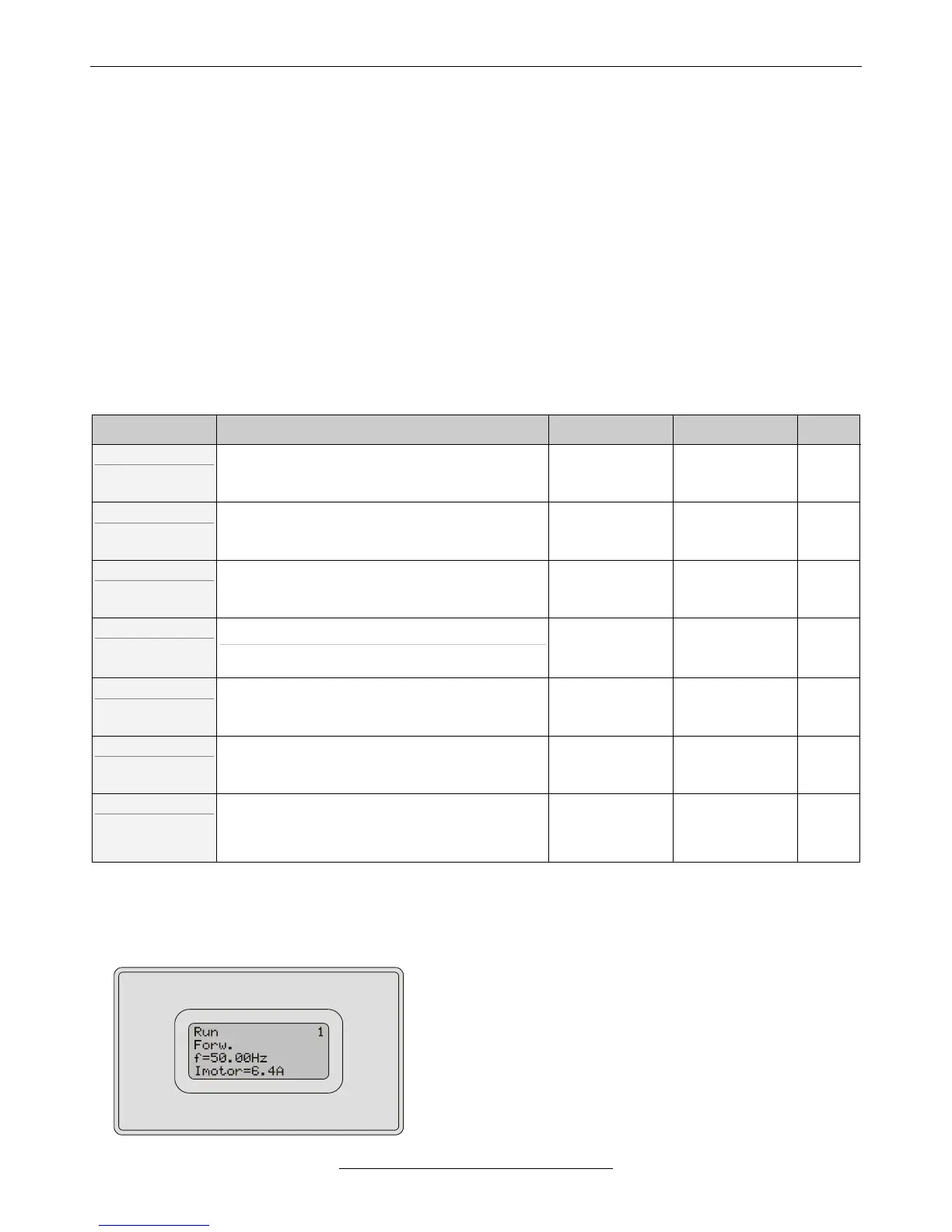
• 4x16 character display
▪ Displays the display of the programming terminal.
▪ The display can operate together with the terminal, since it only
receives data and does not answer through the serial line.
▪ The display can be used in built-in form (VHD) or as an
externally mounted unit (e.g. to the door of the control cabinet).



 To Next Page