Blood Glucose Monitoring System - User’s Manual
Diagnostic Devices, Inc www.prodigymeter.com 1.800.243.2636
9
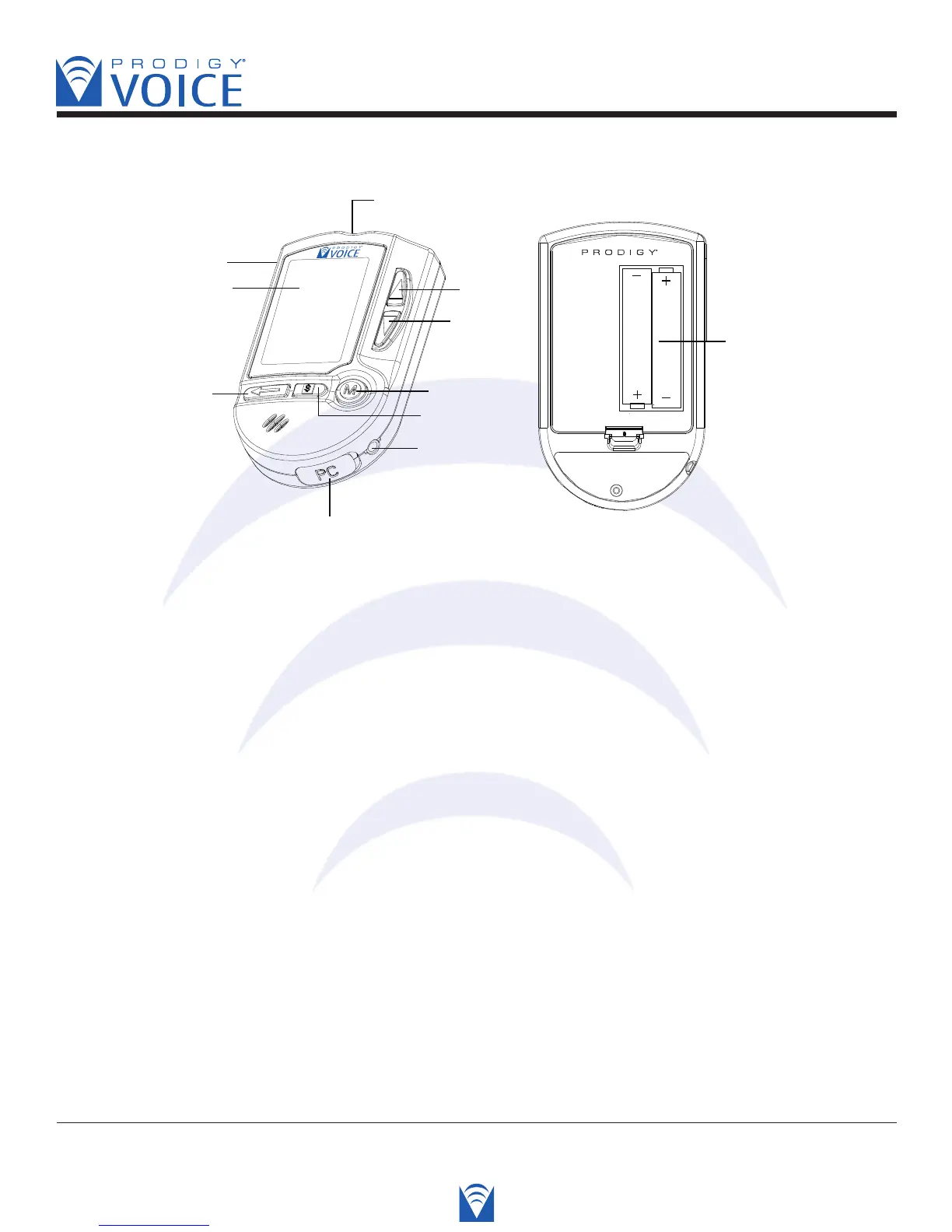
• Appearance and Key Function of the Meter
1. LCD DISPLAY- Guides you through the test using symbols and simple messages.
2. STRIP-EJECT BUTTON- The used strip will be ejected after you push up the button.
3. TEST SLOT- Insert the test strip into the slot and the meter will automatically turn on.
4. UP BUTTON-
Is used to increase the value of the current setting and the speaking volume.
5. DOWN BUTTON-
Is used to decrease the value of the current setting and the speaking volume.
6. M BUTTON- “M” is also refered to as the main button. Press it to turn on the meter and
enter the memory or perform other functions described in the manual.
7. SET BUTTON- Is used to set up the meter.
8. EARPHONE JACK- Used to the hear results with a earphone (headset).
9. DATA PORT-
Is for cable connection to your personal computer (cable required - sold separately).
10. REPEAT BUTTON- Is used to replay the previous recording that you want to hear again
while operating the meter.
11. BATTERY COMPARTMENT- Where batteries are located.



 To Next Page