Blood Glucose Monitoring System - User’s Manual
Diagnostic Devices, Inc www.prodigymeter.com 1.800.243.2636
14
• Setting the Meter and Deleting the Memory
Your meter comes with the time, date, unit of measurement, unit of temperature preset,
speaking function and memory deletion. If you need to set these parameters, please follow
steps below.
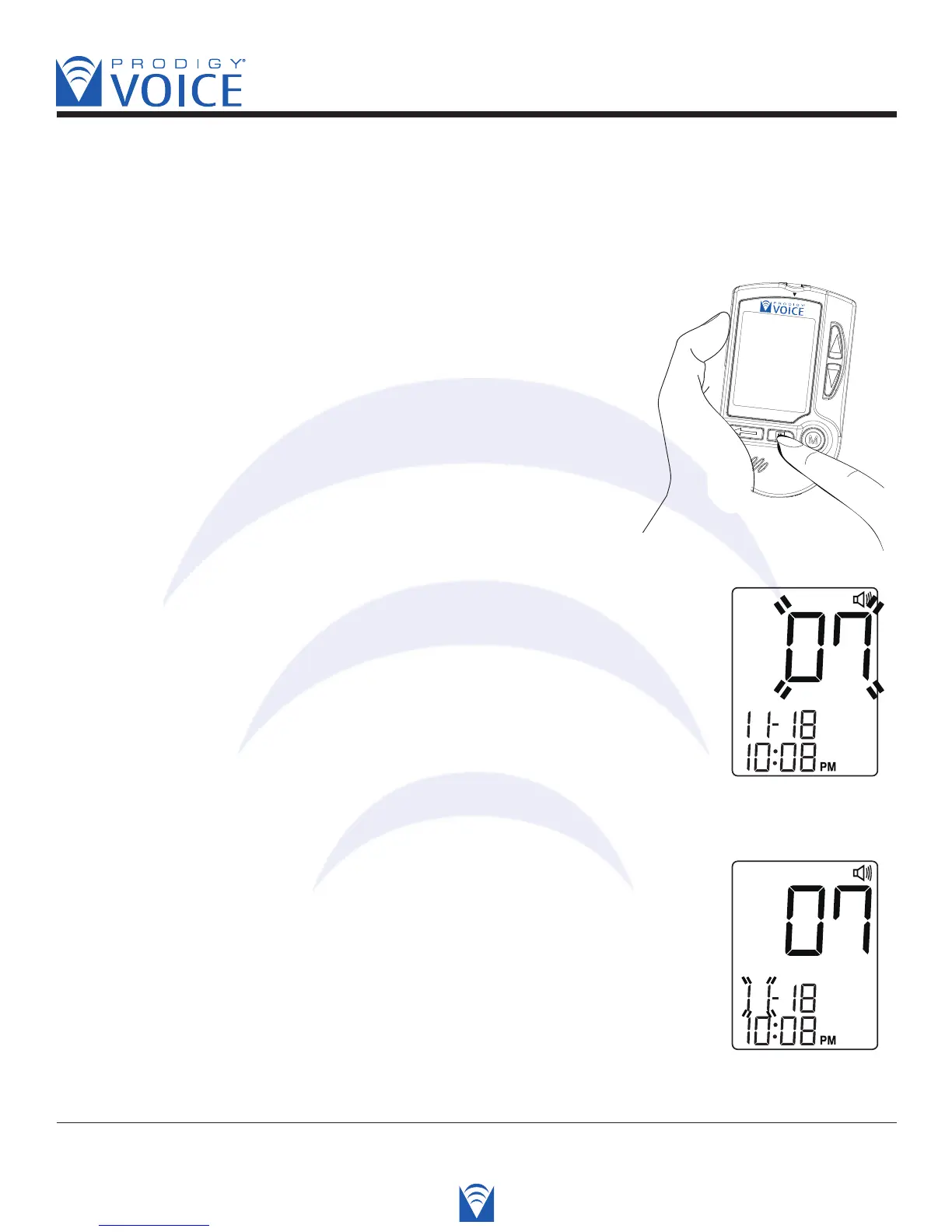
Start with the meter off. Then press and hold the
set button. The meter is now in the setting mode.
You can start setting up the meter.
STEP 1 Set the Year
Press the “Up” or “Down” button until the desired year appears.
Press the S button and then the month segment flashes.
Voice SPEAKS: “You are now in setting mode. The year is 2007.”
STEP 2 Set the Month
Press the “Up” or “Down” button until the desired month appears.
Press the S button and then the day segment flashes.
Voice SPEAKS: “The month is November”



 To Next Page