Blood Glucose Monitoring System - User’s Manual
Diagnostic Devices, Inc www.prodigymeter.com 1.800.243.2636
15
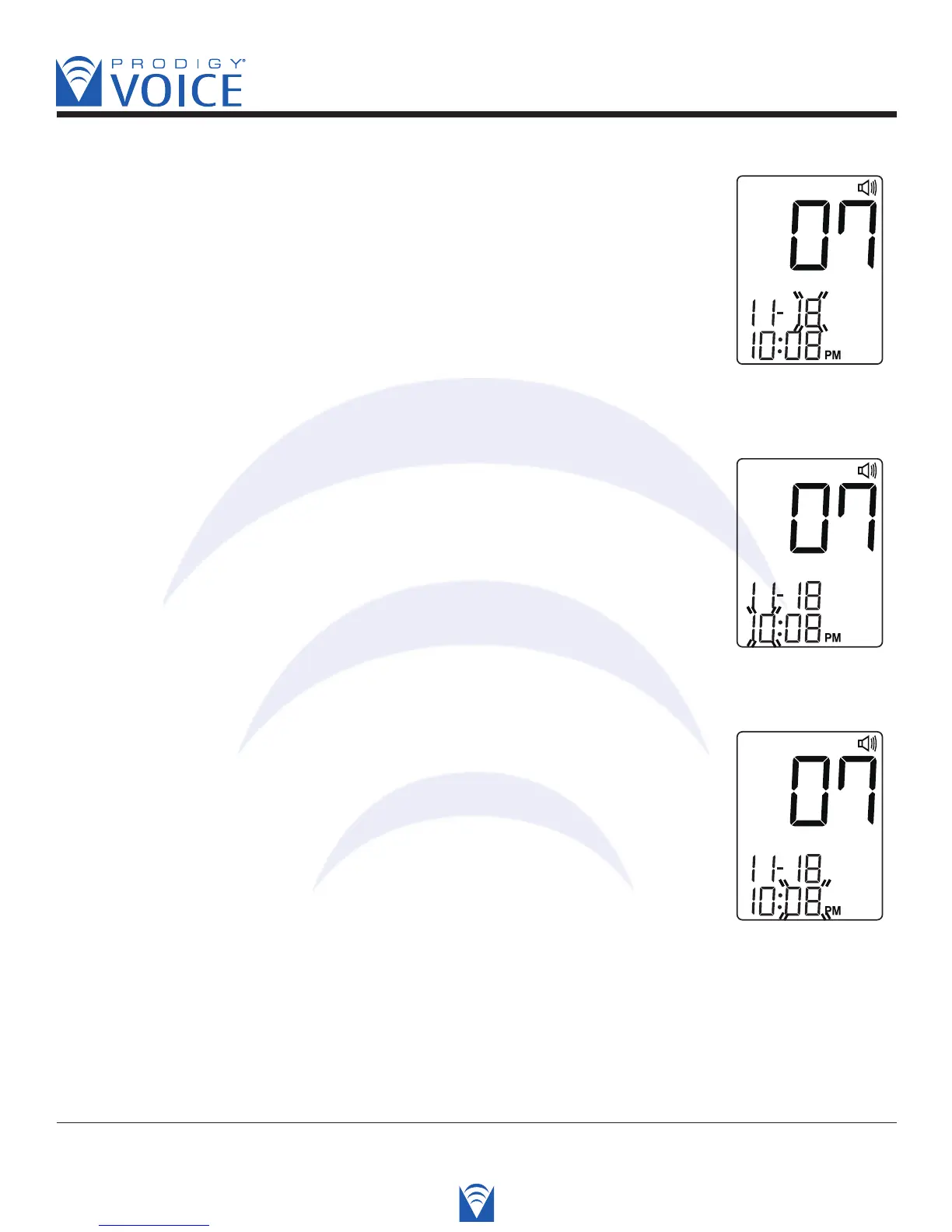
STEP 3 Set the Day
Press the “Up” or “Down” button until the desired day appears.
Press the S button and then the hour segment flashes.
Voice SPEAKS: “The day is the 18th.”
STEP 4 Set the Hour
Press the “Up” or “Down” button until the desired hour appears.
Press the S button and then the minute segment flashes.
Voice SPEAKS: “The hour is 10 PM.”
STEP 5 Set the Minutes.
Press the “Up” or “Down” button until the desired minute appears.
Press the S button and then the current unit of measurement
flashes.
Voice SPEAKS: “The minute is 08.”



 To Next Page