Blood Glucose Monitoring System - User’s Manual
Diagnostic Devices, Inc www.prodigymeter.com 1.800.243.2636
33
USING THE METER MEMORY
• View Results on the Meter
The Prodigy
®
Voice stores the 450 most recent blood glucose test results with date and time
in its memory. It also provides you with 7, 14, 21, 28, 60 and 90 day averages of your blood
glucose test results. You can review the test results in memory with these easy steps.
1. Recall the Stored Test Results
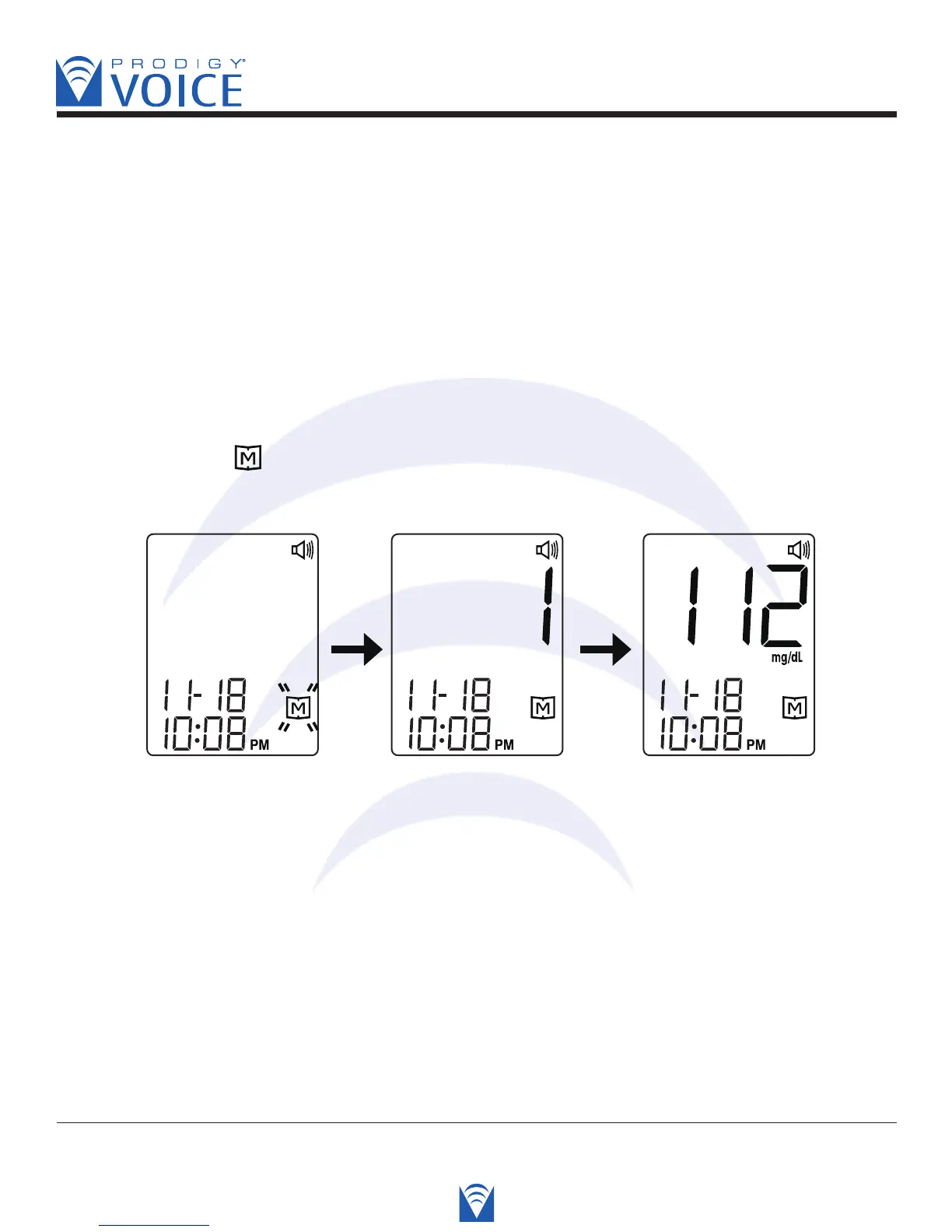
STEP 1. When the meter is off, press and release the M button.
The screen shows “ ”. Press the M button again, “1” appears first and then the latest
glucose result along with date and time will be shown on the screen.
Voice SPEAKS: “Thank you for using Prodigy Voice.
Today’s date is (today’s date). The time is (the time).
Press “M” key for memory recall mode.”



 To Next Page