Blood Glucose Monitoring System - User’s Manual
Diagnostic Devices, Inc www.prodigymeter.com 1.800.243.2636
34
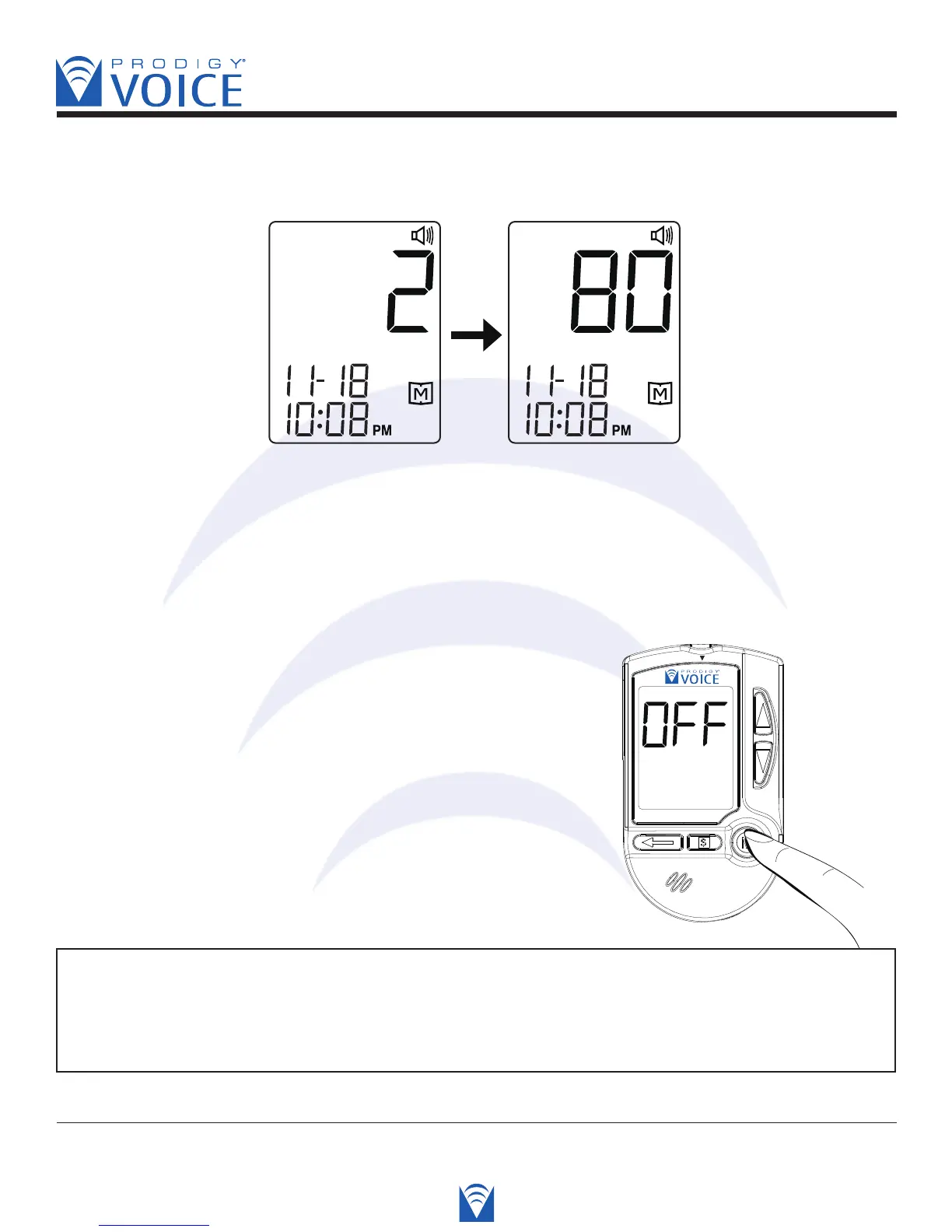
STEP 2. Press the “Up” and “Down” button to recall the test results stored in the meter.
Voice SPEAKS: “Memory Record for August 23rd, 2007. 8:36 AM. Your blood
glucose was 80 milligrams per deciliter.”
STEP 3. Exit the memory mode, press and hold down
the “M” button and the meter will be turned off.
Voice SPEAKS: “Have a nice day.”
NOTE
If you leave the meter alone without any action for 3 minutes, the meter will
turn off automatically.



 To Next Page